

.DCM Bestandsextensie
DICOM-afbeelding
| Ontwikkelaar | NEMA |
| Populariteit |
3,2 | 299 stemmen |
Wat is een DCM-bestand?
Een DCM-bestand is een afbeeldingsbestand dat is opgeslagen in de afbeeldingsindeling Digital Imaging and Communications in Medicine (DICOM). Het bevat een medische afbeelding, zoals een CT-scan of echografie, en kan ook patiëntgegevens bevatten om de afbeelding aan de patiënt te koppelen.
Meer informatie
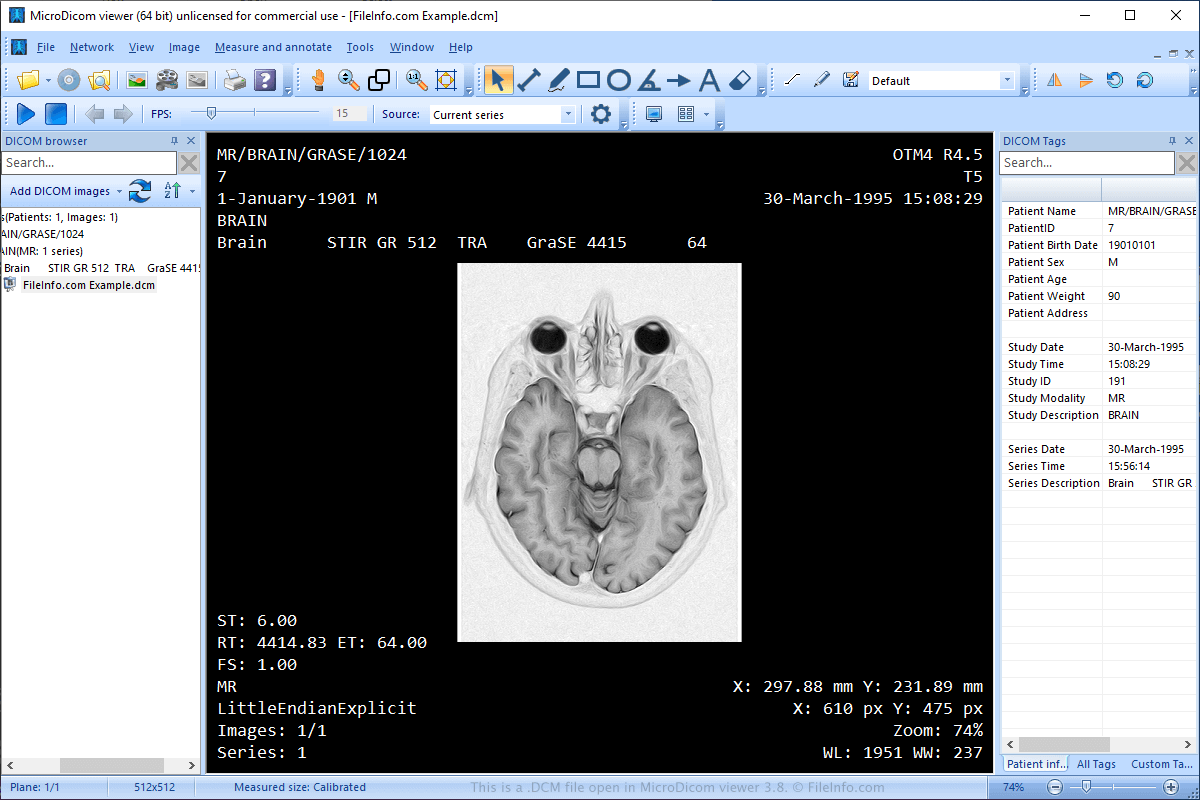
De National Electrical Manufacturers Association (NEMA) heeft de DICOM-indeling gemaakt. NEMA bracht de eerste standaard uit in 1983 en herzag deze meerdere keren in de jaren 90 en 2000.
De indeling is een standaard geworden voor het opslaan, verzenden, bekijken, verwerken en afdrukken van medische afbeeldingen, zoals MRI's, CT-scans en echografieën. Daarnaast delen artsen afbeeldingen vaak met andere medische professionals en hun patiënten via cd's of e-mail.
OPMERKING: DCM-bestanden kunnen ook worden opgeslagen als .DICOM-bestanden.
Een DCM-bestand openen
Je kunt DCM-bestanden openen met verschillende toepassingen, zoals MicroDicom viewer (Windows), ezDICOM (Windows) en MeVisLab (multiplatform). Je kunt DCM-bestanden ook uploaden naar View My Scans in een webbrowser en de afbeeldingen bekijken.
Een DCM-bestand converteren
Verschillende toepassingen, waaronder XnViewMP en Adobe Photoshop, kunnen DCM-bestanden converteren naar andere afbeeldingsindelingen.
XnViewMP kan DCM-bestanden bijvoorbeeld converteren naar veel indelingen, waaronder de volgende bestandstypen:
- .JPG, .JPEG - JPEG-afbeelding
- .JP2 - JPEG 2000 Core-afbeelding
- .PNG - Portable Network Graphic
- .BMP - Bitmapafbeelding
- .GIF - Graphical Interchange Format
- .PDF - Portable Document Format
- .TGA, .TARGA - Targa-afbeelding
- .TIF, .TIFF - Tagged Image File Format
- .WEBP - WebP-afbeelding
- .PSD - Adobe Photoshop-document
- .DDS - Direct Draw Surface-afbeelding
- .EMF - Enhanced Windows Metafile
- .PS - PostScript-bestand
- .HEIC - High Efficiency Image Format
Programma's die DCM-bestanden openen
DiskCatalogMaker-catalogus
| Ontwikkelaar | Fujiwara Software |
| Populariteit |
2,9 | 108 stemmen |
Een DCM-bestand is een bestandscatalogus die is gemaakt door Fujiwara DiskCatalogMaker, een programma voor het catalogiseren en organiseren van bestanden op de Mac. Het bevat een database met de namen, locaties en andere kenmerken van bestanden. Je kunt een DCM-bestand openen in DiskCatalogMaker om de database erin te doorzoeken.
Meer informatie
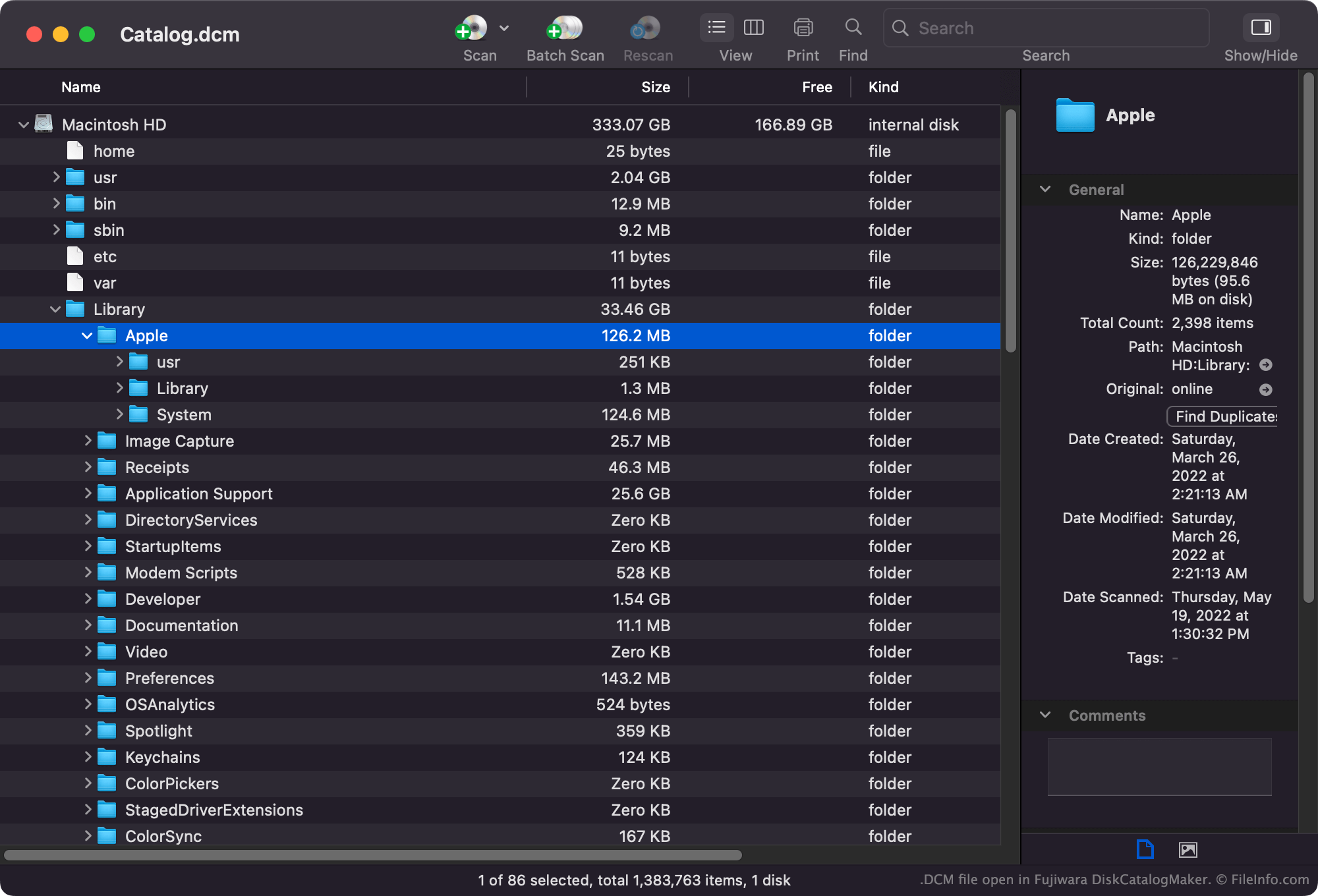
Met DiskCatalogMaker kunnen Mac-gebruikers de bestanden catalogiseren die op hun harde schijven, schijven en andere opslagmedia zijn opgeslagen. Vervolgens kunnen ze deze catalogi bekijken, doorzoeken en afdrukken om te vinden waar bepaalde bestanden zijn opgeslagen.
DiskCatalogMaker-catalogi worden meestal opgeslagen als .DCMF- en .DCMD-bestanden. Sommige catalogi worden echter opgeslagen in de DCM-indeling.
Veelvoorkomende .DCM-bestandsnamen
Catalog.dcm - De standaardnaam die DiskCatalogMaker toewijst aan het eerste DCM-bestand dat je maakt.
Een DCM-bestand openen
Je kunt een DCM-bestand openen in Fujiwara DiskCatalogMaker (Mac). Selecteer in de menubalk van het programma en open vervolgens je DCM-bestand.
Een DCM-bestand converteren
Je kunt Fujiwara DiskCatalogMaker gebruiken om DCM-bestanden te converteren naar de indelingen .DCMF en .DCMD. Je kunt Fujiwara DiskCatalogMaker ook gebruiken om de inhoud van een DCM-bestand te exporteren als een .CSV-bestand (door komma's gescheiden waarden) of een .TXT-bestand (tekst zonder opmaak).