

.MP3 Bestandsextensie
MP3-audio
| Ontwikkelaar | Moving Picture Experts Group |
| Populariteit |
4,1 | 1684 stemmen |
Wat is een MP3-bestand?
Een MP3-bestand is een audiobestand dat is opgeslagen in een gecomprimeerd audioformaat dat is ontwikkeld door de Moving Picture Experts Group (MPEG) en dat audiocompressie met "Layer 3" (MP3) gebruikt. MP3-bestanden worden vaak gebruikt om audiotracks, podcasts, lezingen, preken en audioboeken op te slaan.
Meer informatie
Het MP3-formaat werd begin jaren 90 ontwikkeld en in 1993 uitgebracht door MPEG. Het formaat werd al snel de standaard voor het opslaan van muziek, omdat audio kon worden gecomprimeerd tot een fractie van de grootte van andere veelgebruikte audioformaten uit die tijd (ongeveer 1/10 van de grootte van een niet-gecomprimeerd .WAV- of .AIF-bestand). Dit was vooral belangrijk vanwege de beperkte opslagruimte die computerharde schijven in die tijd boden.
Hoewel het formaat audio comprimeerde tot veel kleinere bestanden dan concurrerende formaten, leverde het nog steeds geluid van bijna cd-kwaliteit (stereo, 16-bits). De kwaliteit van een MP3-bestand hing (en hangt nog steeds) grotendeels af van de bitsnelheid die voor de compressie werd gebruikt. Veelgebruikte bitsnelheden zijn 128, 160, 192 en 256 kbps. Hogere bitsnelheden leveren bestanden van hogere kwaliteit op, die ook meer schijfruimte vereisen.
MP3-technologie hielp in de jaren 90 en 2000 een nieuw tijdperk van muziekdistributie in te luiden, doordat gebruikers gemakkelijker en sneller online muziek konden downloaden. Dit leidde tot een toename van muziekpiraterij via websites zoals Napster en online muziekwinkels, zoals Apple iTunes en Rhapsody.
Gebruikers speelden MP3-bestanden vervolgens af met audiosoftware op hun computer of brandden de audio op cd's die in een cd-speler konden worden afgespeeld. Naarmate de technologie vorderde, begonnen gebruikers MP3-bestanden te downloaden en over te zetten naar draagbare muziekspelers, zoals Apple iPods en Microsoft Zune-apparaten.
MP3-bestanden worden nog steeds gebruikt om audio online te verspreiden, zoals liedjes of gesproken teksten. Sindsdien zijn echter andere, efficiëntere audiocompressieformaten uitgebracht en door online muziekwinkels en audiospelers gebruikt, vooral .M4A.
Een MP3-bestand openen
Je kunt een MP3-bestand openen met de meeste audiospelers. In Windows kun je Microsoft Media Player gebruiken, dat bij het besturingssysteem wordt geleverd. In macOS kun je Apple Music gebruiken, dat bij dat besturingssysteem wordt geleverd.
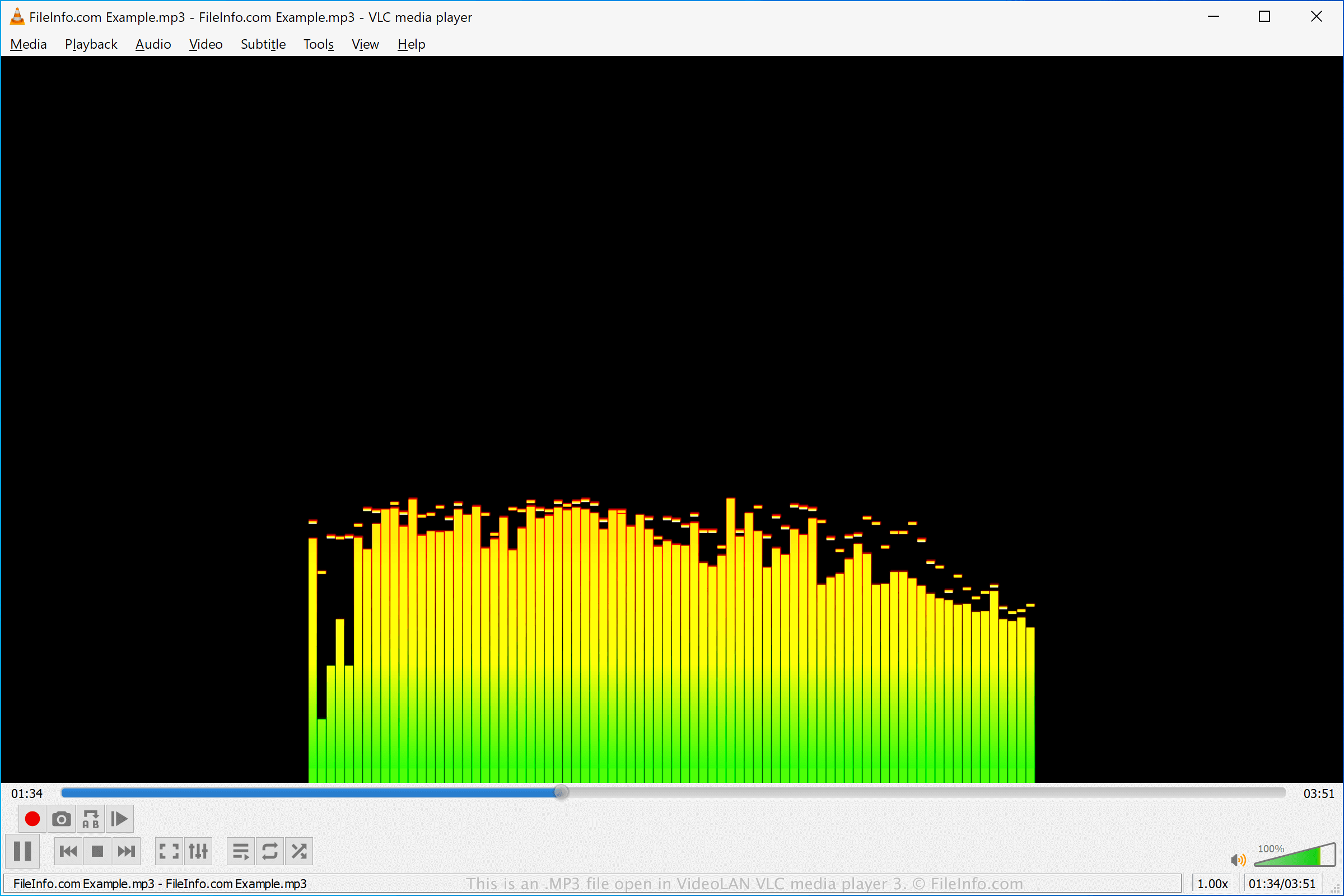
Er zijn verschillende andere gratis en commerciële audiospelers die uiteenlopende afspeelfuncties en mogelijkheden voor conversie bieden. Enkele van deze audiospelers zijn VideoLAN VLC media player (multiplatform), Nullsoft Winamp (Windows), Eltima Elmedia Player (macOS) en olimsoft OPlayer (Android).
Een MP3-bestand converteren
Veel audio-editors en mediaspelers, waaronder Audacity, VideoLAN VLC media player en Adobe Audition, kunnen MP3-bestanden naar andere formaten converteren.
Zo kan Audacity MP3-bestanden converteren naar de volgende audioformaten: