

.MP3 Rozszerzenie pliku
Dźwięk MP3
| Deweloper | Moving Picture Experts Group |
| Popularność |
4,1 | 1684 Głosy |
Czym jest plik MP3?
Plik MP3 to plik dźwiękowy zapisany w skompresowanym formacie dźwiękowym opracowanym przez Moving Picture Experts Group (MPEG), który wykorzystuje kompresję dźwięku „Layer 3” (MP3). Pliki MP3 są powszechnie używane do przechowywania utworów dźwiękowych, podcastów, wykładów, kazań i audiobooków.
Więcej informacji
Format MP3 został opracowany na początku lat 90. i wydany w 1993 roku przez MPEG. Format ten szybko stał się standardem przechowywania muzyki, ponieważ umożliwiał kompresowanie dźwięku do ułamka rozmiaru innych popularnych wówczas formatów plików dźwiękowych (mniej więcej do 1/10 rozmiaru nieskompresowanego pliku .WAV lub .AIF). Było to szczególnie ważne ze względu na ograniczoną ilość miejsca, jaką zapewniały wówczas komputerowe dyski twarde.
Chociaż format ten kompresował dźwięk do znacznie mniejszych rozmiarów plików niż konkurencyjne formaty, nadal zapewniał dźwięk o jakości zbliżonej do jakości płyty CD (stereo, 16-bitowy). Jakość pliku MP3 w dużej mierze zależała — i nadal zależy — od użytej do kompresji przepływności. Typowe przepływności to 128, 160, 192 i 256 kb/s. Wyższe przepływności zapewniają pliki o wyższej jakości, które wymagają także więcej miejsca na dysku.
Technologia MP3 pomogła zapoczątkować nową erę dystrybucji muzyki w latach 90. i 2000., umożliwiając użytkownikom łatwiejsze i szybsze pobieranie muzyki z internetu. Doprowadziło to do wzrostu piractwa muzycznego za pośrednictwem witryn takich jak Napster oraz internetowych sklepów muzycznych, takich jak Apple iTunes i Rhapsody.
Użytkownicy odtwarzali następnie pliki MP3 za pomocą oprogramowania dźwiękowego na komputerze lub nagrywali dźwięk na płyty CD, które można było odtwarzać w odtwarzaczu CD. Wraz z rozwojem technologii użytkownicy zaczęli pobierać i przesyłać pliki MP3 do przenośnych odtwarzaczy muzycznych, takich jak urządzenia Apple iPod i Microsoft Zune.
Pliki MP3 są nadal używane do dystrybucji dźwięku w internecie, na przykład utworów lub narracji. Od tego czasu opracowano jednak i przyjęto w internetowych sklepach muzycznych oraz odtwarzaczach dźwiękowych inne, wydajniejsze formaty kompresji dźwięku, w szczególności .M4A.
Jak otworzyć plik MP3
Plik MP3 można otworzyć za pomocą większości odtwarzaczy dźwięku. W systemie Windows można użyć programu Microsoft Media Player, który jest dołączony do systemu operacyjnego. W systemie macOS można użyć programu Apple Music, który jest dołączony do tego systemu operacyjnego.
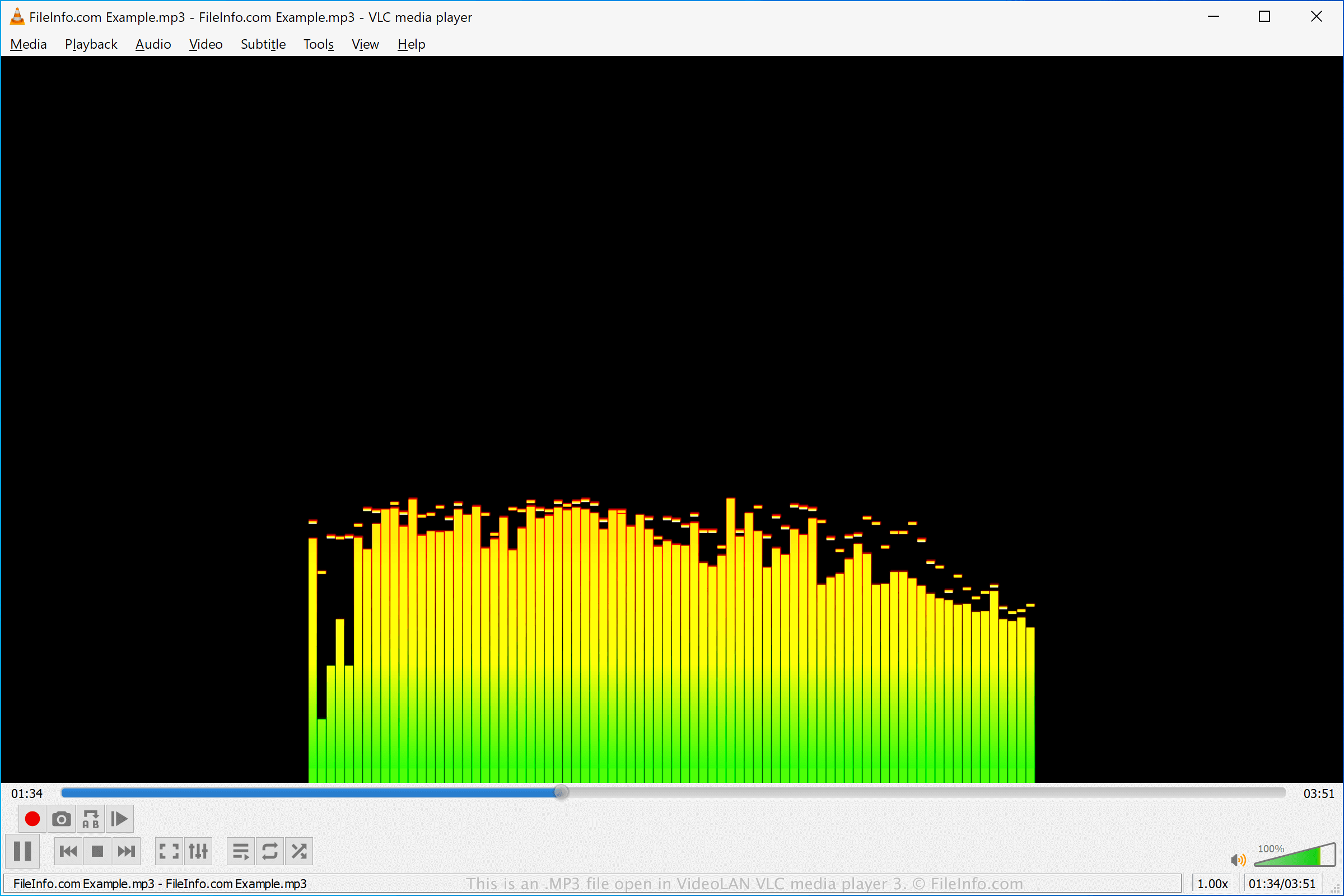
Wiele innych bezpłatnych i komercyjnych odtwarzaczy dźwięku zapewnia różne funkcje odtwarzania i możliwości konwersji. Należą do nich między innymi VideoLAN VLC media player (wieloplatformowy), Nullsoft Winamp (Windows), Eltima Elmedia Player (macOS) oraz olimsoft OPlayer (Android).
Jak przekonwertować plik MP3
Wiele edytorów dźwięku i odtwarzaczy multimedialnych, w tym Audacity, VideoLAN VLC media player i Adobe Audition, może konwertować pliki MP3 do innych formatów.
Na przykład program Audacity może konwertować pliki MP3 do następujących formatów dźwiękowych: