

.MP3 Extensão de arquivo
Áudio MP3
| Desenvolvedor | Moving Picture Experts Group |
| Popularidade |
4,1 | 1684 Votos |
O que é um arquivo MP3?
Um arquivo MP3 é um arquivo de áudio salvo em um formato de áudio compactado desenvolvido pelo Moving Picture Experts Group (MPEG) que usa compressão de áudio de "Layer 3" (MP3). Os arquivos MP3 são comumente usados para armazenar faixas de áudio, podcasts, palestras, sermões e audiolivros.
Mais informações
O formato MP3 foi desenvolvido no início dos anos 1990 e lançado em 1993 pelo MPEG. O formato logo se tornou o padrão para armazenar músicas, pois podia compactar o áudio para uma fração do tamanho de outros formatos de arquivo de áudio comuns na época (aproximadamente 1/10 do tamanho de um arquivo .WAV ou .AIF não compactado). Isso era especialmente importante devido ao espaço de armazenamento limitado que os discos rígidos dos computadores ofereciam na época.
Embora o formato compactasse o áudio para tamanhos de arquivo muito menores que os formatos concorrentes, ele ainda oferecia som com qualidade próxima à de um CD (estéreo, 16 bits). A qualidade de um arquivo MP3 dependia (e ainda depende) em grande parte da taxa de bits usada na compressão. As taxas de bits comuns são 128, 160, 192 e 256 kbps. Taxas de bits mais altas resultam em arquivos de maior qualidade, que também exigem mais espaço em disco.
A tecnologia MP3 ajudou a inaugurar uma nova era na distribuição de músicas nos anos 1990 e 2000, permitindo que os usuários baixassem músicas online com mais facilidade e rapidez. Isso levou ao aumento da pirataria de músicas por meio de sites como o Napster e lojas de música online, como a Apple iTunes e a Rhapsody.
Os usuários então reproduziam arquivos MP3 com softwares de áudio no computador ou gravavam o áudio em CDs que podiam ser reproduzidos em um CD player. Com o avanço da tecnologia, os usuários começaram a baixar e transferir arquivos MP3 para reprodutores de música portáteis, como os dispositivos Apple iPods e Microsoft Zune.
Os arquivos MP3 ainda são usados atualmente para distribuir áudio online, como músicas ou narrações. No entanto, outros formatos de compressão de áudio mais eficientes, especialmente o .M4A, foram lançados e adotados por lojas de música online e reprodutores de áudio.
Como abrir um arquivo MP3
Você pode abrir um arquivo MP3 com a maioria dos reprodutores de áudio. No Windows, você pode usar o Microsoft Media Player, que vem incluído no sistema operacional. No macOS, você pode usar o Apple Music, que vem incluído nesse sistema operacional.
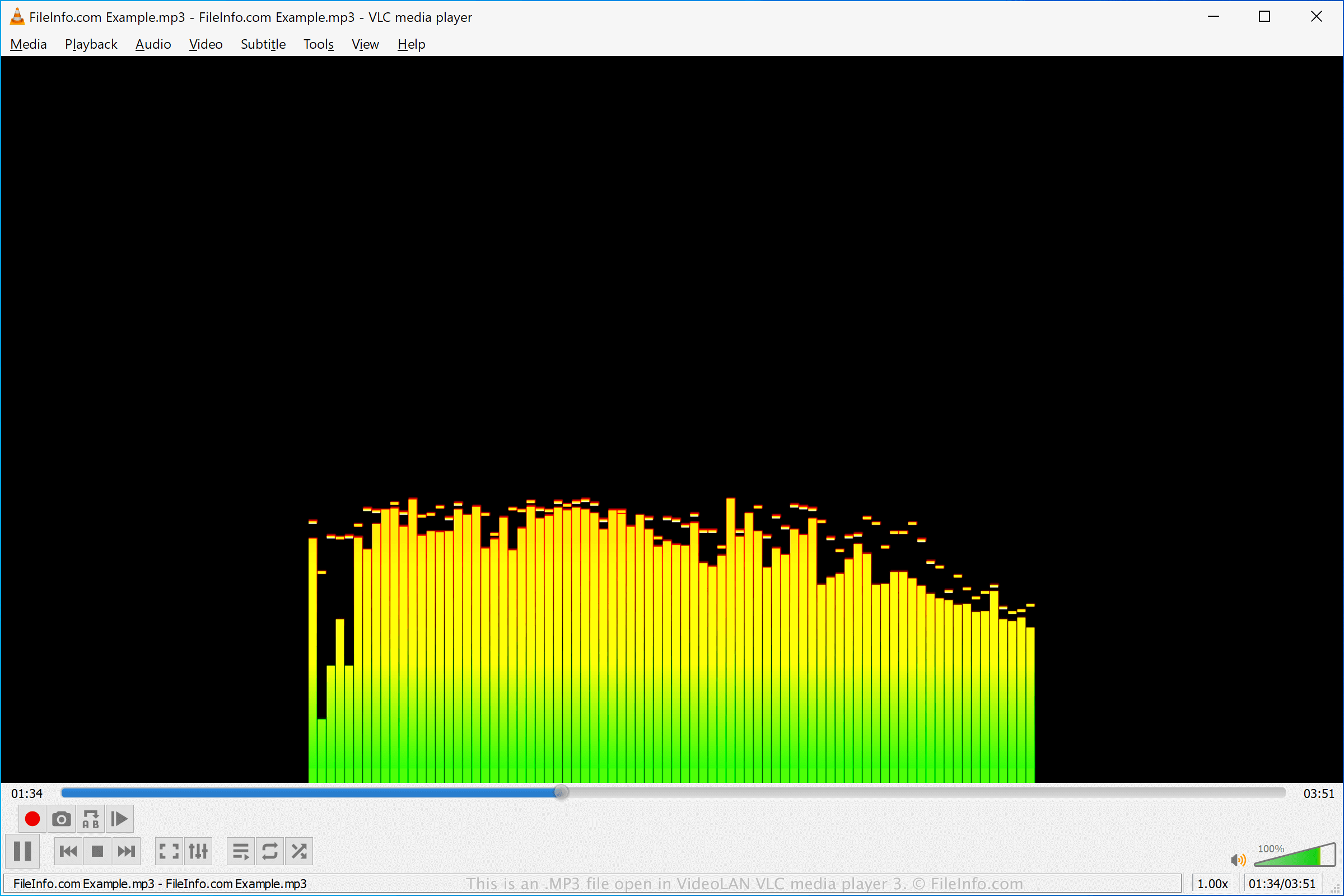
Vários outros reprodutores de áudio gratuitos e comerciais oferecem diferentes recursos de reprodução e conversão. Alguns desses reprodutores de áudio incluem o VideoLAN VLC media player (multiplataforma), o Nullsoft Winamp (Windows), o Eltima Elmedia Player (macOS) e o olimsoft OPlayer (Android).
Como converter um arquivo MP3
Muitos editores de áudio e reprodutores de mídia, incluindo Audacity, VideoLAN VLC media player e Adobe Audition, podem converter arquivos MP3 para outros formatos.
Por exemplo, o Audacity pode converter arquivos MP3 para os seguintes formatos de áudio: