

.AMR Extensão de arquivo
Arquivo do codec Adaptive Multi-Rate
| Desenvolvedor | Ericsson |
| Popularidade |
3,4 | 750 Votos |
O que é um arquivo AMR?
Um arquivo AMR é um arquivo de áudio salvo em um formato comprimido desenvolvido pela Ericsson. Ele é otimizado para armazenar áudio falado e é usado por muitos celulares 3G para armazenar gravações de voz, que incluem mensagens MMS. Vários reprodutores de mídia podem abrir arquivos AMR, incluindo o VideoLAN VLC media player e o Apple QuickTime Player.
Mais informações
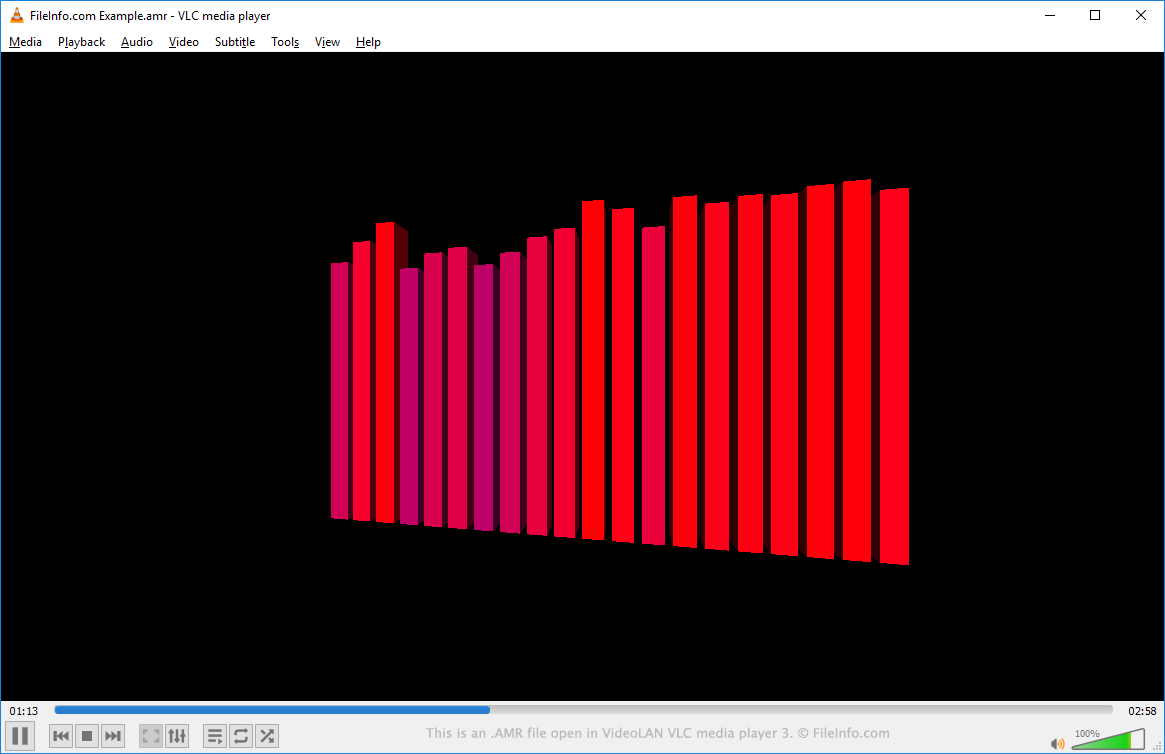
Os arquivos AMR incorporam o algoritmo Algebraic Code Excited Linear Prediction (ACELP), desenvolvido para comprimir áudio de fala humana com eficiência. Além disso, os arquivos podem ser salvos no formato AMR-NB (Narrowband) ou AMR-WB (Wideband). O áudio Wideband é compatível com uma faixa de frequência mais ampla, proporcionando melhor qualidade sonora.
Como abrir um arquivo AMR
Você pode abrir e reproduzir um arquivo AMR no VideoLAN VLC media player (multiplataforma), no Microsoft Media Player (Windows) ou no Apple QuickTime Player (Mac). Você também pode editar os dados de áudio contidos em um arquivo AMR no Audacity (multiplataforma), desde que tenha instalado a biblioteca opcional FFmpeg do Audacity.
Como converter um arquivo AMR
O VideoLAN VLC media player, o FFmpeg e o Audacity (com a biblioteca opcional FFmpeg instalada) podem converter arquivos AMR para outros tipos de arquivo de áudio. Por exemplo, o VLC media player pode converter arquivos AMR para os seguintes formatos: