.AMR 文件扩展名

Adaptive Multi-Rate Codec File

开发者 Ericsson
受欢迎程度
3.4  |  750 
 
🔍使用File Helper直接在您的网络浏览器中打开 .AMR 文件在线查看

什么是 AMR 文件?

An AMR file is an audio file saved in a compressed format developed by Ericsson. It is optimized for storing spoken audio and is used by many 3G cell phones to store voice recordings, which include MMS messages. Various media players can open AMR files, including VideoLAN VLC media player and Apple QuickTime Player.

更多信息

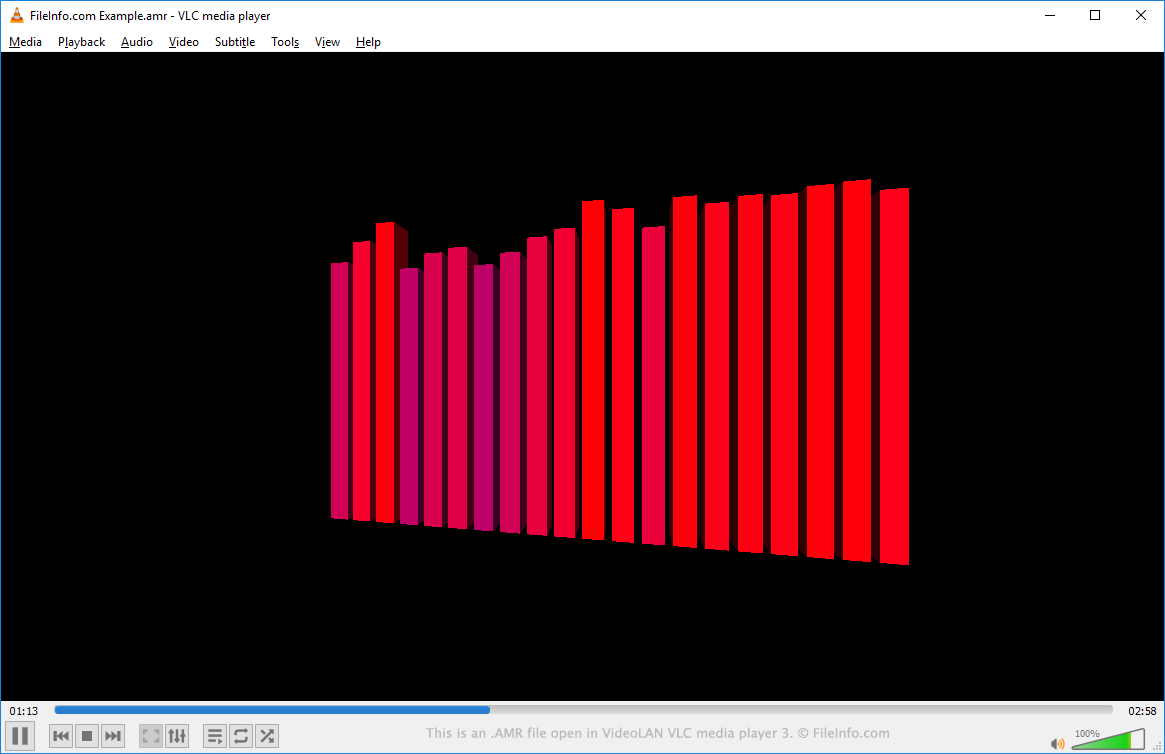
在 VideoLAN VLC media player 中打开的 .amr 文件截图
在 VideoLAN VLC media player 中打开的 AMR 文件

AMR files incorporate the Algebraic Code Excited Linear Prediction (ACELP) algorithm, designed to compress human speech audio efficiently. Additionally, the files may be saved in the AMR-NB (Narrowband) or AMR-WB (Wideband) format. Wideband audio supports a broader frequency range, providing better sound quality.

如何打开 AMR 文件

You can open and play an AMR file in VideoLAN VLC media player (multiplatform), Microsoft Media Player (Windows), or Apple QuickTime Player (Mac). You can also edit the audio data an AMR file contains in Audacity (multiplatform), provided you've installed Audacity's optional FFmpeg library.

如何转换 AMR 文件

VideoLAN VLC media player, FFmpeg, and Audacity (with the optional FFmpeg library installed) can convert AMR files to other audio file types. For example, VLC media player can convert AMR files to the following formats:

  • .MP3 - MP3 Audio
  • .OGG - Ogg Vorbis Audio
  • .FLAC - Free Lossless Audio Codec

可打开 AMR 文件的程序

分类: 音频
更新时间: 2023-07-14

验证者 FileInfo.com

FileInfo.com 团队 独立研究了本页面列出的 Adaptive Multi-Rate Codec 文件格式和 Mac, Windows, Linux, Android, and iOS 应用。 我们的目标是达到 100% 的准确率,并且仅发布我们已验证过的文件类型信息。

如果您想为此页面提出新增或更新建议,请告诉我们