

.MP3 Estensione file
Audio MP3
| Sviluppatore | Moving Picture Experts Group |
| Popolarità |
4,1 | 1684 Voti |
Che cos'è un file MP3?
Un file MP3 è un file audio salvato in un formato audio compresso sviluppato dal Moving Picture Experts Group (MPEG) che utilizza la compressione audio "Layer 3" (MP3). I file MP3 sono comunemente utilizzati per archiviare tracce audio, podcast, lezioni, sermoni e audiolibri.
Maggiori informazioni
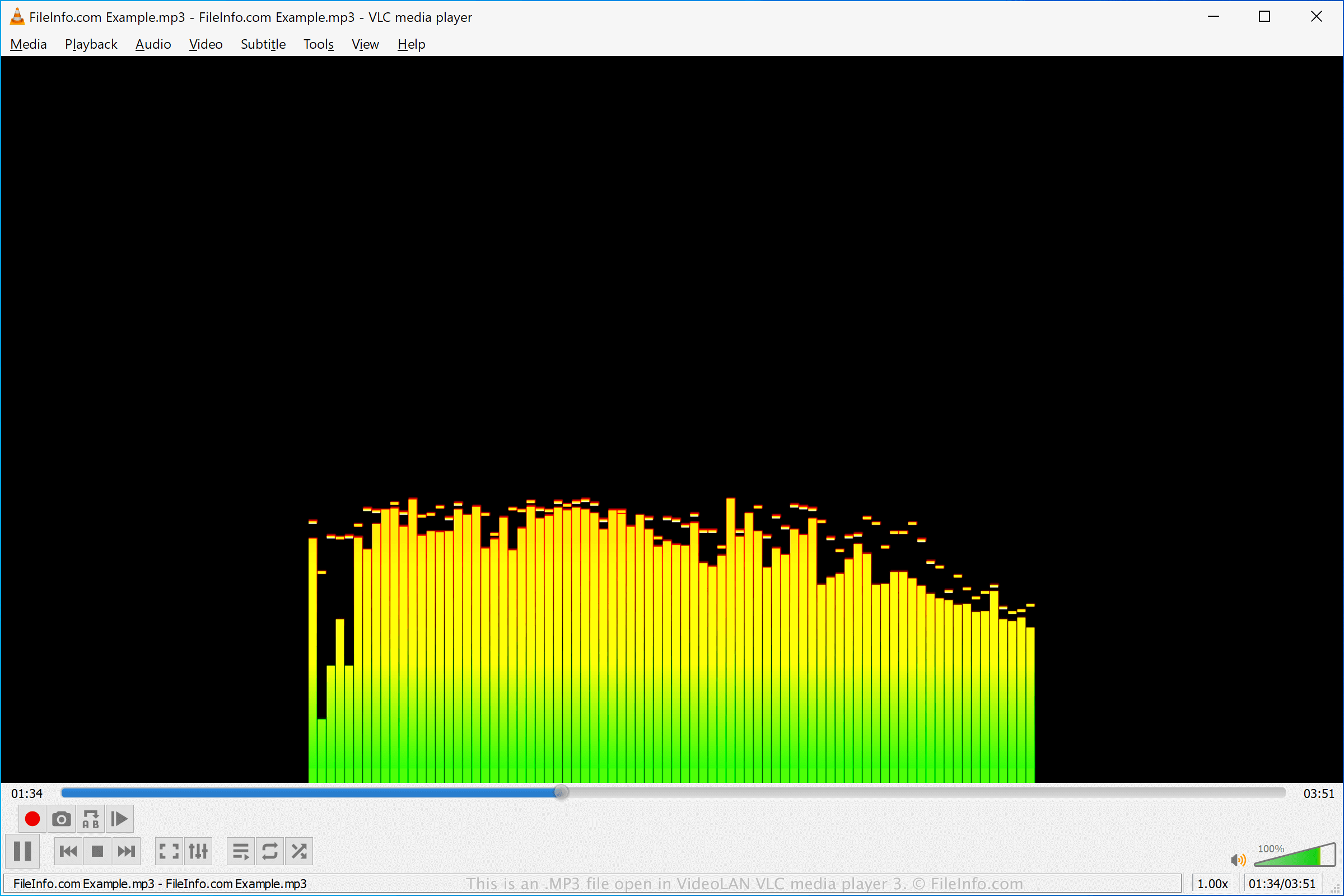
Il formato MP3 è stato sviluppato nei primi anni Novanta e pubblicato nel 1993 da MPEG. Il formato divenne presto lo standard per l'archiviazione della musica, poiché poteva comprimere l'audio fino a una frazione delle dimensioni di altri formati di file audio comuni all'epoca (circa 1/10 delle dimensioni di un file .WAV o .AIF non compresso). Questo era particolarmente importante a causa dello spazio di archiviazione limitato fornito dai dischi rigidi dei computer dell'epoca.
Sebbene il formato comprimessse l'audio in file molto più piccoli rispetto ai formati concorrenti, offriva comunque un suono di qualità quasi CD (stereo, 16 bit). La qualità di un file MP3 dipendeva, e dipende tuttora, in gran parte dal bitrate utilizzato per la compressione. I bitrate comuni sono 128, 160, 192 e 256 kbps. Bitrate più elevati producono file di qualità superiore che richiedono anche più spazio su disco.
La tecnologia MP3 contribuì ad avviare una nuova era nella distribuzione della musica negli anni Novanta e Duemila, consentendo agli utenti di scaricare musica online più facilmente e rapidamente. Questo portò a un aumento della pirateria musicale attraverso siti come Napster e negozi di musica online, come Apple iTunes e Rhapsody.
Gli utenti riproducevano quindi i file MP3 con software audio sul computer oppure masterizzavano l'audio su CD riproducibili con un lettore CD. Con il progresso della tecnologia, gli utenti iniziarono a scaricare e trasferire file MP3 su lettori musicali portatili, come i dispositivi Apple iPod e Microsoft Zune.
I file MP3 sono ancora oggi utilizzati per distribuire audio online, ad esempio canzoni o narrazioni. Tuttavia, da allora sono stati pubblicati e adottati dai negozi di musica online e dai lettori audio altri formati di compressione audio più efficienti, in particolare .M4A.
Come aprire un file MP3
È possibile aprire un file MP3 con la maggior parte dei lettori audio. In Windows è possibile utilizzare Microsoft Media Player, incluso nel sistema operativo. In macOS è possibile utilizzare Apple Music, incluso in questo sistema operativo.
Numerosi altri lettori audio gratuiti e commerciali offrono diverse funzioni di riproduzione e possibilità di conversione. Tra questi vi sono VideoLAN VLC media player (multipiattaforma), Nullsoft Winamp (Windows), Eltima Elmedia Player (macOS) e olimsoft OPlayer (Android).
Come convertire un file MP3
Molti editor audio e lettori multimediali, tra cui Audacity, VideoLAN VLC media player e Adobe Audition, possono convertire i file MP3 in altri formati.
Ad esempio, Audacity può convertire i file MP3 nei seguenti formati audio: