.WAV Bestandsextensie

2 bestandstypen gebruiken de extensie .wav.

WAVE Audio

Ontwikkelaar Microsoft & IBM
Populariteit
3.8  |  494 Stemmen
 
🔍Open .WAV-bestanden rechtstreeks in uw webbrowser met File Helper.Online bekijken

Wat is een WAV-bestand?

A WAV file is an audio file saved in the Waveform Audio (WAVE) format. It contains a song, interview, voice memo, or other piece of digital audio. Because WAV files are quite common, you can play them with most media players, including those bundled with Windows, macOS, and other operating systems.

Meer informatie

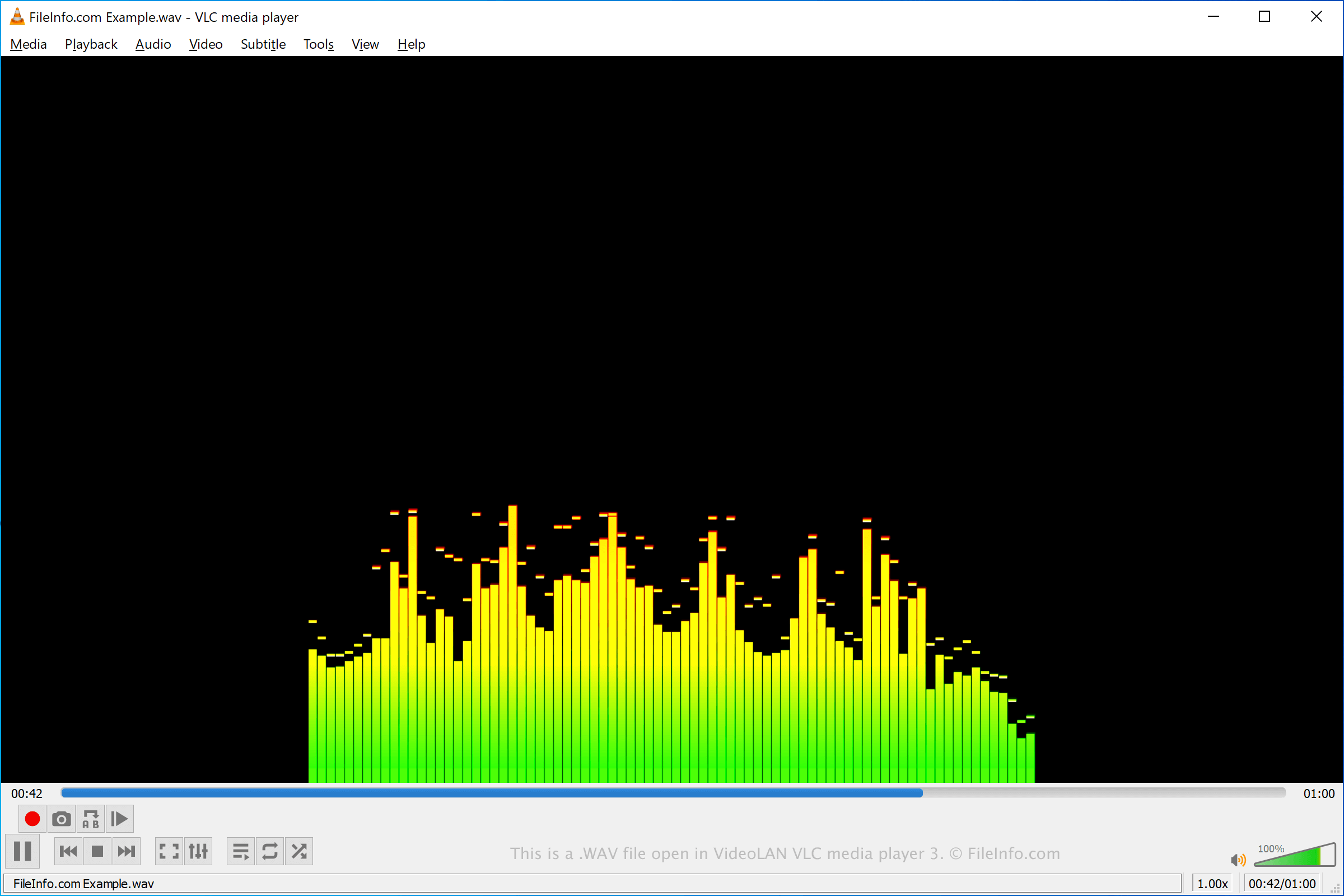
Schermafbeelding van een .wav-bestand in VideoLAN VLC media player
WAV-bestand geopend in VideoLAN VLC media player

Microsoft and IBM developed the WAVE format in the early 1990s. It is based on the Resource Interchange File Format (RIFF), which is a container format that can be used to store both video and audio. WAV files, however, contain only audio.

The audio a WAV file contains may be compressed or uncompressed, depending on how the file was created. Audio professionals, such as music and radio producers, often save and share high-quality recordings as uncompressed WAV files. Because these files are uncompressed, their file sizes can be quite large. For this reason, most WAV files shared via the internet are compressed, reducing both their file size and audio quality.

The WAVE format supports several types of compression, and it also supports a variety of sampling rates and bitrates. However, WAVE audio is most often saved in a 44.1 kHz, 16-bit stereo format, which is the standard format used for CD audio.

Een WAV-bestand openen

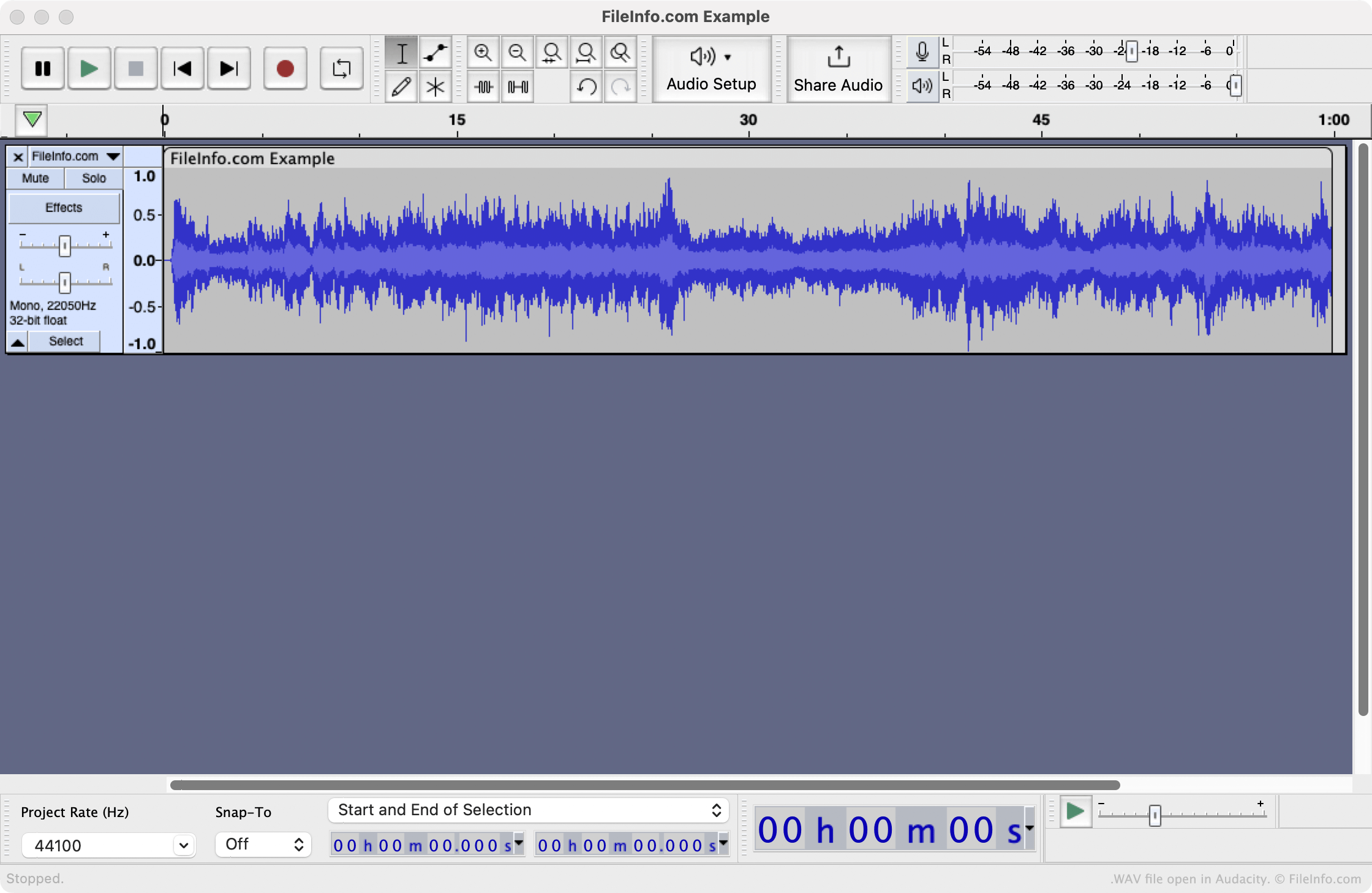
WAV file open in Audacity

You can open a WAV file with any of the following media players, to play the audio it contains:

If you want to edit the audio a WAV file contains, you should open it with a dedicated audio-editing program, such as Audacity or Adobe Audition.

Een WAV-bestand converteren

Several audio editors and media players, including Audacity, VideoLAN VLC media player, and Adobe Audition, can convert WAV files to other formats.

For example, Audacity can convert WAV files to the following audio formats:

  • .AIFF - Audio Interchange File Format
  • .MP3 - MP3 Audio
  • .OGG - Ogg Vorbis Audio
  • .FLAC - Free Lossless Audio Codec
  • .MP2 - MP2 Audio
  • .M4A - MPEG-4 Audio
  • .AC3 - Audio Codec 3
  • .AMR - Adaptive Multi-rate Codec
  • .OPUS - Opus Audio
  • .WMA - Windows Media Audio

Programma's die WAV-bestanden openen

Windows
Inbegrepen bij het besturingssysteem
Gratis proefversie
Gratis
Mac
Inbegrepen bij het besturingssysteem
Gratis proefversie
Gratis
Linux
Web
iOS
Inbegrepen bij het besturingssysteem
Categorie: Audio
Bijgewerkt: 2023-07-13

DTS-WAV File

Ontwikkelaar DTS
Populariteit
2.5  |  57 Stemmen
 

A WAV file is an audio file saved in the Digital Theater Systems (DTS) format, which is commonly used to author stereo music and surround sound music CDs. It contains lossy audio data for multiple channels and can only be played by programs that support DTS-WAV encoding. Audio data in the DTS format may also be saved as a .DTS file.

Meer informatie

DTS was formed in 1990 as a company specializing in multichannel audio technologies for film and video delivered in surround sound settings, such as movie theaters and home theaters. The DTS format is most prominently utilized to store audio on CDs, DVDs, and laser discs.

OPMERKING: Most audio files with the .wav file extension are saved in the WAVE format, a standard digital audio file format utilized for storing waveform data.

Een WAV-bestand openen

You can open WAV files in the DTS-WAV format with several audio programs, including Foobar2000 and VideoLAN VLC media player (with the AC3 filter installed).

Een WAV-bestand converteren

VideoLAN VLC media player can convert WAV files in the DTS-WAV format to other types of audio files, including the following formats:

  • .MP3 - MP3 Audio
  • .OGG - Ogg Vorbis Audio
  • .FLAC - Free Lossless Audio Codec
  • .WAV - WAVE Audio

Programma's die WAV-bestanden openen

Categorie: Audio
Bijgewerkt: 2023-02-16

Geverifieerd door FileInfo.com

Het FileInfo.com-team heeft onafhankelijk onderzoek gedaan naar alle bestandsformaten en softwareprogramma's die op deze pagina worden vermeld. Ons doel is 100% nauwkeurigheid en we publiceren alleen informatie over bestandstypen die we hebben geverifieerd.

Als u aanvullingen of updates voor deze pagina wilt voorstellen, kunt u het ons laten weten.