.WAV Přípona souboru

2 typů souborů používá příponu .wav.

WAVE Audio

Vývojář Microsoft & IBM
Popularita
3.8  |  494 Hlasů
 
🔍Otevírejte soubory .WAV přímo ve webovém prohlížeči pomocí File Helper.Zobrazit online

Co je soubor WAV?

A WAV file is an audio file saved in the Waveform Audio (WAVE) format. It contains a song, interview, voice memo, or other piece of digital audio. Because WAV files are quite common, you can play them with most media players, including those bundled with Windows, macOS, and other operating systems.

Další informace

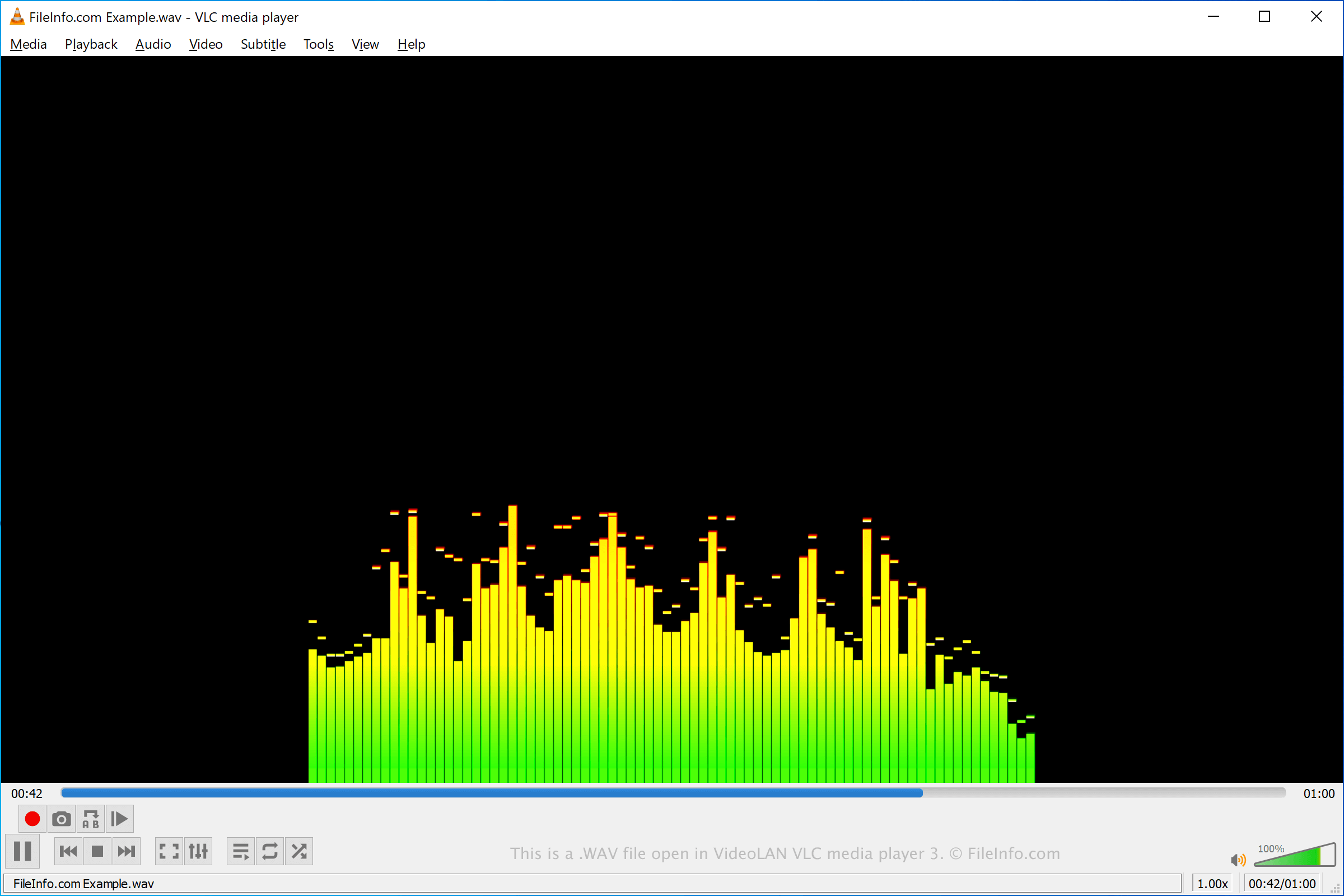
Snímek obrazovky souboru .wav v VideoLAN VLC media player
Soubor WAV otevřený v VideoLAN VLC media player

Microsoft and IBM developed the WAVE format in the early 1990s. It is based on the Resource Interchange File Format (RIFF), which is a container format that can be used to store both video and audio. WAV files, however, contain only audio.

The audio a WAV file contains may be compressed or uncompressed, depending on how the file was created. Audio professionals, such as music and radio producers, often save and share high-quality recordings as uncompressed WAV files. Because these files are uncompressed, their file sizes can be quite large. For this reason, most WAV files shared via the internet are compressed, reducing both their file size and audio quality.

The WAVE format supports several types of compression, and it also supports a variety of sampling rates and bitrates. However, WAVE audio is most often saved in a 44.1 kHz, 16-bit stereo format, which is the standard format used for CD audio.

Jak otevřít soubor WAV

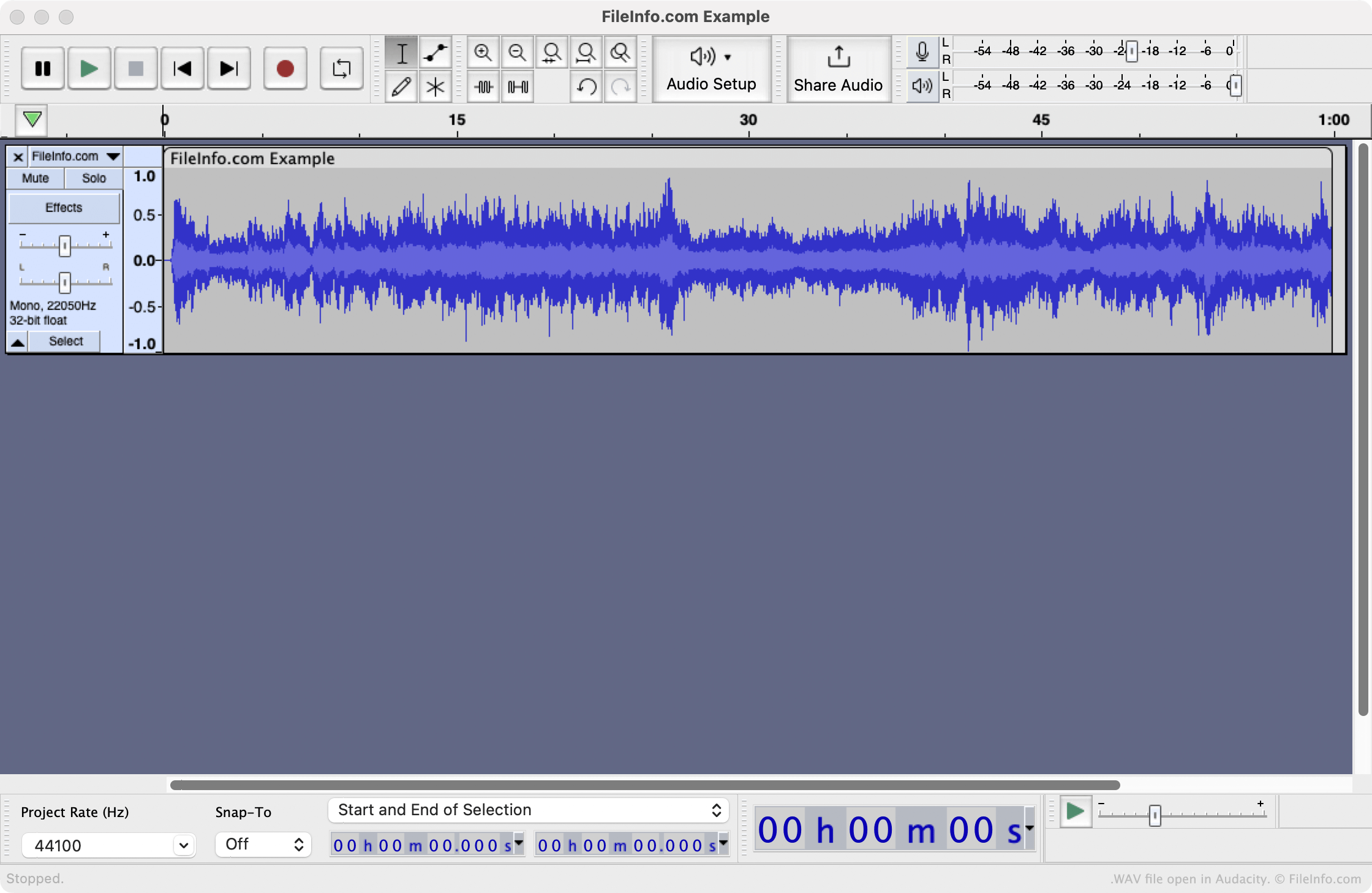
WAV file open in Audacity

You can open a WAV file with any of the following media players, to play the audio it contains:

If you want to edit the audio a WAV file contains, you should open it with a dedicated audio-editing program, such as Audacity or Adobe Audition.

Jak převést soubor WAV

Several audio editors and media players, including Audacity, VideoLAN VLC media player, and Adobe Audition, can convert WAV files to other formats.

For example, Audacity can convert WAV files to the following audio formats:

  • .AIFF - Audio Interchange File Format
  • .MP3 - MP3 Audio
  • .OGG - Ogg Vorbis Audio
  • .FLAC - Free Lossless Audio Codec
  • .MP2 - MP2 Audio
  • .M4A - MPEG-4 Audio
  • .AC3 - Audio Codec 3
  • .AMR - Adaptive Multi-rate Codec
  • .OPUS - Opus Audio
  • .WMA - Windows Media Audio

Programy, které otevírají soubory WAV

Windows
Součást operačního systému
Zkušební verze zdarma
Zdarma
Mac
Součást operačního systému
Zkušební verze zdarma
Zdarma
Linux
Web
iOS
Součást operačního systému
Kategorie: Zvuk
Aktualizováno: 2023-07-13

DTS-WAV File

Vývojář DTS
Popularita
2.5  |  57 Hlasů
 

A WAV file is an audio file saved in the Digital Theater Systems (DTS) format, which is commonly used to author stereo music and surround sound music CDs. It contains lossy audio data for multiple channels and can only be played by programs that support DTS-WAV encoding. Audio data in the DTS format may also be saved as a .DTS file.

Další informace

DTS was formed in 1990 as a company specializing in multichannel audio technologies for film and video delivered in surround sound settings, such as movie theaters and home theaters. The DTS format is most prominently utilized to store audio on CDs, DVDs, and laser discs.

POZNÁMKA: Most audio files with the .wav file extension are saved in the WAVE format, a standard digital audio file format utilized for storing waveform data.

Jak otevřít soubor WAV

You can open WAV files in the DTS-WAV format with several audio programs, including Foobar2000 and VideoLAN VLC media player (with the AC3 filter installed).

Jak převést soubor WAV

VideoLAN VLC media player can convert WAV files in the DTS-WAV format to other types of audio files, including the following formats:

  • .MP3 - MP3 Audio
  • .OGG - Ogg Vorbis Audio
  • .FLAC - Free Lossless Audio Codec
  • .WAV - WAVE Audio

Programy, které otevírají soubory WAV

Kategorie: Zvuk
Aktualizováno: 2023-02-16

Ověřil FileInfo.com

Tým FileInfo.com nezávisle prozkoumal všechny formáty souborů a programy uvedené na této stránce. Naším cílem je 100% přesnost a zveřejňujeme pouze informace o typech souborů, které jsme ověřili.

Pokud chcete navrhnout doplnění nebo aktualizaci této stránky, dejte nám vědět.