.DCM 파일 확장자

DICOM Image

개발사 NEMA
인기도
3.2  |  298 투표
 

DCM 파일이란 무엇인가요?

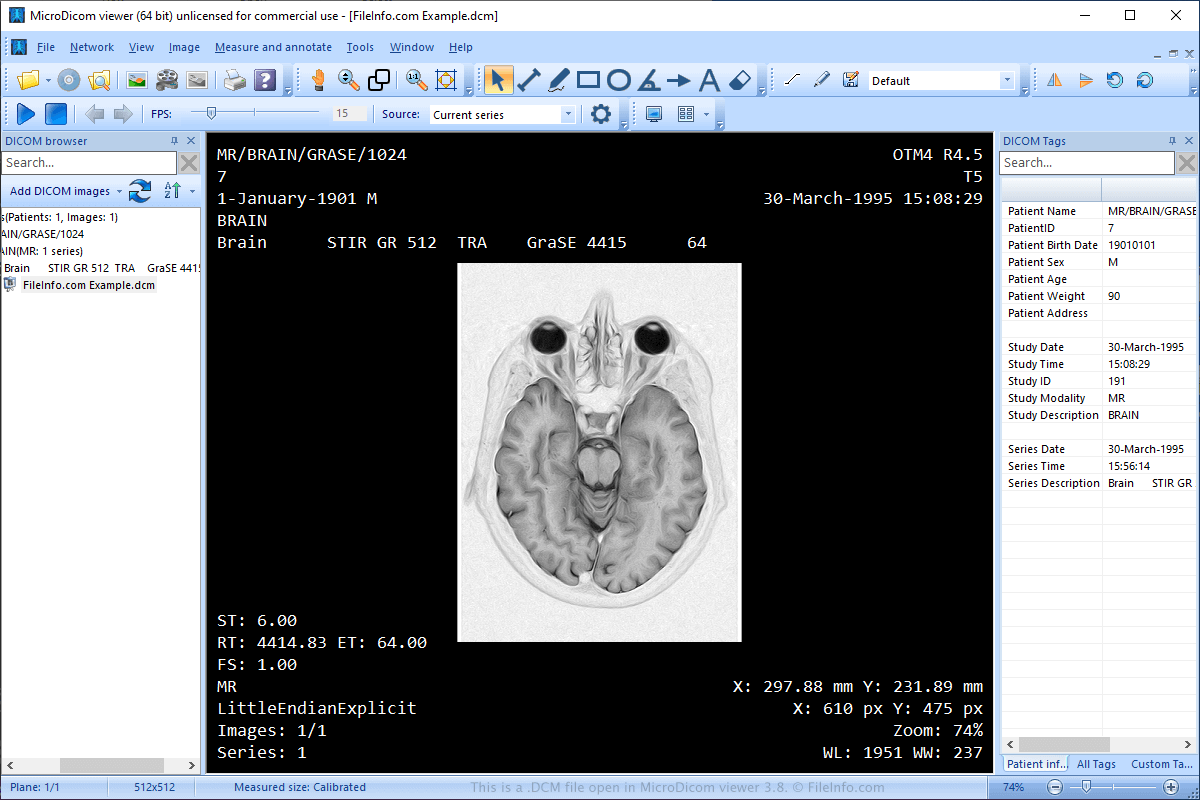
A DCM file is an image file saved in the Digital Imaging and Communications in Medicine (DICOM) image format. It stores a medical image, such as a CT scan or ultrasound, and may also include patient information to pair the image with the patient.

추가 정보

MicroDicom viewer 3.8에서 열린 .dcm 파일의 스크린샷
MicroDicom viewer 3.8에서 열린 DCM 파일

The National Electrical Manufacturers Association (NEMA) created the DICOM format. NEMA released the initial standard in 1983 and revised it several times in the 1990s and 2000s.

The format has become a standard for storing, transmitting, viewing, processing, and printing medical images, such as MRIs, CT scans, and ultrasound images. In addition, doctors often share images with other medical professionals and their patients via CDs or email.

참고: DCM files may also be saved as .DICOM files.

DCM 파일을 여는 방법

You can open DCM files with a variety of applications, such as MicroDicom viewer (Windows), ezDICOM (Windows), and MeVisLab (multiplatform). You can also upload DCM files to View My Scans in a web browser and view the images.

DCM 파일을 변환하는 방법

Various applications, including XnViewMP and Adobe Photoshop, can convert DCM files to other image formats.

For example, XnViewMP can convert DCM files to many formats, including the following file types:

  • .JPG, .JPEG - JPEG Image
  • .JP2 - JPEG 2000 Core Image
  • .PNG - Portable Network Graphic
  • .BMP - Bitmap Image
  • .GIF - Graphical Interchange Format
  • .PDF - Portable Document Format
  • .TGA, .TARGA - Targa Graphic
  • .TIF, .TIFF - Tagged Image File Format
  • .WEBP - WebP Image
  • .PSD - Adobe Photoshop Document
  • .DDS - Direct Draw Surface Image
  • .EMF - Enhanced Windows Metafile
  • .PS - PostScript File
  • .HEIC - High Efficiency Image Format
File Viewer Plus(으)로 .dcm 파일을 열고 볼 수 있습니다.무료 다운로드

DCM 파일을 여는 프로그램

Windows
무료
무료 체험판
무료 체험판
무료 체험판
무료 체험판
무료
무료
무료
Mac
무료 체험판
무료 체험판
무료 체험판
무료
무료
Linux
무료 체험판
무료
무료
Web

DiskCatalogMaker Catalog

개발사 Fujiwara Software
인기도
2.9  |  108 투표
 

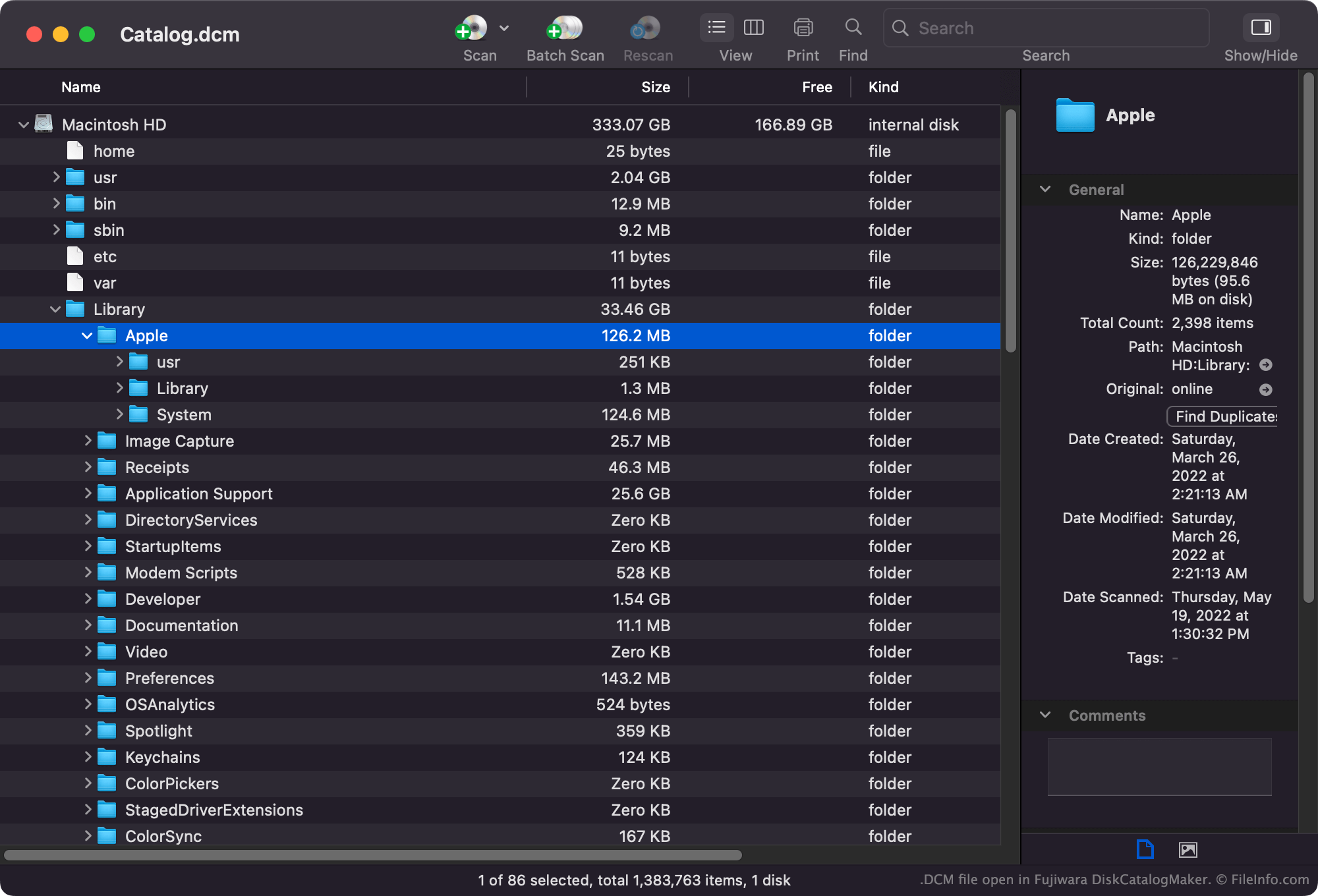
A DCM file is a file catalog created by Fujiwara DiskCatalogMaker, a Mac file cataloging and organization program. It contains a database that lists files' names, locations, and other attributes. You can open a DCM file in DiskCatalogMaker to search the database it contains.

추가 정보

Fujiwara DiskCatalogMaker에서 열린 .dcm 파일의 스크린샷
Fujiwara DiskCatalogMaker에서 열린 DCM 파일

DiskCatalogMaker allows Mac users to catalog the files stored on their hard drives, discs, and other storage media. They can then view, search through, and print these catalogs to find where certain files are stored.

Most commonly, DiskCatalogMaker catalogs are saved as .DCMF and .DCMD files. However, some catalogs are saved in the DCM format.

일반적인 .DCM 파일 이름

Catalog.dcm - The default name DiskCatalogManager assigns to the first DCM file you create.

DCM 파일을 여는 방법

You can open a DCM file in Fujiwara DiskCatalogMaker (Mac). Select File → Open... from the program's menu bar, then open your DCM file.

DCM 파일을 변환하는 방법

You can use Fujiwara DiskCatalogMaker to convert DCM files to the .DCMF and .DCMD formats. You can also use Fujiwara DiskCatalogMaker to export a DCM file's contents as a .CSV (Comma-separated Values) or .TXT (Plain Text) file.

DCM 파일을 여는 프로그램

Mac
카테고리: 데이터
업데이트: 2022-05-19

DCM Audio Module

개발사 해당 없음
인기도
2.5  |  33 투표
 

A DCM file is an audio file saved in the DCM audio format. It may be referred to as a DCM audio module.

추가 정보

Most DCM files contain music. The DCM format is not common, so most media players cannot open DCM files.

DCM 파일을 여는 방법

You can open and play a DCM file in FMJ-Software Awave Studio (Windows). To do so, select File → Open file... from the program's menu bar. Then, navigate to and open your DCM file.

DCM 파일을 변환하는 방법

You can use FMJ-Software Awave Studio (Windows) to convert DCM files to other audio formats, such as:

  • .AAC - Advanced Audio Coding
  • .AIFF - Audio Interchange File Format
  • .FLAC - Free Lossless Audio Codec
  • .M4A - MPEG-4 Audio
  • .MP3 - MP3 Audio
  • .OGG - Ogg Vorbis Audio
  • .OPUS - Opus Audio
  • .SND - Sound File
  • .WAV - WAVE Audio
  • .WMA - Windows Media Audio

To do so, right-click the waveform associated with your DCM file and select Save selected waveform as....

DCM 파일을 여는 프로그램

Windows
카테고리: 오디오
업데이트: 2022-05-31

검증자 FileInfo.com

FileInfo.com 팀 이 페이지에 나열된 모든 파일 형식과 소프트웨어 프로그램을 독자적으로 조사했습니다. 저희의 목표는 100% 정확성이며, 검증한 파일 유형에 대한 정보만 게시합니다.

이 페이지에 추가하거나 업데이트할 내용을 제안하고 싶으시면 알려 주세요.