

.WEBP 파일 확장자
WebP 이미지
| 개발사 | |
| 인기도 |
3.9 | 647 표 |
WEBP 파일이란 무엇인가요?
WEBP 파일은 Google이 웹에서 이미지를 표시하기 위해 개발한 WebP 래스터 이미지 형식으로 저장된 이미지입니다. WebP 형식은 손실 압축과 무손실 압축을 모두 지원하며, 비슷하거나 더 나은 이미지 품질을 유지하면서 JPEG 및 PNG와 같은 형식보다 더 작은 이미지 파일을 만들 수 있습니다. WEBP 파일은 투명도와 애니메이션도 지원합니다.
추가 정보
Google은 2009년에 On2 Technologies로부터 인수한 기술을 사용하여 WebP를 개발했으며, 2010년에 개방형 이미지 형식으로 공개했습니다. 이후 이 형식은 애니메이션, 투명도, 메타데이터를 비롯한 추가 기능을 지원하게 되었습니다.
WebP 파일은 Microsoft와 IBM이 개발한 형식인 Resource Interchange File Format(RIFF)을 기반으로 하는 컨테이너를 사용합니다. WebP의 손실 압축은 VP8 비디오 코덱의 기술을 사용하며, 무손실 압축은 WebP 이미지를 위해 특별히 설계된 별도의 알고리즘을 사용합니다.
WEBP 파일을 여는 방법
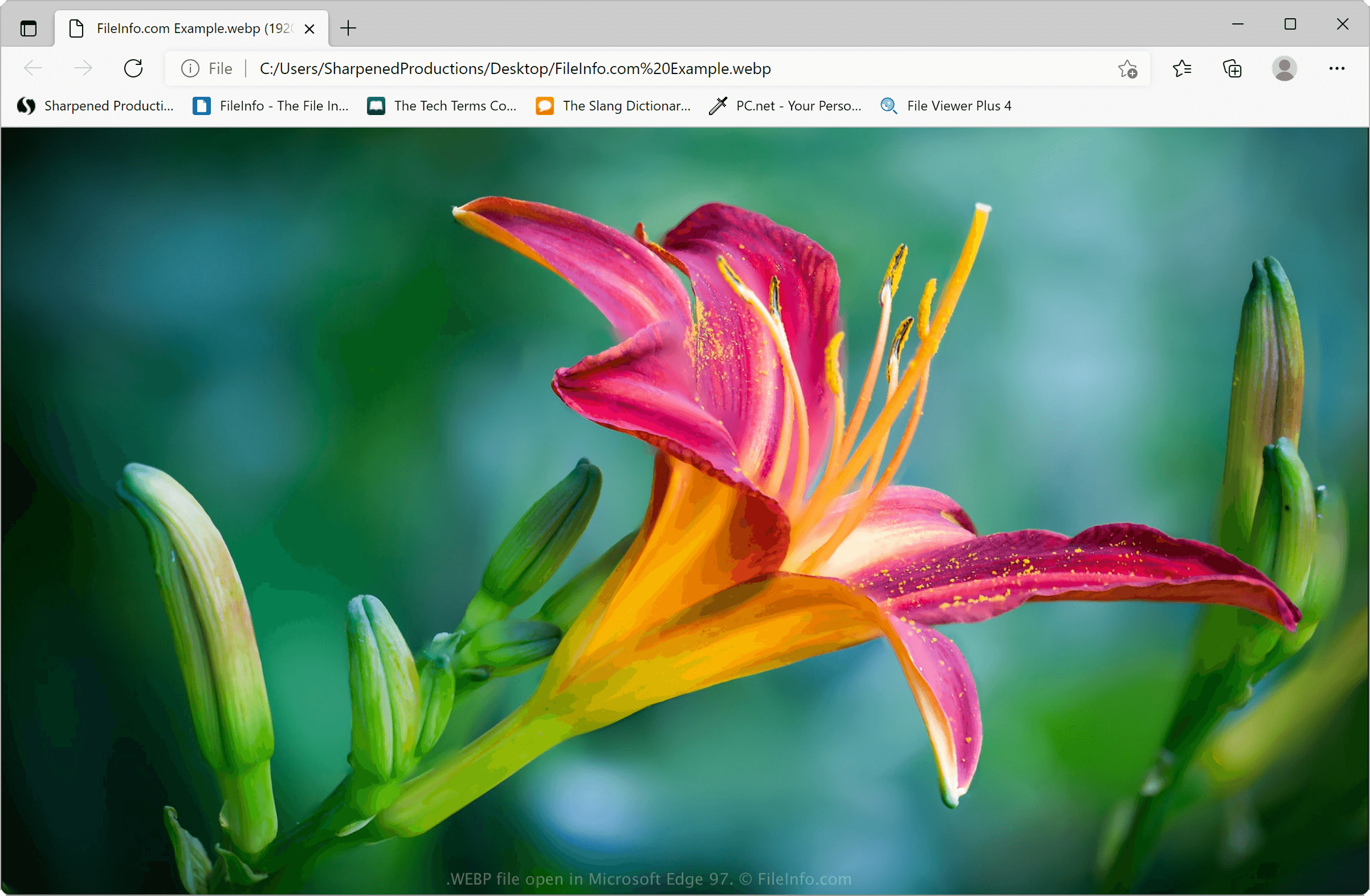
Image Magick(멀티플랫폼) 및 XnViewMP(멀티플랫폼)와 같은 다양한 이미지 편집기로 WEBP 파일을 열 수 있습니다. 또한 Google Chrome(멀티플랫폼), Microsoft Edge(멀티플랫폼), Mozilla Firefox(멀티플랫폼)를 비롯한 대부분의 주요 웹 브라우저가 WEBP 파일을 지원합니다.
Windows 및 macOS 운영 체제에 포함된 애플리케이션으로도 WEBP 파일을 열 수 있습니다:
- Windows에서는 Microsoft Photos와 Paint가 WebP 이미지를 지원합니다.
- macOS에서는 Apple Preview가 WebP 이미지를 지원합니다.
Android, iOS 또는 Chrome OS 사용자는 Google Photos로 WEBP 파일을 열 수 있습니다. WebP 이미지를 Google Photos에 업로드하여 웹 애플리케이션으로 볼 수도 있습니다.