

.BMP 파일 확장자
비트맵 이미지
| 개발사 | Microsoft |
| 인기도 |
3.9 | 467 표 |
BMP 파일이란 무엇인가요?
BMP 파일은 Microsoft가 개발한 Bitmap(BMP) 래스터 이미지 형식으로 저장된 이미지입니다. 이 파일에는 다양한 색상 비트 심도와 이미지 메타데이터를 사용한 흑백 및 컬러 이미지를 지원하는 압축되지 않은 이미지 데이터가 포함되어 있습니다. 사용자는 일반적으로 디지털 사진을 BMP 파일로 저장합니다.
추가 정보
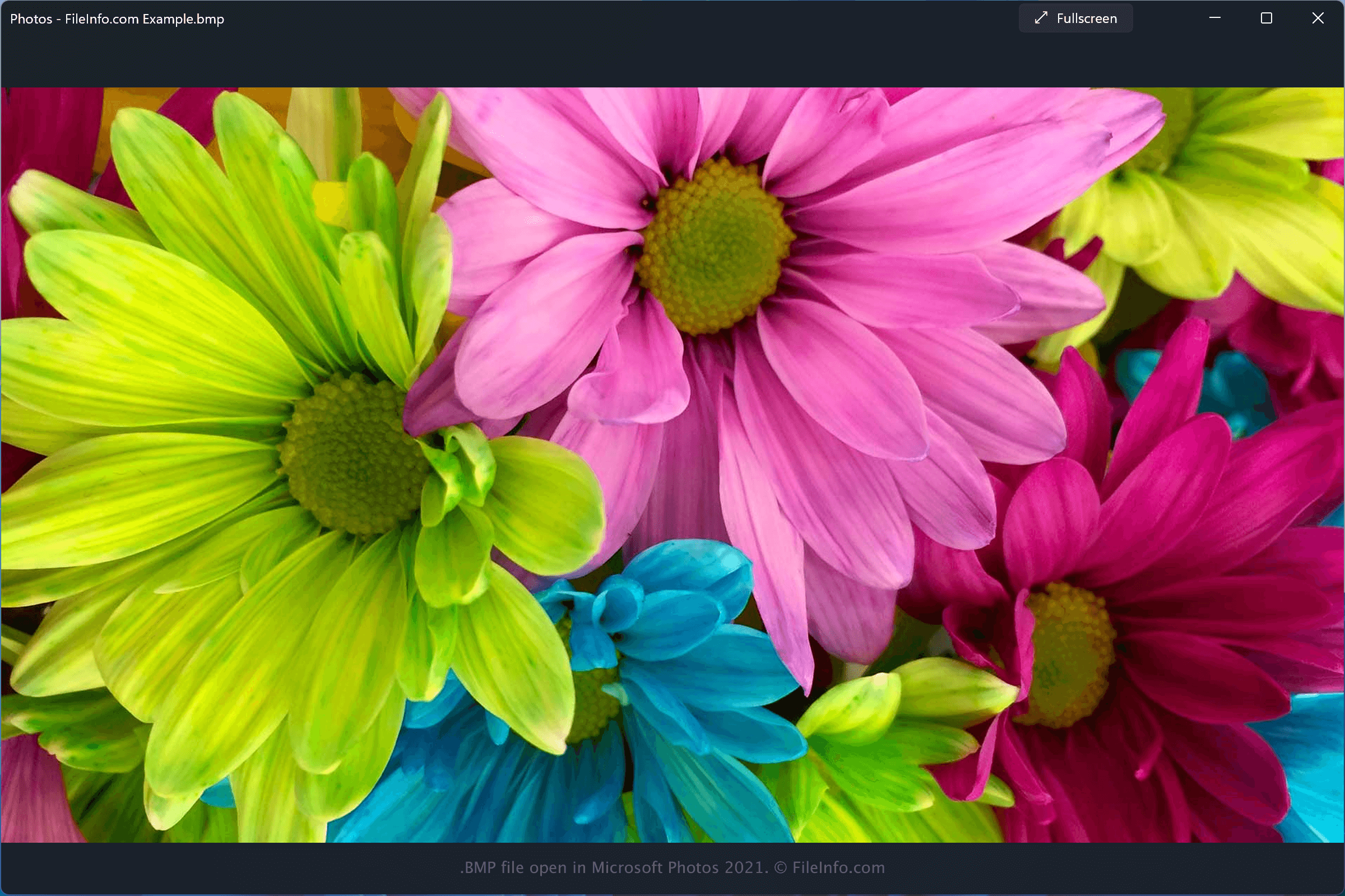
Microsoft는 여러 장치에서 일관되게 표시되는 이미지를 저장하기 위해 BMP 형식을 개발했으며, 이 형식은 Device Independent Bitmap(DIB) 형식이라고도 합니다. BMP 형식은 비트맵 식별자, 파일 크기, 너비, 높이, 데이터 압축 방법(선택 사항), 색상 옵션, 비트맵 데이터 시작 위치가 포함된 파일 헤더로 시작합니다. 헤더 다음에는 원시 픽셀 이미지 데이터와 선택적인 ICC 색상 프로필 데이터가 저장됩니다.
참고: BMP 파일은 압축되지 않으므로 크기가 클 수 있습니다. 따라서 디지털 이미지를 저장하고 전송할 때 JPEG 및 PNG 이미지 형식이 BMP 형식의 일반적인 대안으로 사용됩니다.
BMP 파일을 여는 방법
BMP 파일은 다양한 프로그램으로 열 수 있습니다. 여기에는 Windows에 기본으로 포함된 Microsoft Photos와 macOS에 모두 기본으로 포함된 Apple Preview 및 Apple Photos가 있습니다.
다음과 같은 다양한 이미지 및 그래픽 애플리케이션으로도 BMP 파일을 열 수 있습니다.
- Windows 및 macOS에서 사용할 수 있는 Adobe Photoshop
- Windows 및 macOS에서 사용할 수 있는 Adobe Illustrator
- Windows 및 macOS에서 사용할 수 있는 CorelDRAW
- Windows에서 사용할 수 있는 ACD Systems Canvas
참고: 이러한 프로그램 중 다수는 이미지를 BMP 파일로 내보낼 수도 있습니다.
BMP 파일을 변환하는 방법
BMP 파일을 여는 프로그램
Windows
Mac
Web
iOS
Android
Chrome OS