.TIFF 파일 확장자

Tagged Image File Format

개발사 Adobe Systems
인기도
3.8  |  257 투표
 
🔍File Helper(으)로 .TIFF 파일을 웹 브라우저에서 바로 여세요.온라인으로 보기

TIFF 파일이란 무엇인가요?

A TIFF file is a graphics container that stores raster images in the Tagged Image File Format (TIFF). It contains high-quality graphics that support color depths from 1 to 24-bit and supports both lossy and lossless compression. TIFF files also support multiple layers and pages.

추가 정보

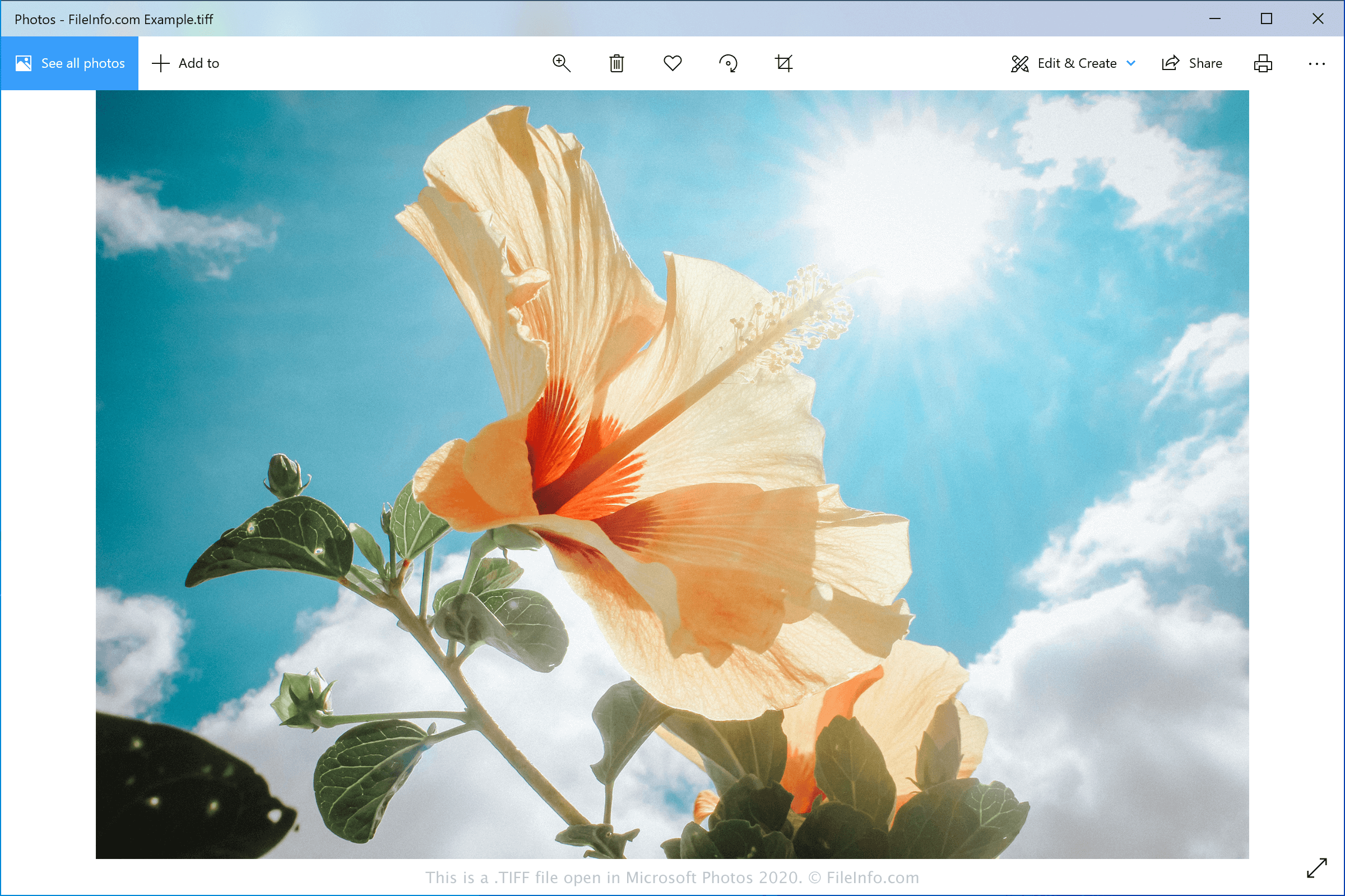
Microsoft Photos 2020에서 열린 .tiff 파일의 스크린샷
Microsoft Photos 2020에서 열린 TIFF 파일

Aldus Corporation released the TIFF format in the mid-1980s to be a standard image format for saving high-quality color images on multiple computer platforms. Although it was widely adopted, the JPEG format surpassed it over the years because it was more efficient and web-friendly.

Now, graphic designers and professional printers typically save digital photos and graphics in the TIFF format for editing and printing purposes. They may save the images as TIFF or .TIF files.

참고: Aldus Corporation merged with Adobe Systems in 1994.

TIFF 파일을 여는 방법

You can open TIFF files with various image editors since the TIFF format is quite common. Some options include Microsoft Photos (Windows), CorelDRAW Graphics Suite (Windows and macOS), Adobe Photoshop (Windows and macOS), and Apple Preview (bundled with macOS).

참고: You can also open TIFF files with Google Photos in a web browser, Chrome OS, and Android and iOS devices.

TIFF 파일을 변환하는 방법

Various image viewers and editors, including Microsoft Photos, Apple Preview, and CorelDRAW Graphics Suite, can convert TIFF files to other image formats.

For example, Microsoft Photos can convert TIFF files to the following formats:

  • .JPG - JPEG Image
  • .JXR - JPEG XR Image
  • .PNG - Portable Network Graphic
  • .BMP - Bitmap Image

TIFF 파일을 여는 프로그램

Windows
OS에 포함됨
OS에 포함됨
무료 체험판
무료 체험판
무료 체험판
Mac
OS에 포함됨
OS에 포함됨
무료 체험판
무료 체험판
무료 체험판
Web
OS에 포함됨
iOS
OS에 포함됨
Android
Chrome OS

검증자 FileInfo.com

FileInfo.com 팀 이 페이지에 나열된 Tagged Image File Format 파일 형식과 Mac, Windows, Android, and iOS 앱을 독자적으로 조사했습니다. 저희의 목표는 100% 정확성이며, 검증한 파일 유형에 대한 정보만 게시합니다.

이 페이지에 추가하거나 업데이트할 내용을 제안하고 싶으시면 알려 주세요.