.TIFF 文件扩展名

Tagged Image File Format

开发者 Adobe Systems
受欢迎程度
3.8  |  257 
 
🔍使用File Helper直接在您的网络浏览器中打开 .TIFF 文件在线查看

什么是 TIFF 文件?

A TIFF file is a graphics container that stores raster images in the Tagged Image File Format (TIFF). It contains high-quality graphics that support color depths from 1 to 24-bit and supports both lossy and lossless compression. TIFF files also support multiple layers and pages.

更多信息

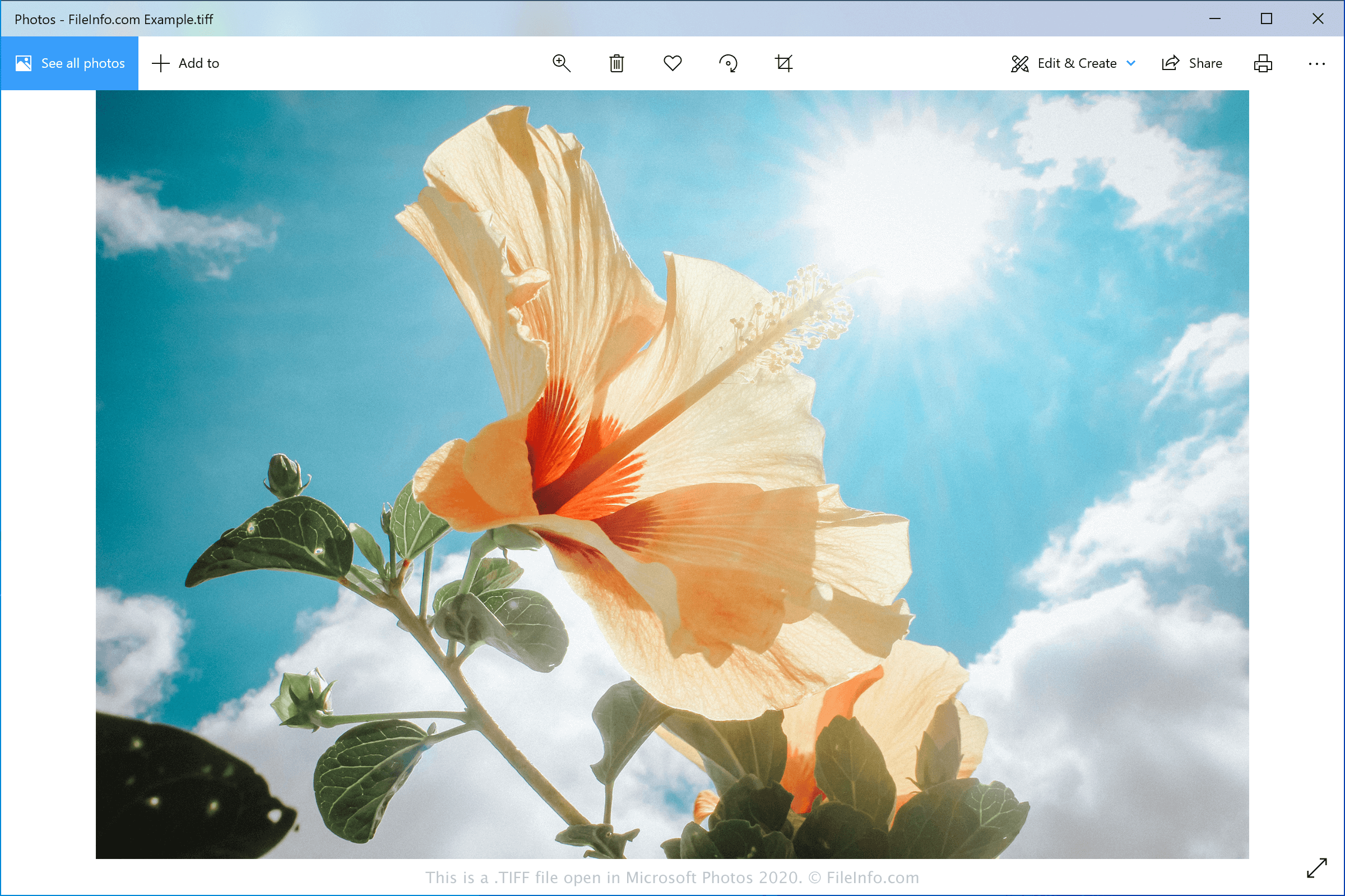
在 Microsoft Photos 2020 中打开的 .tiff 文件截图
在 Microsoft Photos 2020 中打开的 TIFF 文件

Aldus Corporation released the TIFF format in the mid-1980s to be a standard image format for saving high-quality color images on multiple computer platforms. Although it was widely adopted, the JPEG format surpassed it over the years because it was more efficient and web-friendly.

Now, graphic designers and professional printers typically save digital photos and graphics in the TIFF format for editing and printing purposes. They may save the images as TIFF or .TIF files.

注: Aldus Corporation merged with Adobe Systems in 1994.

如何打开 TIFF 文件

You can open TIFF files with various image editors since the TIFF format is quite common. Some options include Microsoft Photos (Windows), CorelDRAW Graphics Suite (Windows and macOS), Adobe Photoshop (Windows and macOS), and Apple Preview (bundled with macOS).

注: You can also open TIFF files with Google Photos in a web browser, Chrome OS, and Android and iOS devices.

如何转换 TIFF 文件

Various image viewers and editors, including Microsoft Photos, Apple Preview, and CorelDRAW Graphics Suite, can convert TIFF files to other image formats.

For example, Microsoft Photos can convert TIFF files to the following formats:

  • .JPG - JPEG Image
  • .JXR - JPEG XR Image
  • .PNG - Portable Network Graphic
  • .BMP - Bitmap Image

可打开 TIFF 文件的程序

Mac
操作系统自带
操作系统自带
Web
操作系统自带
iOS
操作系统自带
Android
Chrome OS

验证者 FileInfo.com

FileInfo.com 团队 独立研究了本页面列出的 Tagged Image File Format 文件格式和 Mac, Windows, Android, and iOS 应用。 我们的目标是达到 100% 的准确率,并且仅发布我们已验证过的文件类型信息。

如果您想为此页面提出新增或更新建议,请告诉我们