.TIFF ファイル拡張子

Tagged Image File Format

開発元 Adobe Systems
人気度
3.8  |  257 
 
🔍.TIFFファイルFile Helperでウェブブラウザから直接開けます。オンラインで表示

TIFFファイルとは?

A TIFF file is a graphics container that stores raster images in the Tagged Image File Format (TIFF). It contains high-quality graphics that support color depths from 1 to 24-bit and supports both lossy and lossless compression. TIFF files also support multiple layers and pages.

詳細情報

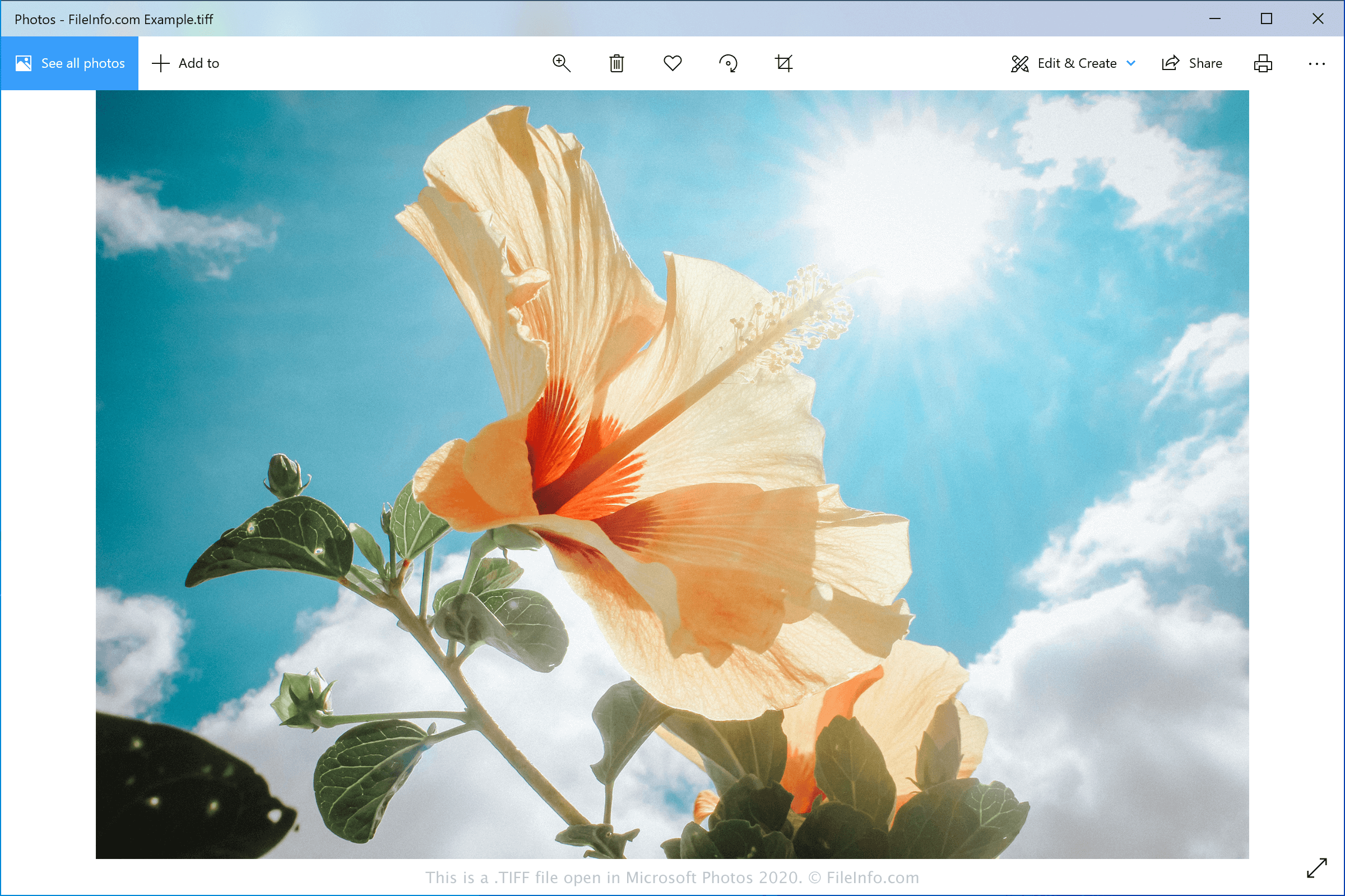
Microsoft Photos 2020で開いた.tiffファイルのスクリーンショット
Microsoft Photos 2020で開いたTIFFファイル

Aldus Corporation released the TIFF format in the mid-1980s to be a standard image format for saving high-quality color images on multiple computer platforms. Although it was widely adopted, the JPEG format surpassed it over the years because it was more efficient and web-friendly.

Now, graphic designers and professional printers typically save digital photos and graphics in the TIFF format for editing and printing purposes. They may save the images as TIFF or .TIF files.

注: Aldus Corporation merged with Adobe Systems in 1994.

TIFFファイルの開き方

You can open TIFF files with various image editors since the TIFF format is quite common. Some options include Microsoft Photos (Windows), CorelDRAW Graphics Suite (Windows and macOS), Adobe Photoshop (Windows and macOS), and Apple Preview (bundled with macOS).

注: You can also open TIFF files with Google Photos in a web browser, Chrome OS, and Android and iOS devices.

TIFFファイルの変換方法

Various image viewers and editors, including Microsoft Photos, Apple Preview, and CorelDRAW Graphics Suite, can convert TIFF files to other image formats.

For example, Microsoft Photos can convert TIFF files to the following formats:

  • .JPG - JPEG Image
  • .JXR - JPEG XR Image
  • .PNG - Portable Network Graphic
  • .BMP - Bitmap Image

TIFFファイルを開くプログラム

Mac
OSに同梱
OSに同梱
無料体験版
無料体験版
Web
OSに同梱
iOS
OSに同梱
Android
Chrome OS

検証者 FileInfo.com

FileInfo.comチーム は、このページに掲載されているTagged Image File Formatファイル形式とMac, Windows, Android, and iOSアプリについて独自に調査しました。 私たちの目標は100%の正確性であり、検証済みのファイルタイプに関する情報のみを公開しています。

このページへの追加や更新をご提案いただける場合は、お知らせください。