

.TIFF Přípona souboru
Tagged Image File Format
| Vývojář | Adobe Systems |
| Popularita |
3,8 | 257 hlasů |
Co je soubor TIFF?
Soubor TIFF je grafický kontejner, který ukládá rastrové obrázky ve formátu Tagged Image File Format (TIFF). Obsahuje vysoce kvalitní grafiku s barevnou hloubkou od 1 do 24 bitů a podporuje ztrátovou i bezeztrátovou kompresi. Soubory TIFF také podporují více vrstev a stránek.
Další informace
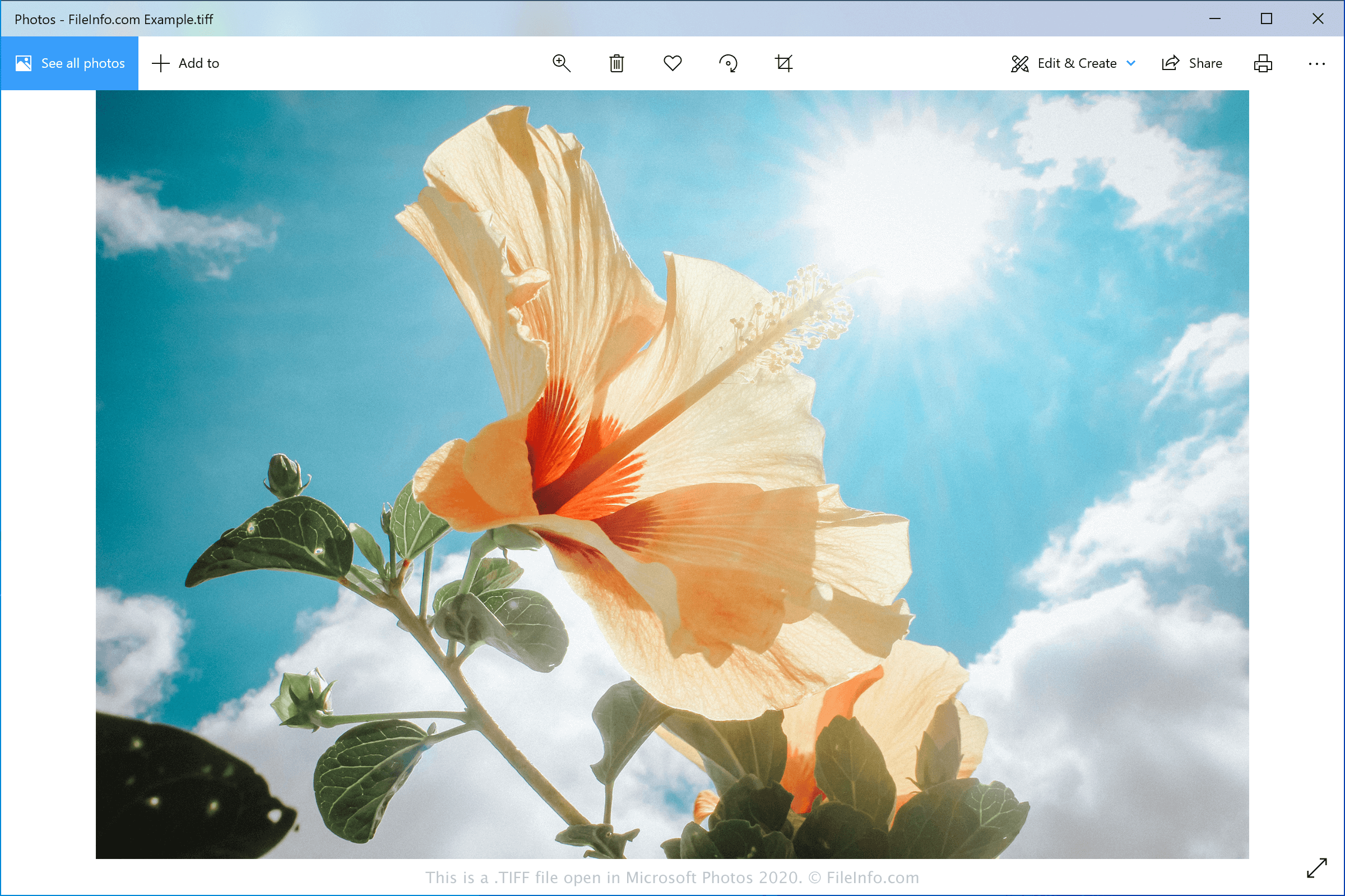
Společnost Aldus Corporation vydala formát TIFF v polovině 80. let 20. století jako standardní formát obrázků pro ukládání vysoce kvalitních barevných obrázků na různých počítačových platformách. Přestože se široce rozšířil, formát JPEG ho v průběhu let překonal, protože byl efektivnější a vhodnější pro web.
Grafičtí designéři a profesionální tiskaři nyní obvykle ukládají digitální fotografie a grafiku ve formátu TIFF pro účely úprav a tisku. Obrázky mohou ukládat jako soubory TIFF nebo .TIF.
POZNÁMKA: Společnost Aldus Corporation se v roce 1994 sloučila se společností Adobe Systems.
Jak otevřít soubor TIFF
Soubory TIFF můžete otevřít v různých grafických editorech, protože formát TIFF je poměrně běžný. Mezi možnosti patří Microsoft Photos (Windows), CorelDRAW Graphics Suite (Windows a macOS), Adobe Photoshop (Windows a macOS) a Apple Preview (součást macOS).
POZNÁMKA: Soubory TIFF můžete také otevřít pomocí Google Photos ve webovém prohlížeči, v systému Chrome OS a na zařízeních se systémy Android a iOS.
Jak převést soubor TIFF
Různé prohlížeče a editory obrázků, včetně programů Microsoft Photos, Apple Preview a CorelDRAW Graphics Suite, mohou převádět soubory TIFF do jiných obrazových formátů.
Microsoft Photos může například převádět soubory TIFF do následujících formátů: