

.JPG Přípona souboru
Obrázek JPEG
| Vývojář | Joint Photographic Experts Group |
| Popularita |
4,0 | 3955 hlasů |
Co je soubor JPG?
Soubor JPG je obrázek uložený ve formátu JPEG. Soubory JPG obvykle obsahují digitální fotografie, kresby nebo grafiku. Na většině zařízení můžete soubor JPG otevřít dvojitým kliknutím nebo klepnutím v základním prohlížeči obrázků.
Další informace
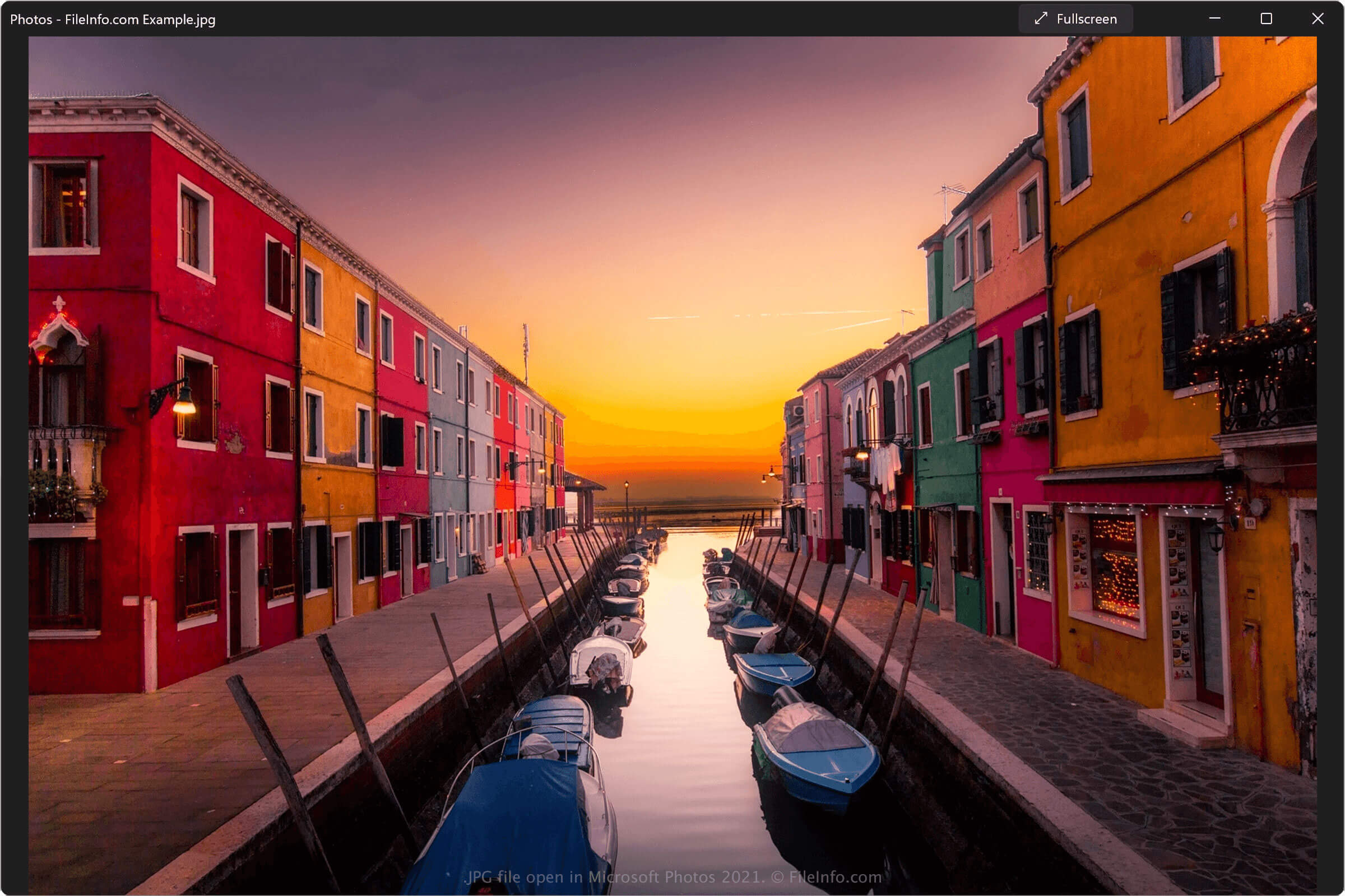
V roce 1992 dokončila a vydala skupina Joint Photographic Experts Group (JPEG) formát souborů JPEG. Formát JPEG především používá ztrátovou kompresi, která výrazně zmenšuje velikost souboru obrázku s jen malou ztrátou kvality. Uživatelé tak mohou snadno ukládat stovky nebo tisíce souborů JPEG, přenášet je mezi zařízeními a sdílet je e-mailem a přes internet.
Díky své praktičnosti se JPEG stal zdaleka nejběžnějším formátem digitálních obrázků. Mnoho digitálních fotoaparátů a programů pro úpravu obrázků ukládá fotografie, kresby a grafiku jako soubory JPG a téměř každý moderní počítač a chytrý telefon obsahuje základní prohlížeč obrázků, který dokáže otevřít soubory JPG.
Existuje mezi soubory JPG a JPEG nějaký rozdíl?
Mezi soubory JPG a JPEG není žádný rozdíl. V obou případech jde o obrázky uložené ve formátu JPEG. Důvodem, proč mnoho souborů JPEG používá příponu .jpg, je skutečnost, že starší verze systému Windows omezovaly přípony souborů na tři nebo méně znaků. Obrázky JPEG uložené v systému Windows proto nemohly používat příponu .jpeg a místo ní používaly .jpg.
Protože se Windows stal nejoblíbenějším operačním systémem pro počítače, přípona .jpg se stala výchozí příponou obrázků JPEG. Proto jsou i dnes soubory JPG běžnější než soubory JPEG.
Kdy ukládat obrázky jako soubory JPG
Ve většině případů a pro většinu uživatelů je uložení obrázku jako souboru JPG dobrou volbou. Komprese JPEG sice mírně snižuje kvalitu obrázku, ale tento pokles je lidským okem obvykle nepostřehnutelný. Mnoho zařízení a programů, které ukládají soubory JPG, vám navíc umožňuje upravit úroveň komprese a kvality obrázku a doladit tak jeho velikost a vzhled.
Někdy byste však obrázek jako soubor JPG ukládat neměli. Obrázky JPG například obvykle nemají dostatečnou kvalitu pro použití na tištěných bannerech, brožurách, v knihách a časopisech. V těchto případech můžete chtít obrázek uložit jako soubor .TIFF. Formát JPEG také nepodporuje průhlednost a špatně zachovává okraje textu nebo grafiky s ostrými hranami. V těchto případech můžete chtít obrázek uložit jako soubor .PNG.
Jak otevřít soubor JPG
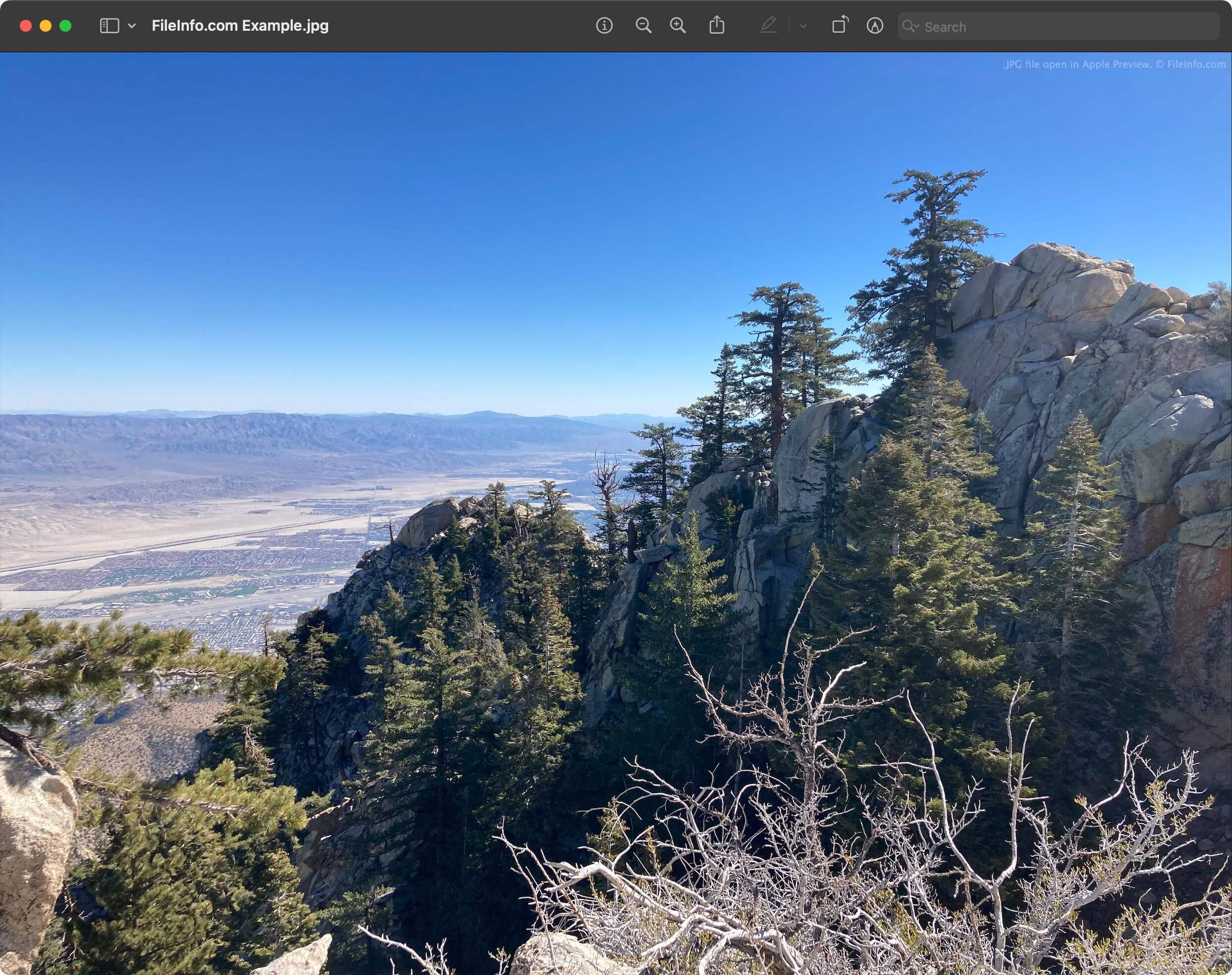
Soubor JPG můžete otevřít a zobrazit obrázek, který obsahuje, pomocí libovolného prohlížeče obrázků. Mezi běžné prohlížeče obrázků, které podporují soubory JPG, patří:
Obrázek JPG můžete zobrazit také v libovolném webovém prohlížeči, například v prohlížečích Google Chrome, Microsoft Edge nebo Apple Safari, přetažením souboru do okna prohlížeče.
Jak upravit soubor JPG
Mnoho prohlížečů obrázků, které dokážou otevřít soubory JPG, obsahuje také jednoduché nástroje pro úpravu obrázků, například možnost oříznout a otočit obrázek nebo upravit barvy. Základní nástroje pro úpravu obrázků obsahují například programy Microsoft Photos, Apple Photos a XnViewMP.
Pokud však chcete obrázek JPG upravovat rozsáhleji, měli byste jej pravděpodobně otevřít a upravit ve specializovaném editoru obrázků. Mezi oblíbené editory obrázků patří:
- Adobe Photoshop
- GIMP
- Inmagine Pixlr
Jak převést soubor JPG
Většina programů, které dokážou otevřít soubory JPG, je může převést do jiných obrazových formátů. Program Microsoft Photos například dokáže převést soubory JPG do formátů .PNG, .TIFF, .BMP a .JXR a program Apple Photos dokáže převést soubory JPG do formátů PNG a TIFF.
Chcete-li soubor JPG převést do jiného formátu, vyberte v prohlížeči nebo editoru obrázků možnost nebo . Například:
- V programu Microsoft Photos vyberte tlačítko a poté možnost .
- V programu Apple Photos vyberte .
Poté vyberte formát, do kterého chcete soubor JPG převést, a dokončete proces uložení nebo exportu.
Pokud však chcete převést mnoho souborů JPG do jiného formátu najednou, bude lepší použít nástroj pro dávkovou konverzi. Například program File Viewer Plus i program Adobe Photoshop obsahují nástroje pro dávkovou konverzi, které umožňují převést celou sadu souborů JPG do jiného obrazového formátu najednou.