

.JPG Extensão de arquivo
Imagem JPEG
| Desenvolvedor | Joint Photographic Experts Group |
| Popularidade |
4,0 | 3955 Votos |
O que é um arquivo JPG?
Um arquivo JPG é uma imagem salva no formato JPEG. Os arquivos JPG geralmente contêm fotografias digitais, desenhos ou gráficos. Na maioria dos dispositivos, você pode clicar duas vezes ou tocar duas vezes em um arquivo JPG para abri-lo no visualizador de imagens padrão.
Mais informações
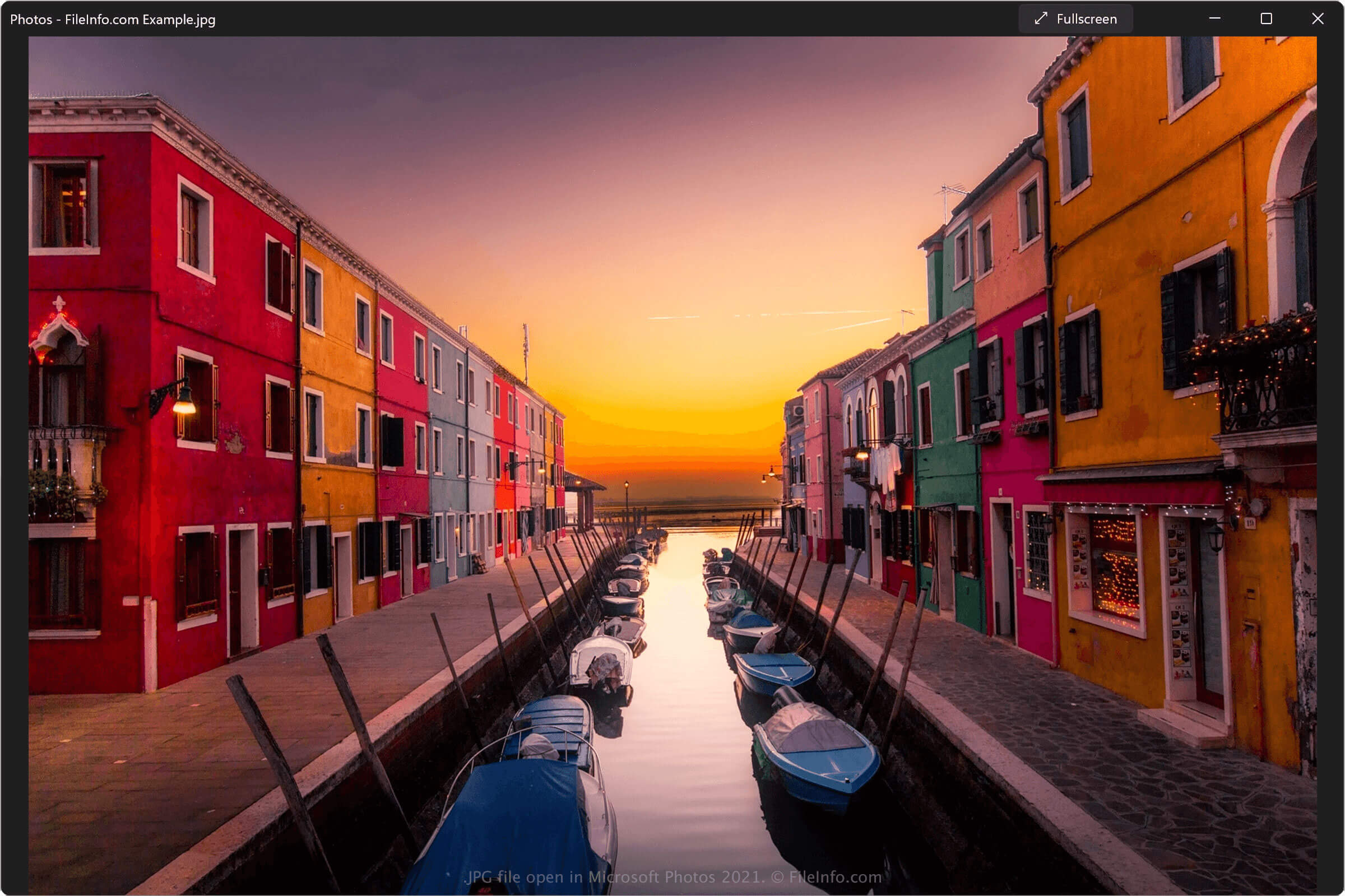
Em 1992, o Joint Photographic Experts Group (JPEG) finalizou e lançou o formato de arquivo JPEG. Mais notavelmente, o formato JPEG usa compactação com perdas para reduzir bastante o tamanho do arquivo de uma imagem, com pouca perda de qualidade. Isso facilita para os usuários armazenar várias centenas ou milhares de arquivos JPEG, transferi-los entre dispositivos e compartilhá-los por e-mail e pela internet.
Devido à sua utilidade, o JPEG se tornou, de longe, o formato de imagem digital mais comum. Muitas câmeras digitais e programas de edição de imagens salvam fotos, desenhos e gráficos como arquivos JPG, e praticamente todo PC e smartphone moderno inclui um visualizador de imagens padrão capaz de abrir arquivos JPG.
Existe alguma diferença entre arquivos JPG e JPEG?
Não há diferença entre arquivos JPG e JPEG. Ambos são imagens salvas no formato JPEG. O motivo pelo qual muitos arquivos JPEG usam a extensão .jpg é que as primeiras versões do Windows limitavam as extensões de arquivo a três caracteres ou menos. Assim, as imagens JPEG salvas no Windows não podiam usar a extensão .jpeg e usavam .jpg em seu lugar.
Como o Windows se tornou o sistema operacional para PC mais popular, .jpg tornou-se a extensão padrão das imagens JPEG. É por isso que, mesmo atualmente, os arquivos JPG são mais comuns do que os arquivos JPEG.
Quando salvar imagens como arquivos JPG
Na maioria dos casos e para a maioria dos usuários, salvar uma imagem como arquivo JPG é uma boa escolha. Embora a compactação JPEG reduza um pouco a qualidade de uma imagem, essa queda na qualidade geralmente não é perceptível ao olho humano. Além disso, muitos dispositivos e programas que salvam arquivos JPG permitem ajustar o nível de compactação e qualidade da imagem, para ajustar seu tamanho e aparência.
No entanto, há situações em que você não deve salvar uma imagem como arquivo JPG. Por exemplo, as imagens JPG geralmente não têm qualidade alta o suficiente para uso em banners, folhetos, livros e revistas impressos. Nesses casos, talvez você queira salvar sua imagem como um arquivo .TIFF. Além disso, o formato JPEG não é compatível com transparência e não preserva bem as bordas de textos ou gráficos com contornos nítidos. Nesses casos, talvez você queira salvar sua imagem como um arquivo .PNG.
Como abrir um arquivo JPG
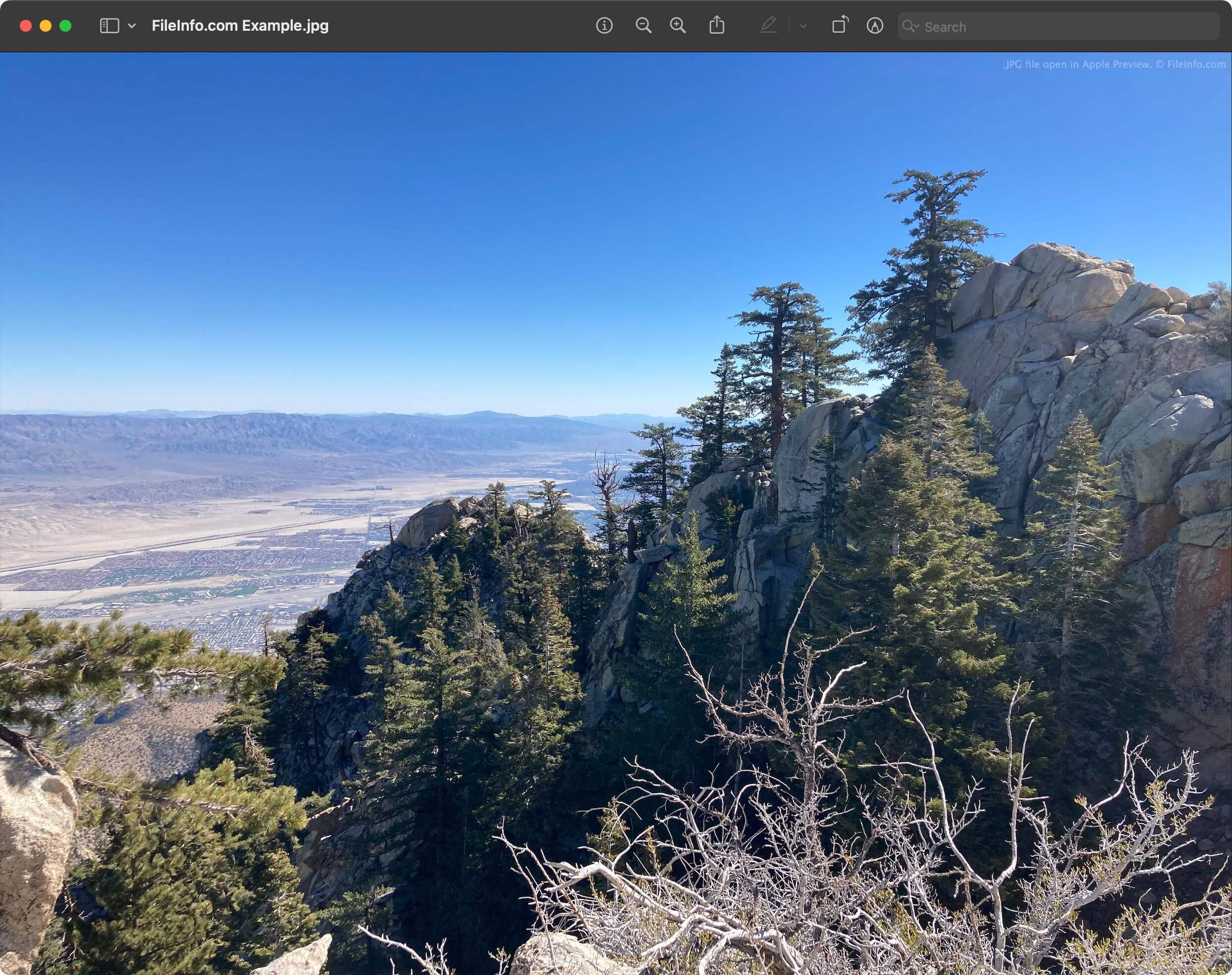
Você pode abrir um arquivo JPG e visualizar a imagem que ele contém com qualquer visualizador de imagens. Alguns visualizadores de imagens comuns compatíveis com arquivos JPG incluem:
Você também pode visualizar uma imagem JPG com qualquer navegador da web, como Google Chrome, Microsoft Edge ou Apple Safari, arrastando e soltando o arquivo na janela do navegador.
Como editar um arquivo JPG
Muitos visualizadores de imagens capazes de abrir arquivos JPG também contêm ferramentas simples de edição de imagens, como a capacidade de cortar e girar uma imagem e fazer ajustes de cor. Por exemplo, Microsoft Photos, Apple Photos e XnViewMP contêm ferramentas básicas de edição de imagens.
No entanto, se quiser fazer edições mais extensas em uma imagem JPG, provavelmente você deverá abri-la e editá-la em um editor de imagens dedicado. Alguns editores de imagens populares incluem:
- Adobe Photoshop
- GIMP
- Inmagine Pixlr
Como converter um arquivo JPG
A maioria dos programas capazes de abrir arquivos JPG pode convertê-los para outros formatos de imagem. Por exemplo, o Microsoft Photos pode converter arquivos JPG para os formatos .PNG, .TIFF, .BMP e .JXR, e o Apple Photos pode converter arquivos JPG para os formatos PNG e TIFF.
Para converter um arquivo JPG para outro formato, selecione a opção ou do seu visualizador ou editor de imagens. Por exemplo:
- No Microsoft Photos, selecione o botão e depois .
- No Apple Photos, selecione .
Em seguida, escolha o formato para o qual deseja converter o arquivo JPG e conclua o processo de salvamento ou exportação.
Se quiser converter muitos arquivos JPG para outro formato de uma só vez, no entanto, é melhor usar uma ferramenta de conversão em lote. Por exemplo, o File Viewer Plus e o Adobe Photoshop incluem ferramentas de conversão em lote que permitem converter um conjunto inteiro de arquivos JPG para outro formato de imagem de uma só vez.