.BMP 文件扩展名
Bitmap Image
| 开发者 | Microsoft |
| 受欢迎程度 |
3.9 | 467 票 |
什么是 BMP 文件?
A BMP file is an image saved in the Bitmap (BMP) raster image format developed by Microsoft. It contains uncompressed image data that supports monochrome and color images at variable color bit depths and image metadata. Users commonly save digital photos as BMP files.
更多信息
Microsoft developed the BMP format, also known as the Device Independent Bitmap (DIB) format, to save images that appear consistent across different devices. The BMP format begins with a file header, including the bitmap identifier, file size, width, height, data compression method (optional), color options, and bitmap data starting point. After the header, the format stores raw pixel image data and optional ICC Color Profile data.
注: Since BMP files are uncompressed, they may be large. Therefore, the JPEG and PNG image formats are common alternatives to the BMP format for saving and transferring digital images.
如何打开 BMP 文件
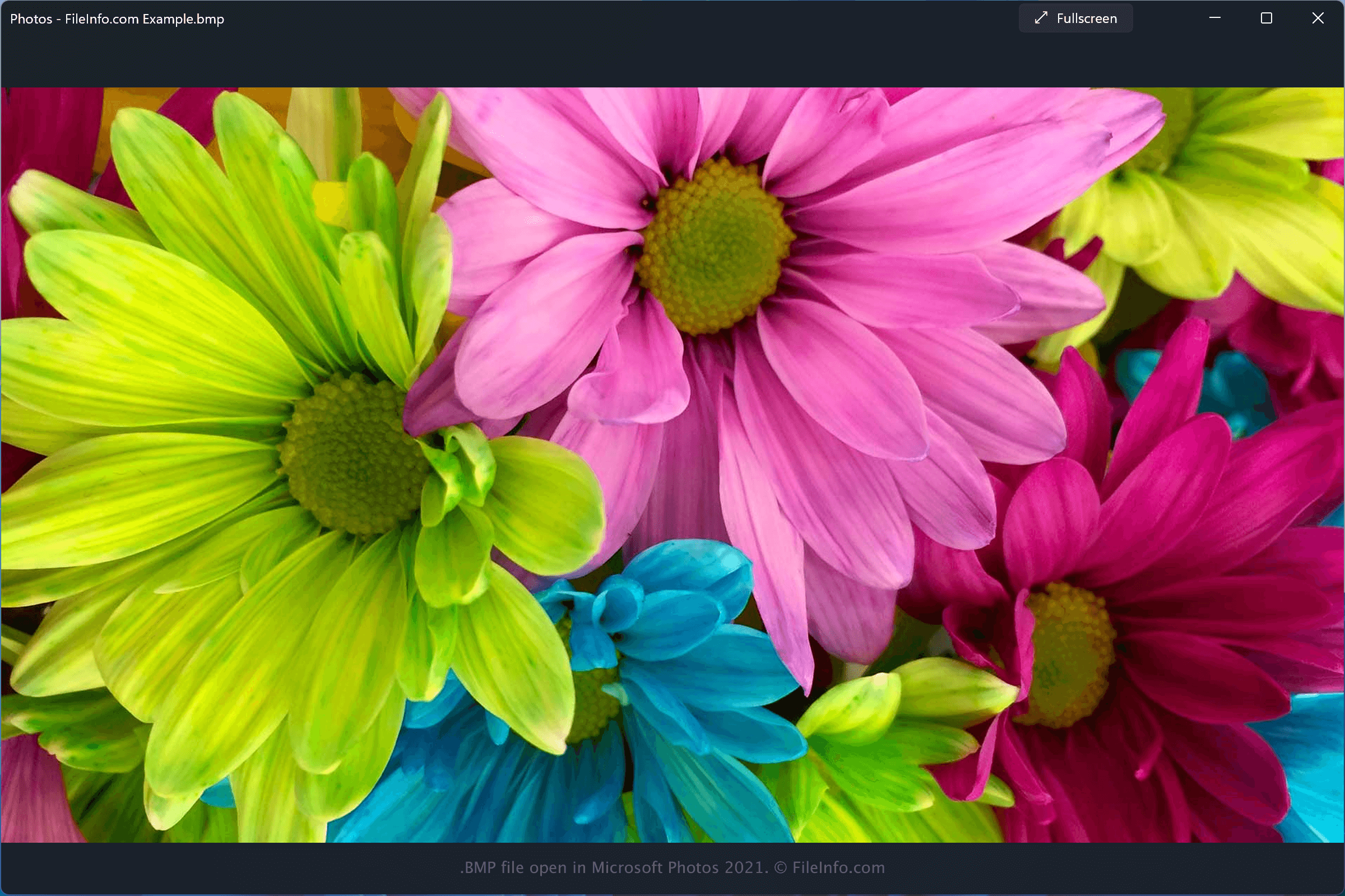
You can open BMP files with various programs, including Microsoft Photos, which is bundled with Windows, and Apple Preview or Apple Photos, which are both bundled with macOS.
A large number of other image and graphics applications can be used to open BMP files:
- Adobe Photoshop, available for Windows and macOS.
- Adobe Illustrator, available for Windows and macOS.
- CorelDRAW, available for Windows and macOS.
- ACD Systems Canvas, available for Windows.
注: Many of these programs can also export images as BMP files.
如何转换 BMP 文件
Various image viewers and editors, including Microsoft Photos, Apple Preview, and CorelDRAW Graphics Suite, can convert BMP files to other formats.
For example, Microsoft Photos can convert BMP files to the following formats: