

.BMP Rozszerzenie pliku
Obraz bitmapowy
| Deweloper | Microsoft |
| Popularność |
3,9 | 467 Głosów |
Czym jest plik BMP?
Plik BMP to obraz zapisany w formacie grafiki rastrowej Bitmap (BMP) opracowanym przez firmę Microsoft. Zawiera nieskompresowane dane obrazu obsługujące obrazy monochromatyczne i kolorowe o różnej głębi bitowej kolorów oraz metadane obrazu. Użytkownicy często zapisują zdjęcia cyfrowe jako pliki BMP.
Więcej informacji
Firma Microsoft opracowała format BMP, znany również jako format Device Independent Bitmap (DIB), aby zapisywać obrazy, które wyglądają tak samo na różnych urządzeniach. Format BMP zaczyna się od nagłówka pliku zawierającego identyfikator bitmapy, rozmiar pliku, szerokość, wysokość, metodę kompresji danych (opcjonalnie), opcje kolorów oraz punkt początkowy danych bitmapy. Za nagłówkiem format przechowuje surowe dane pikseli obrazu oraz opcjonalne dane profilu kolorów ICC.
UWAGA: Ponieważ pliki BMP są nieskompresowane, mogą być duże. Dlatego formaty obrazów JPEG i PNG są często używane zamiast formatu BMP do zapisywania i przesyłania obrazów cyfrowych.
Jak otworzyć plik BMP
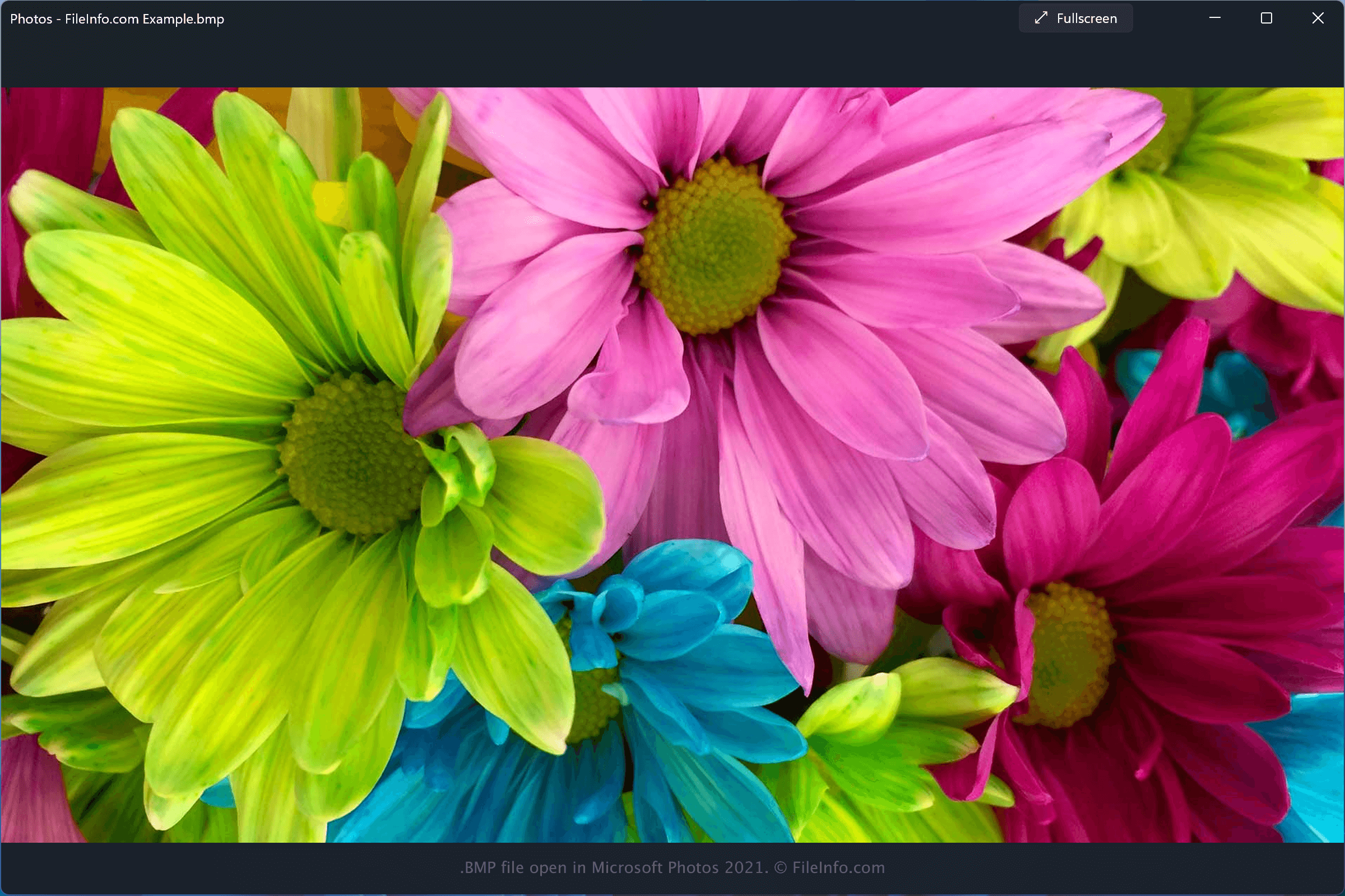
Pliki BMP można otwierać za pomocą różnych programów, w tym Microsoft Photos, który jest dołączony do systemu Windows, oraz Apple Preview i Apple Photos, które są dołączone do systemu macOS.
Do otwierania plików BMP można używać wielu innych aplikacji do obsługi obrazów i grafiki:
- Adobe Photoshop, dostępny dla systemów Windows i macOS.
- Adobe Illustrator, dostępny dla systemów Windows i macOS.
- CorelDRAW, dostępny dla systemów Windows i macOS.
- ACD Systems Canvas, dostępny dla systemu Windows.
UWAGA: Wiele z tych programów może również eksportować obrazy jako pliki BMP.
Jak przekonwertować plik BMP
Różne przeglądarki i edytory obrazów, w tym Microsoft Photos, Apple Preview i CorelDRAW Graphics Suite, mogą konwertować pliki BMP na inne formaty.
Na przykład Microsoft Photos może konwertować pliki BMP do następujących formatów: