

.TIF Rozszerzenie pliku
Plik Tagged Image File
| Deweloper | Adobe Systems |
| Popularność |
3,5 | 281 Głosów |
Czym jest plik TIF?
Plik TIF to obraz zapisany w formacie Tagged Image File Format (TIFF), czyli wysokiej jakości formacie graficznym. Jest często używany do przechowywania obrazów z wieloma kolorami, zazwyczaj zdjęć cyfrowych, i obsługuje warstwy oraz wiele stron.
Więcej informacji
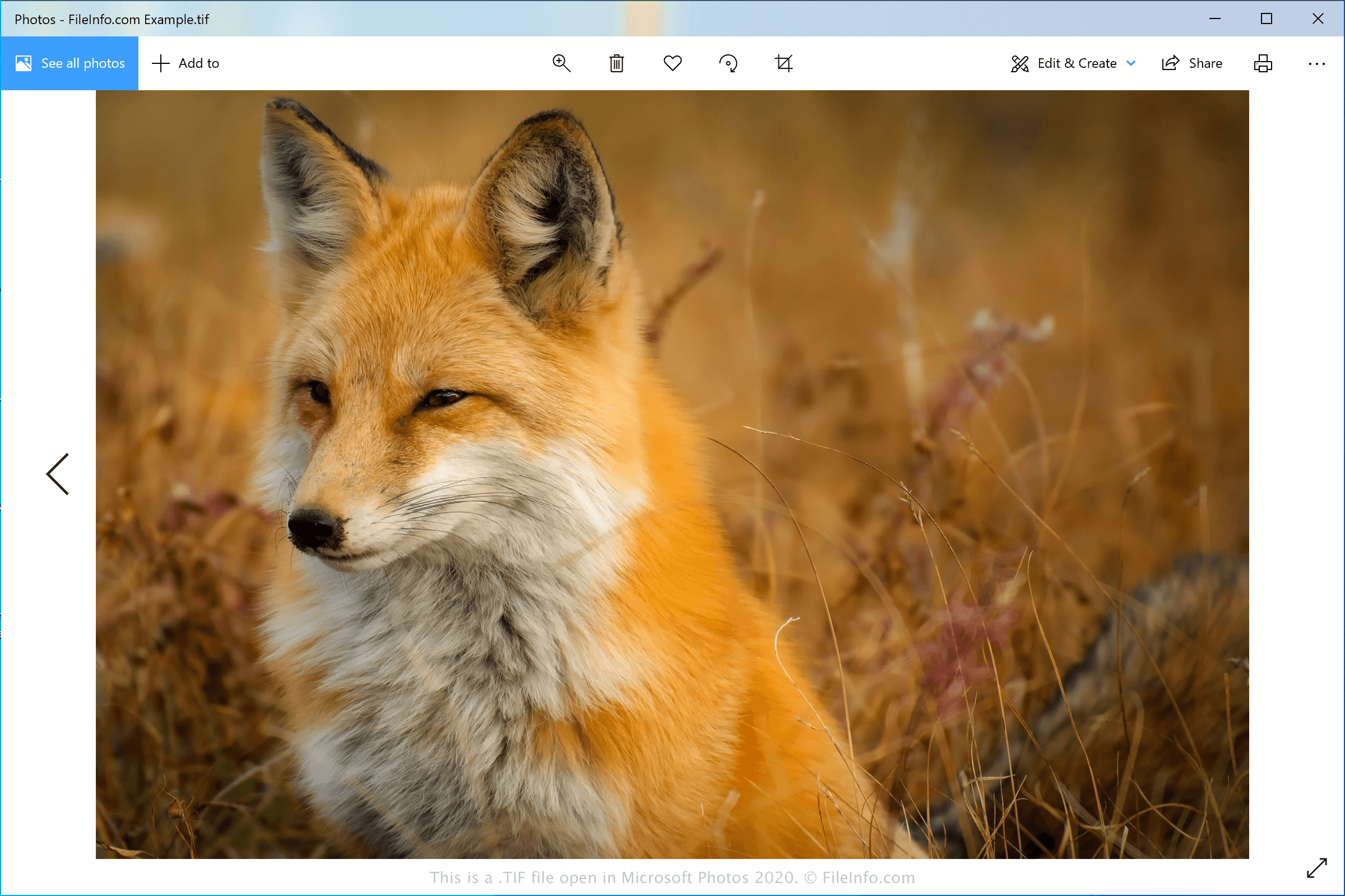
Format TIFF został opracowany w połowie lat 80. przez firmę Aldus Corporation (połączoną z Adobe Systems w 1994 roku) jako uniwersalny format obrazów dla różnych platform komputerowych i skanerów dokumentów. Format ten zyskał popularność wśród profesjonalistów z branży wydawniczej, w tym fotografów i grafików. Jego popularność wynikała częściowo z możliwości edytowania i ponownego zapisywania obrazów bez utraty ich jakości.
Pliki TIF można zapisywać w formacie nieskompresowanym (bezstratnym) lub mogą one zawierać kompresję .JPEG (stratną). Mogą także używać bezstratnej kompresji LZW, która zmniejsza rozmiar pliku TIF, ale nie obniża jakości obrazu.
UWAGA: Pliki TIF mogą także używać rozszerzenia .TIFF.
Jak otworzyć plik TIF
Plik TIF można otworzyć w różnych edytorach obrazów, ponieważ format TIFF jest powszechnie używany przez profesjonalistów zajmujących się grafiką. Niektóre aplikacje obsługujące ten format to Microsoft Photos (Windows), CorelDRAW Graphics Suite (Windows i macOS), ACD Systems ACDSee Photo Studio (Windows), Adobe Photoshop (Windows i macOS) oraz Apple Preview (dołączony do systemu macOS).
UWAGA: Pliki TIF można także otwierać za pomocą Google Photos w przeglądarce internetowej, systemie Chrome OS oraz na urządzeniach z systemami Android i iOS.
Jak przekonwertować plik TIF
Kilka przeglądarek i edytorów obrazów, w tym Microsoft Photos, Apple Preview i Adobe Photoshop, może konwertować pliki TIF do innych formatów obrazów.
Na przykład Microsoft Photos może konwertować pliki TIF do następujących formatów:
Programy otwierające pliki TIF
Obraz GeoTIFF
| Deweloper | Adobe Systems |
| Popularność |
3,2 | 50 Głosów |
Plik TIF to zgodny ze standardem TIFF obraz geoprzestrzenny utworzony w formacie GeoTIFF. Zawiera dane geograficzne lub kartograficzne osadzone w pliku w postaci znaczników. Pliki TIF pozwalają użytkownikom osadzać dane GIS bez odchodzenia od formatu TIFF (Tagged Image File Format).
Więcej informacji
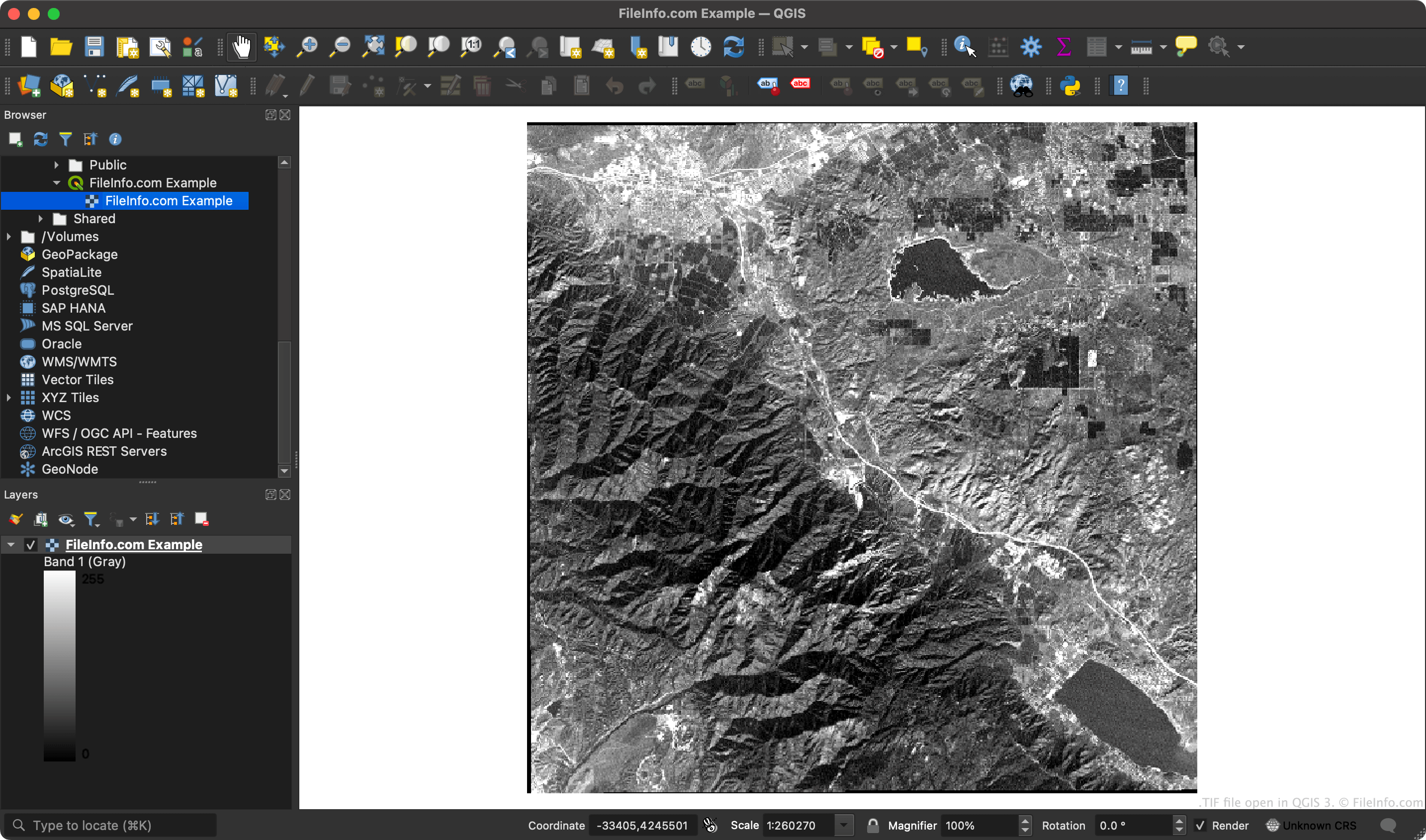
Ponieważ pliki GeoTIFF zawierają współrzędne, aplikacje GIS mogą przypisywać określonym obszarom obrazu rastrowego współrzędne szerokości i długości geograficznej.
UWAGA: Format GeoTIFF wykorzystuje rozszerzalne funkcje specyfikacji TIFF, aby dodawać do obrazu metadane w postaci znaczników.
Jak otworzyć plik TIF
Plik TIF można otworzyć w programie ESRI ArcGIS Pro (Windows), OriginLab Origin (Windows), QGIS (na wielu platformach) i kilku innych aplikacjach GIS.
Plik TIF można również otworzyć w dowolnej przeglądarce obrazów, która obsługuje zwykłe pliki TIF (takiej jak Microsoft Photos lub Apple Preview). Przeglądarki obrazów nie wyświetlą jednak danych geograficznych zawartych w pliku TIF.