

.TIF Bestandsextensie
Tagged Image-bestand
| Ontwikkelaar | Adobe Systems |
| Populariteit |
3,5 | 281 stemmen |
Wat is een TIF-bestand?
Een TIF-bestand is een afbeelding die is opgeslagen in de Tagged Image File-indeling (TIFF), een grafische indeling van hoge kwaliteit. Deze indeling wordt vaak gebruikt voor het opslaan van afbeeldingen met veel kleuren, meestal digitale foto's, en biedt ondersteuning voor lagen en meerdere pagina's.
Meer informatie
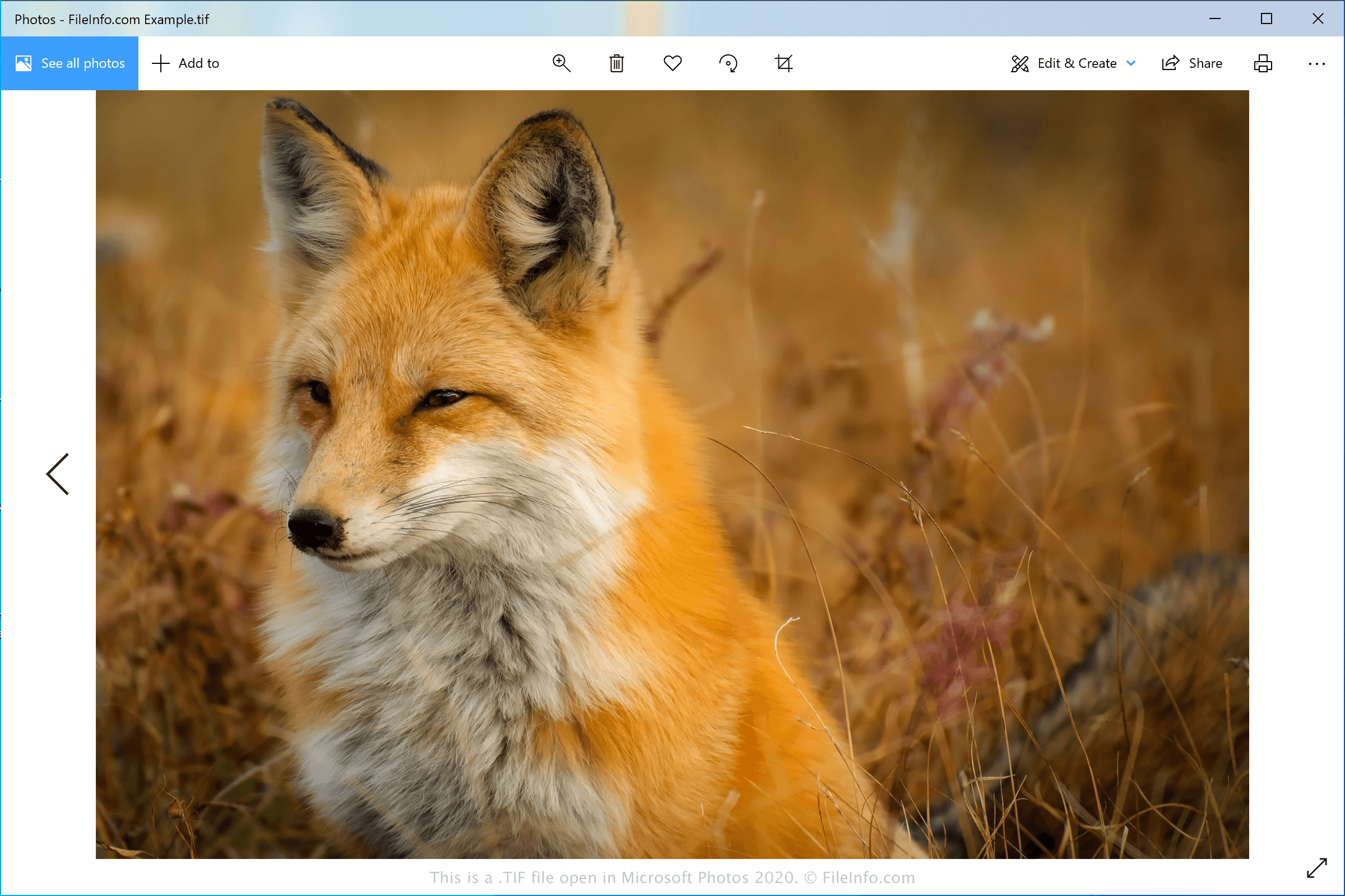
De TIFF-indeling werd halverwege de jaren 1980 ontwikkeld door Aldus Corporation (in 1994 gefuseerd met Adobe Systems) als universele afbeeldingsindeling voor verschillende computerplatforms en documentscanners. De indeling werd populair onder professionals in de uitgeversbranche, waaronder fotografen en grafisch ontwerpers. De populariteit van de indeling was gedeeltelijk te danken aan de mogelijkheid om afbeeldingen te bewerken en opnieuw op te slaan zonder kwaliteitsverlies.
TIF-bestanden kunnen worden opgeslagen in een ongecomprimeerde (verliesvrije) indeling of kunnen .JPEG-compressie (met kwaliteitsverlies) gebruiken. Ze kunnen ook verliesvrije LZW-compressie gebruiken. Hierdoor wordt het TIF-bestand kleiner, maar neemt de kwaliteit van de afbeelding niet af.
OPMERKING: TIF-bestanden kunnen ook de extensie .TIFF gebruiken.
Een TIF-bestand openen
Je kunt een TIF-bestand openen met verschillende afbeeldingsbewerkers, omdat de TIFF-indeling veel wordt gebruikt door grafische professionals. Enkele toepassingen die de indeling ondersteunen zijn Microsoft Photos (Windows), CorelDRAW Graphics Suite (Windows en macOS), ACD Systems ACDSee Photo Studio (Windows), Adobe Photoshop (Windows en macOS) en Apple Preview (meegeleverd met macOS).
OPMERKING: Je kunt TIF-bestanden ook openen met Google Photos in een webbrowser, Chrome OS en op Android- en iOS-apparaten.
Een TIF-bestand converteren
Verschillende afbeeldingsviewers en -bewerkers, waaronder Microsoft Photos, Apple Preview en Adobe Photoshop, kunnen TIF-bestanden naar andere afbeeldingsindelingen converteren.
Microsoft Photos kan TIF-bestanden bijvoorbeeld converteren naar de volgende indelingen:
Programma's die TIF-bestanden openen
GeoTIFF-afbeelding
| Ontwikkelaar | Adobe Systems |
| Populariteit |
3,2 | 50 stemmen |
Een TIF-bestand is een georuimtelijke afbeelding die voldoet aan de TIFF-specificatie en in de GeoTIFF-indeling is gemaakt. Het bevat geografische of cartografische gegevens die als tags in het bestand zijn opgenomen. Met TIF-bestanden kunnen gebruikers GIS-gegevens opnemen zonder af te wijken van de TIFF-indeling (Tagged Image File Format).
Meer informatie
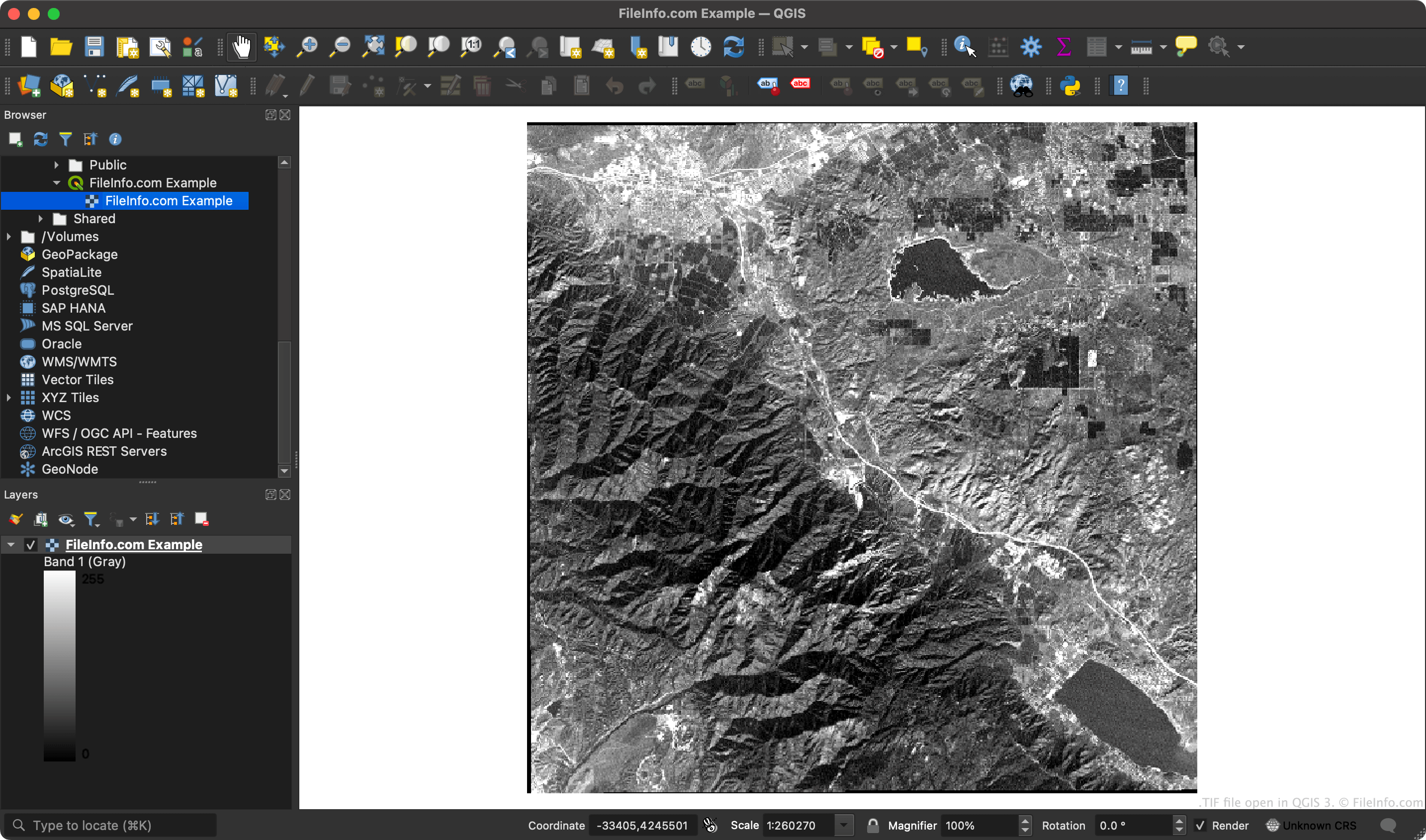
Omdat GeoTIFF-bestanden coördinaten bevatten, kunnen GIS-toepassingen specifieke gebieden van de rasterafbeelding koppelen aan breedtegraad- en lengtegraadcoördinaten.
OPMERKING: De GeoTIFF-indeling gebruikt de uitbreidbare functies van de TIFF-specificatie om metadata met tags aan de afbeelding toe te voegen.
Een TIF-bestand openen
Je kunt een TIF-bestand openen in ESRI ArcGIS Pro (Windows), OriginLab Origin (Windows), QGIS (meerdere platforms) en verschillende andere GIS-toepassingen.
Je kunt een TIF-bestand ook openen in elke afbeeldingsviewer die normale TIF-bestanden kan openen (zoals Microsoft Photos of Apple Preview). Afbeeldingsviewers tonen echter niet de geografische gegevens die je TIF-bestand bevat.