

.TIF Dateiendung
Tagged-Bilddatei
| Entwickler | Adobe Systems |
| Beliebtheit |
3,5 | 281 Stimmen |
Was ist eine TIF-Datei?
Eine TIF-Datei ist ein Bild, das im Tagged Image File Format (TIFF) gespeichert ist, einem hochwertigen Grafikformat. Es wird häufig zum Speichern von Bildern mit vielen Farben verwendet, typischerweise digitalen Fotos, und unterstützt Ebenen und mehrere Seiten.
Weitere Informationen
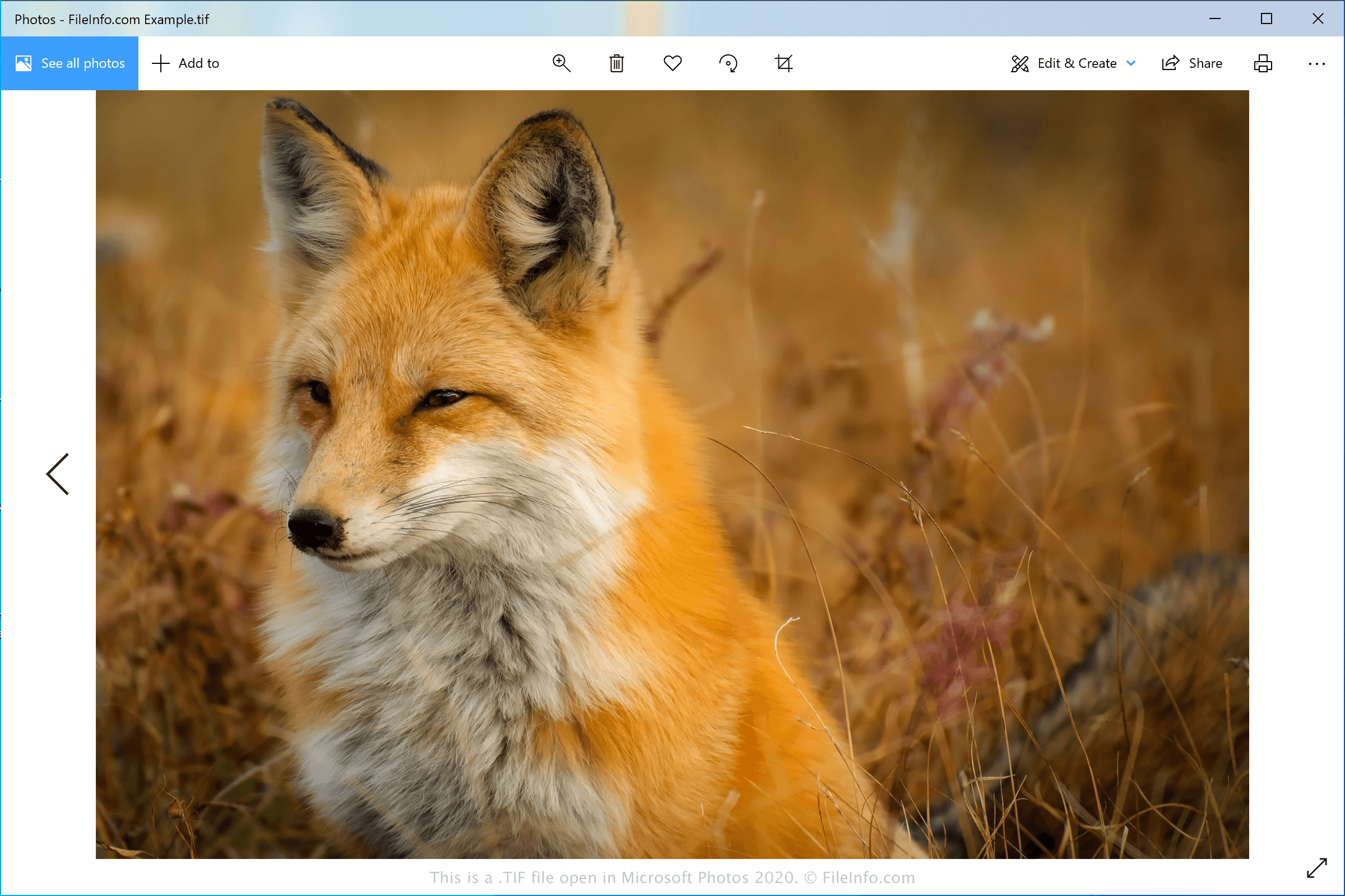
Das TIFF-Format wurde Mitte der 1980er-Jahre von der Aldus Corporation (1994 mit Adobe Systems fusioniert) als universelles Bildformat für verschiedene Computerplattformen und Dokumentenscanner entwickelt. Das Format wurde bei Fachleuten in der Verlagsbranche beliebt, darunter Fotografen und Grafiker. Die Beliebtheit des Formats war teilweise auf seine Möglichkeit zurückzuführen, Bilder zu bearbeiten und erneut zu speichern, ohne dass die Bildqualität verloren geht.
TIF-Dateien können in einem unkomprimierten (verlustfreien) Format gespeichert werden oder eine .JPEG-Komprimierung (verlustbehaftete Komprimierung) verwenden. Sie können auch die verlustfreie LZW-Komprimierung verwenden, die die Größe der TIF-Datei verringert, aber die Qualität des Bildes nicht reduziert.
HINWEIS: TIF-Dateien können auch die Erweiterung .TIFF verwenden.
So öffnen Sie eine TIF-Datei
Sie können eine TIF-Datei mit verschiedenen Bildbearbeitungsprogrammen öffnen, da das TIFF-Format unter Grafikfachleuten weit verbreitet ist. Zu den Anwendungen, die das Format unterstützen, gehören Microsoft Photos (Windows), CorelDRAW Graphics Suite (Windows und macOS), ACD Systems ACDSee Photo Studio (Windows), Adobe Photoshop (Windows und macOS) und Apple Preview (in macOS enthalten).
HINWEIS: Sie können TIF-Dateien auch mit Google Photos in einem Webbrowser, unter Chrome OS sowie auf Android- und iOS-Geräten öffnen.
So konvertieren Sie eine TIF-Datei
Mehrere Bildbetrachter und Bildbearbeitungsprogramme, darunter Microsoft Photos, Apple Preview und Adobe Photoshop, können TIF-Dateien in andere Bildformate konvertieren.
Microsoft Photos kann TIF-Dateien beispielsweise in die folgenden Formate konvertieren:
Programme, die .TIF-Dateien öffnen
GeoTIFF-Bild
| Entwickler | Adobe Systems |
| Beliebtheit |
3,2 | 50 Stimmen |
Eine TIF-Datei ist ein TIFF-konformes Geobild, das im GeoTIFF-Format erstellt wurde. Sie enthält geografische oder kartografische Daten, die als Tags in die Datei eingebettet sind. TIF-Dateien ermöglichen es Benutzern, GIS-Daten einzubetten, ohne vom TIFF-Format (Tagged Image File Format) abzuweichen.
Weitere Informationen
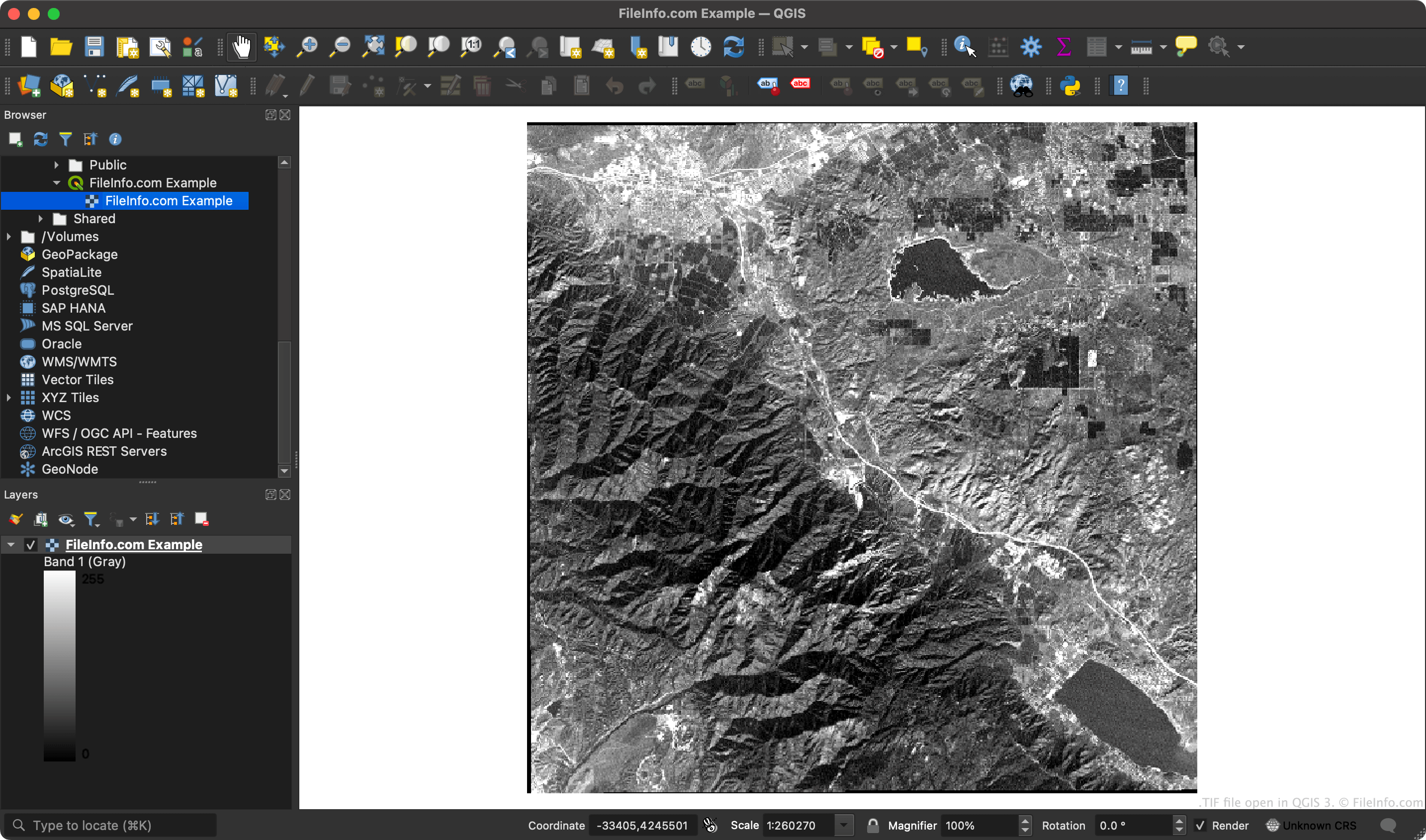
Da GeoTIFF-Dateien Koordinaten enthalten, können GIS-Anwendungen bestimmte Bereiche des Rasterbilds den Breiten- und Längengradkoordinaten zuordnen.
HINWEIS: Das GeoTIFF-Format nutzt die erweiterbaren Funktionen der TIFF-Spezifikation, um dem Bild Metadaten als Tags hinzuzufügen.
So öffnen Sie eine TIF-Datei
Sie können eine TIF-Datei in ESRI ArcGIS Pro (Windows), OriginLab Origin (Windows), QGIS (mehrere Plattformen) und verschiedenen anderen GIS-Anwendungen öffnen.
Sie können eine TIF-Datei auch in jedem Bildbetrachter öffnen, der normale TIF-Dateien öffnen kann (z. B. Microsoft Photos oder Apple Preview). Bildbetrachter zeigen jedoch nicht die geografischen Daten an, die Ihre TIF-Datei enthält.