

.JPEG Dateiendung
JPEG-Bild
| Entwickler | Joint Photographic Experts Group |
| Beliebtheit |
4,0 | 620 Stimmen |
Was ist eine JPEG-Datei?
Eine JPEG-Datei ist ein Bild, das in einem komprimierten Grafikformat gespeichert ist, das von der Joint Photographic Experts Group (JPEG) standardisiert wurde. Es unterstützt bis zu 24-Bit-Farben und verwendet eine verlustbehaftete Komprimierung, die die Bildqualität bei starker Anwendung merklich verringern kann. Benutzer speichern digitale Fotos und Webgrafiken häufig als JPEG-Dateien.
Weitere Informationen
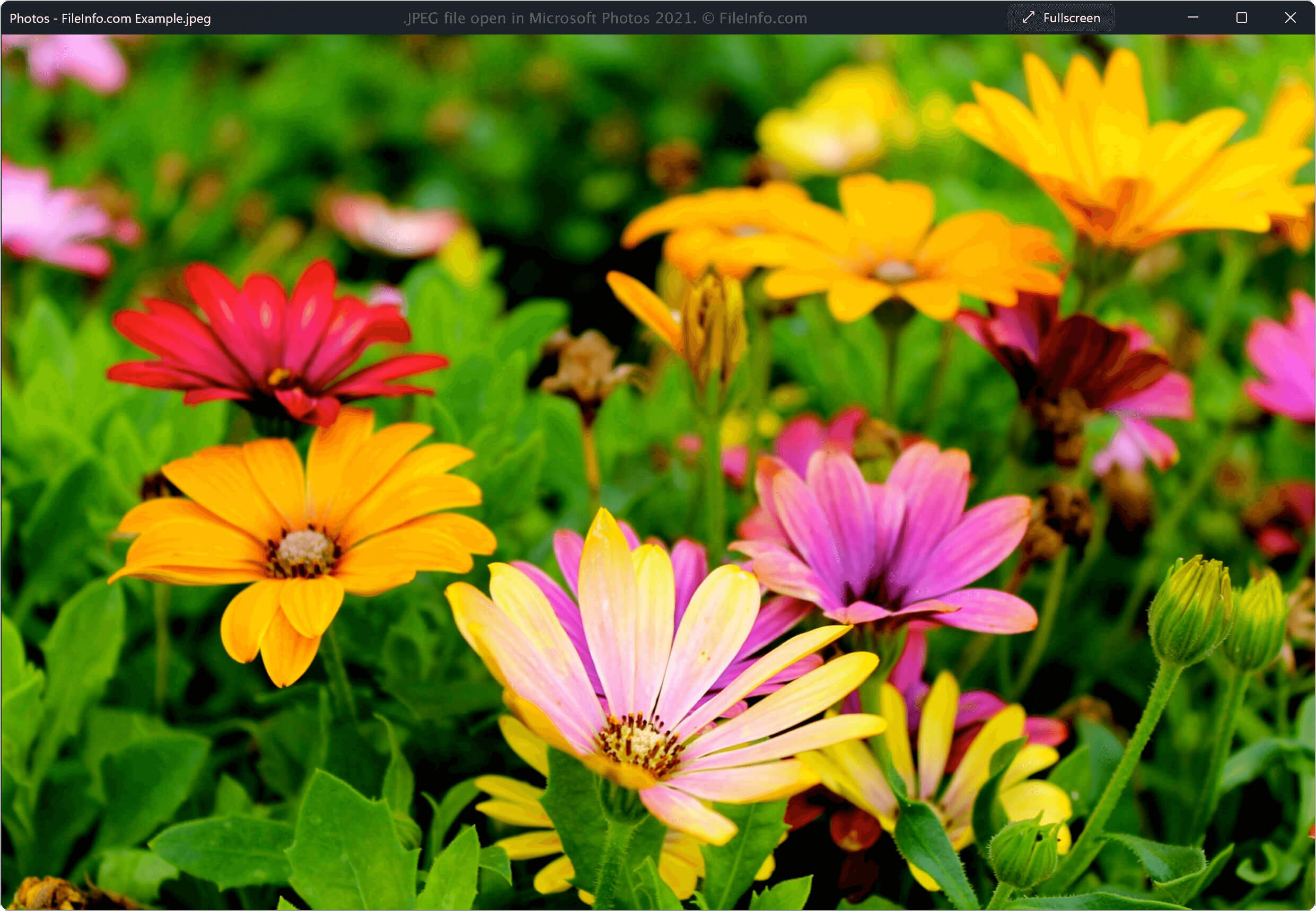
In den frühen 1980er-Jahren gab es keine Technologie, mit der Benutzer digitale Bilder einfach komprimieren und teilen konnten. 1982 begann die JPEG-Arbeitsgruppe mit der Entwicklung eines Komprimierungsstandards, um die Größe von Bilddateien zu reduzieren und sie dadurch leichter teilbar zu machen, während möglichst viel ihrer Qualität erhalten blieb.
1992 entwickelte die Arbeitsgruppe das JPEG-Dateiformat, und viele Technologien übernahmen das Format. Seitdem ist es zum gängigsten Bildkomprimierungsstandard geworden und ermöglicht es Benutzern, teilbare Bilddateien mit hoher Qualität zu erstellen.
Weitere Informationen zum JPEG-Format
Das JPEG-Format verwendet einen verlustbehafteten Komprimierungsalgorithmus, um die Größe von Bildern zu reduzieren. Der Komprimierungsalgorithmus zerstört einige Daten in der ursprünglichen Bilddatei. Der Datenverlust ist für das menschliche Auge jedoch größtenteils nicht wahrnehmbar. Das Format speichert außerdem Metadaten, die den Inhalt seiner Datei beschreiben, etwa den Farbraum, das Farbprofil und Informationen zu den Bildabmessungen.
HINWEIS: Bilddateien, die im JPEG-Format gespeichert sind, erhalten häufiger die Erweiterung .JPG als die JPEG-Erweiterung.
So öffnen Sie eine JPEG-Datei
Sie können eine JPEG-Datei mit einer großen Auswahl kostenloser und kommerzieller Bildanzeige- und -bearbeitungsprogramme öffnen, die für Desktop- und Mobilplattformen verfügbar sind. Zu den Optionen gehören:
- Microsoft Photos (Windows)
- Apple Preview (Mac)
- Adobe Photoshop (Windows, Mac)
- Corel PaintShop Pro (Windows)
- Google Photos (plattformübergreifend)
HINWEIS: Sie können eine JPEG-Datei auch mit einem Webbrowser anzeigen, indem Sie sie per Drag-and-drop in das Browserfenster ziehen.
So konvertieren Sie eine JPEG-Datei
Viele Bildanzeige- und -bearbeitungsprogramme, darunter Microsoft Photos, Apple Preview und Corel PaintShop Pro, können JPEG-Dateien in andere Formate konvertieren.
Microsoft Photos kann JPEG-Dateien beispielsweise in die folgenden Formate konvertieren: