

.JPEG Bestandsextensie
JPEG-afbeelding
| Ontwikkelaar | Joint Photographic Experts Group |
| Populariteit |
4,0 | 620 stemmen |
Wat is een JPEG-bestand?
Een JPEG-bestand is een afbeelding die is opgeslagen in een gecomprimeerd grafisch formaat dat is gestandaardiseerd door de Joint Photographic Experts Group (JPEG). Het ondersteunt maximaal 24-bits kleur en maakt gebruik van compressie met verlies, waardoor de beeldkwaliteit merkbaar kan afnemen als er veel compressie wordt toegepast. Gebruikers slaan digitale foto's en webafbeeldingen vaak op als JPEG-bestanden.
Meer informatie
Begin jaren tachtig was er geen technologie waarmee gebruikers digitale afbeeldingen eenvoudig konden comprimeren en delen. In 1982 begon de JPEG-werkgroep met het ontwerpen van een compressiestandaard om de grootte van afbeeldingsbestanden te verkleinen, zodat ze gemakkelijker konden worden gedeeld en daarbij zoveel mogelijk van hun kwaliteit behielden.
In 1992 creëerde de werkgroep de JPEG-bestandsindeling, waarna veel technologieën deze indeling overnamen. Sindsdien is het de meest gebruikte standaard voor beeldcompressie geworden en kunnen gebruikers hiermee deelbare afbeeldingen van hoge kwaliteit maken.
Meer informatie over de JPEG-indeling
De JPEG-indeling maakt gebruik van een compressiealgoritme met verlies om de grootte van afbeeldingen te verkleinen. Het compressiealgoritme verwijdert bepaalde gegevens uit het oorspronkelijke afbeeldingsbestand. Het gegevensverlies is echter grotendeels onzichtbaar voor het menselijk oog. De indeling slaat ook metagegevens op die de inhoud van het bestand beschrijven, zoals de kleurruimte, het kleurprofiel en informatie over de afmetingen van de afbeelding.
OPMERKING: Afbeeldingsbestanden die in de JPEG-indeling zijn opgeslagen, krijgen vaker de extensie .JPG dan de JPEG-extensie.
Een JPEG-bestand openen
Je kunt een JPEG-bestand openen met een groot aantal gratis en commerciële toepassingen voor het bekijken en bewerken van afbeeldingen die beschikbaar zijn voor desktop- en mobiele platforms. Enkele opties zijn:
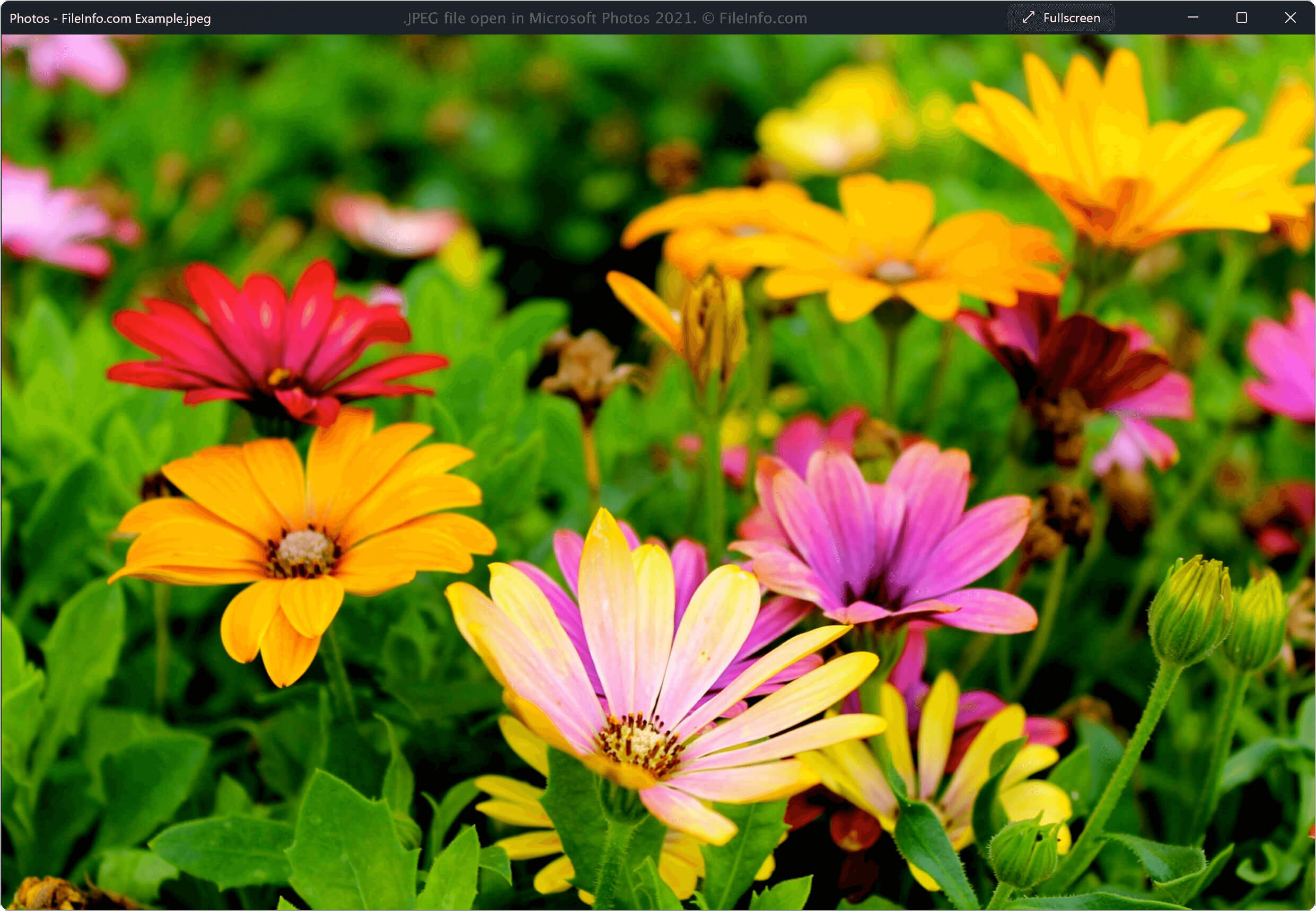
- Microsoft Photos (Windows)
- Apple Preview (Mac)
- Adobe Photoshop (Windows, Mac)
- Corel PaintShop Pro (Windows)
- Google Photos (meerdere platforms)
OPMERKING: Je kunt een JPEG-bestand ook met een webbrowser bekijken door het naar het browservenster te slepen.
Een JPEG-bestand converteren
Veel programma's voor het bekijken en bewerken van afbeeldingen, waaronder Microsoft Photos, Apple Preview en Corel PaintShop Pro, kunnen JPEG-bestanden naar andere indelingen converteren.
Microsoft Photos kan JPEG-bestanden bijvoorbeeld converteren naar de volgende indelingen: