

.JPEG Přípona souboru
Obrázek JPEG
| Vývojář | Joint Photographic Experts Group |
| Popularita |
4,0 | 620 hlasů |
Co je soubor JPEG?
Soubor JPEG je obrázek uložený v komprimovaném grafickém formátu standardizovaném skupinou Joint Photographic Experts Group (JPEG). Podporuje až 24bitové barvy a využívá ztrátovou kompresi, která může při použití vysoké míry komprese výrazně snížit kvalitu obrázku. Uživatelé běžně ukládají digitální fotografie a webovou grafiku jako soubory JPEG.
Další informace
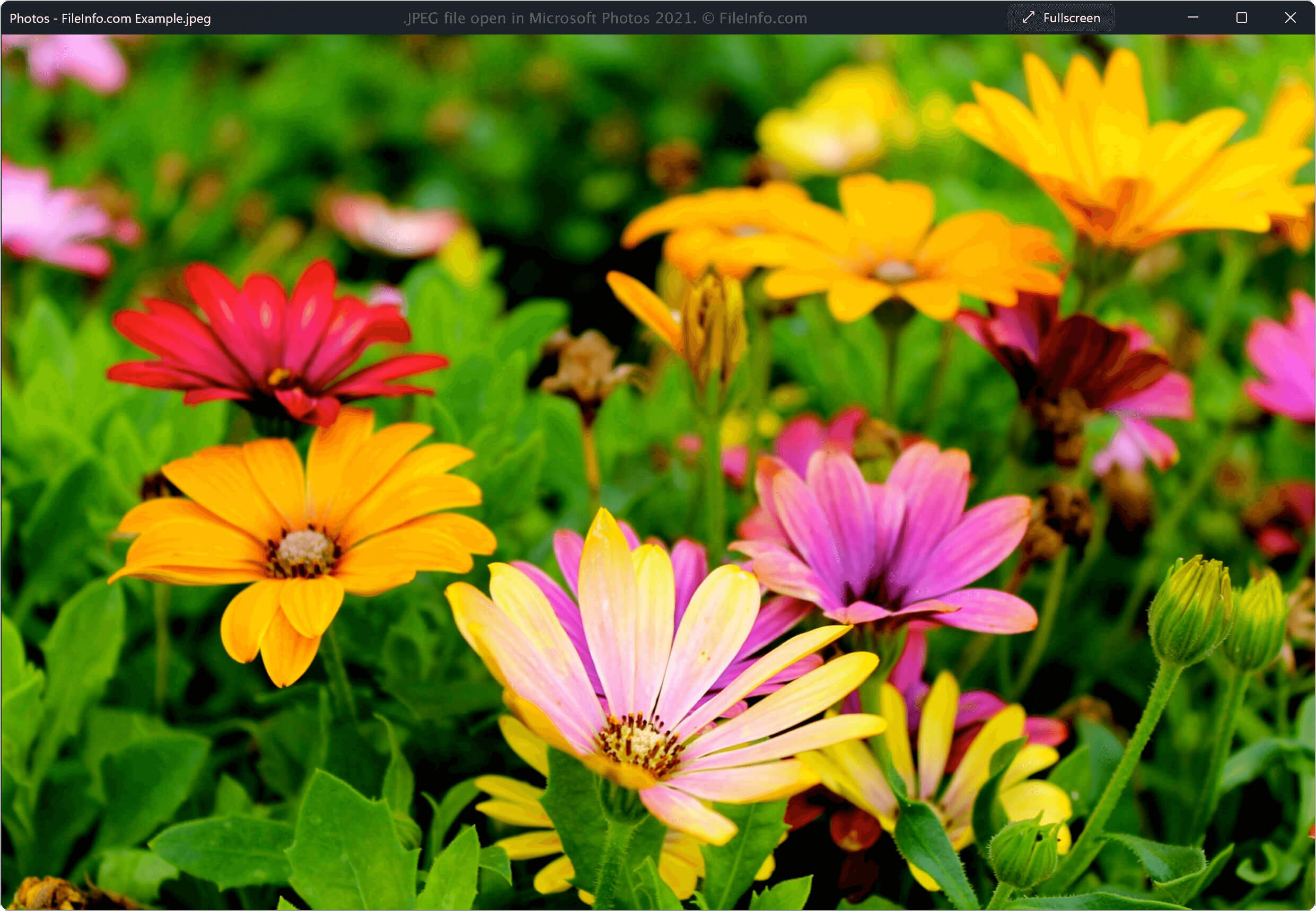
Na začátku 80. let 20. století neexistovala technologie, která by uživatelům umožňovala snadno komprimovat a sdílet digitální obrázky. V roce 1982 začala pracovní skupina JPEG navrhovat kompresní standard pro zmenšení velikosti obrazových souborů, aby se daly snadněji sdílet a přitom si zachovaly co nejvyšší možnou kvalitu.
V roce 1992 pracovní skupina vytvořila formát souborů JPEG a mnoho technologií tento formát přijalo. Od té doby se stal nejběžnějším standardem pro kompresi obrázků a umožňuje uživatelům vytvářet snadno sdílené obrázky ve vysoké kvalitě.
Další informace o formátu JPEG
Formát JPEG využívá algoritmus ztrátové komprese ke zmenšení velikosti obrázků. Kompresní algoritmus odstraní část dat z původního obrazového souboru; ztráta dat je však pro lidské oko většinou nepostřehnutelná. Formát také ukládá metadata popisující obsah souboru, například informace o barevném prostoru, barevném profilu a rozměrech obrázku.
POZNÁMKA: Obrazové soubory uložené ve formátu JPEG mají častěji příponu .JPG než příponu JPEG.
Jak otevřít soubor JPEG
Soubor JPEG můžete otevřít pomocí velkého množství bezplatných i komerčních aplikací pro prohlížení a úpravu obrázků, které jsou dostupné pro stolní počítače i mobilní platformy. Mezi možnosti patří:
- Microsoft Photos (Windows)
- Apple Preview (Mac)
- Adobe Photoshop (Windows, Mac)
- Corel PaintShop Pro (Windows)
- Google Photos (více platforem)
POZNÁMKA: Soubor JPEG můžete také zobrazit ve webovém prohlížeči tak, že jej přetáhnete do okna prohlížeče.
Jak převést soubor JPEG
Mnoho programů pro prohlížení a úpravu obrázků, včetně Microsoft Photos, Apple Preview a Corel PaintShop Pro, dokáže převádět soubory JPEG do jiných formátů.
Microsoft Photos může například převádět soubory JPEG do následujících formátů: