

.BMP Bestandsextensie
Bitmapafbeelding
| Ontwikkelaar | Microsoft |
| Populariteit |
3,9 | 467 stemmen |
Wat is een BMP-bestand?
Een BMP-bestand is een afbeelding die is opgeslagen in de indeling Bitmap (BMP) rasterafbeelding, ontwikkeld door Microsoft. Het bevat ongecomprimeerde afbeeldingsgegevens die monochrome en kleurenafbeeldingen met verschillende kleurdiepten en afbeeldings-metagegevens ondersteunen. Gebruikers slaan digitale foto's vaak op als BMP-bestanden.
Meer informatie
Microsoft ontwikkelde de BMP-indeling, ook bekend als de indeling Device Independent Bitmap (DIB), om afbeeldingen op te slaan die er op verschillende apparaten hetzelfde uitzien. De BMP-indeling begint met een bestandskop, met daarin de bitmap-id, bestandsgrootte, breedte, hoogte, gegevenscompressiemethode (optioneel), kleuropties en het beginpunt van de bitmapgegevens. Na de kop slaat de indeling onbewerkte afbeeldingsgegevens van pixels en optionele ICC-kleurprofielgegevens op.
OPMERKING: Omdat BMP-bestanden niet zijn gecomprimeerd, kunnen ze groot zijn. Daarom zijn de afbeeldingsindelingen JPEG en PNG veelgebruikte alternatieven voor de BMP-indeling voor het opslaan en overbrengen van digitale afbeeldingen.
Een BMP-bestand openen
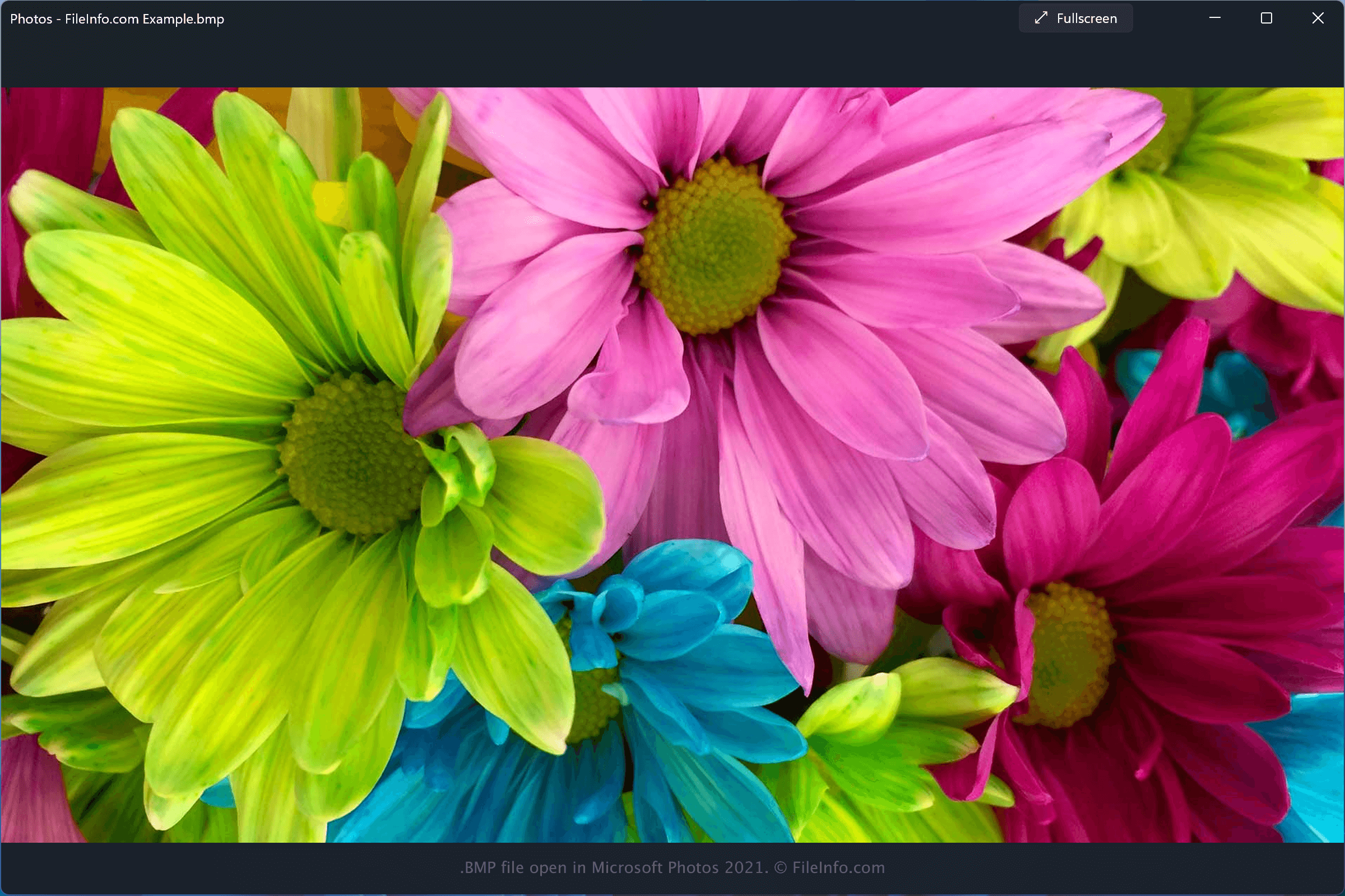
Je kunt BMP-bestanden openen met verschillende programma's, waaronder Microsoft Photos, dat bij Windows wordt geleverd, en Apple Preview of Apple Photos, die beide bij macOS worden geleverd.
Je kunt BMP-bestanden ook openen met een groot aantal andere afbeeldings- en grafische toepassingen:
- Adobe Photoshop, beschikbaar voor Windows en macOS.
- Adobe Illustrator, beschikbaar voor Windows en macOS.
- CorelDRAW, beschikbaar voor Windows en macOS.
- ACD Systems Canvas, beschikbaar voor Windows.
OPMERKING: Veel van deze programma's kunnen afbeeldingen ook exporteren als BMP-bestanden.
Een BMP-bestand converteren
Verschillende afbeeldingsviewers en -bewerkingsprogramma's, waaronder Microsoft Photos, Apple Preview en CorelDRAW Graphics Suite, kunnen BMP-bestanden naar andere indelingen converteren.
Microsoft Photos kan BMP-bestanden bijvoorbeeld converteren naar de volgende indelingen: