

.TIF Extension de fichier
Fichier image balisé
| Développeur | Adobe Systems |
| Popularité |
3,5 | 281 Votes |
Qu'est-ce qu'un fichier TIF ?
Un fichier TIF est une image enregistrée au format Tagged Image File Format (TIFF), un format graphique de haute qualité. Il est souvent utilisé pour stocker des images comportant de nombreuses couleurs, généralement des photos numériques, et prend en charge les calques et les pages multiples.
Plus d'informations
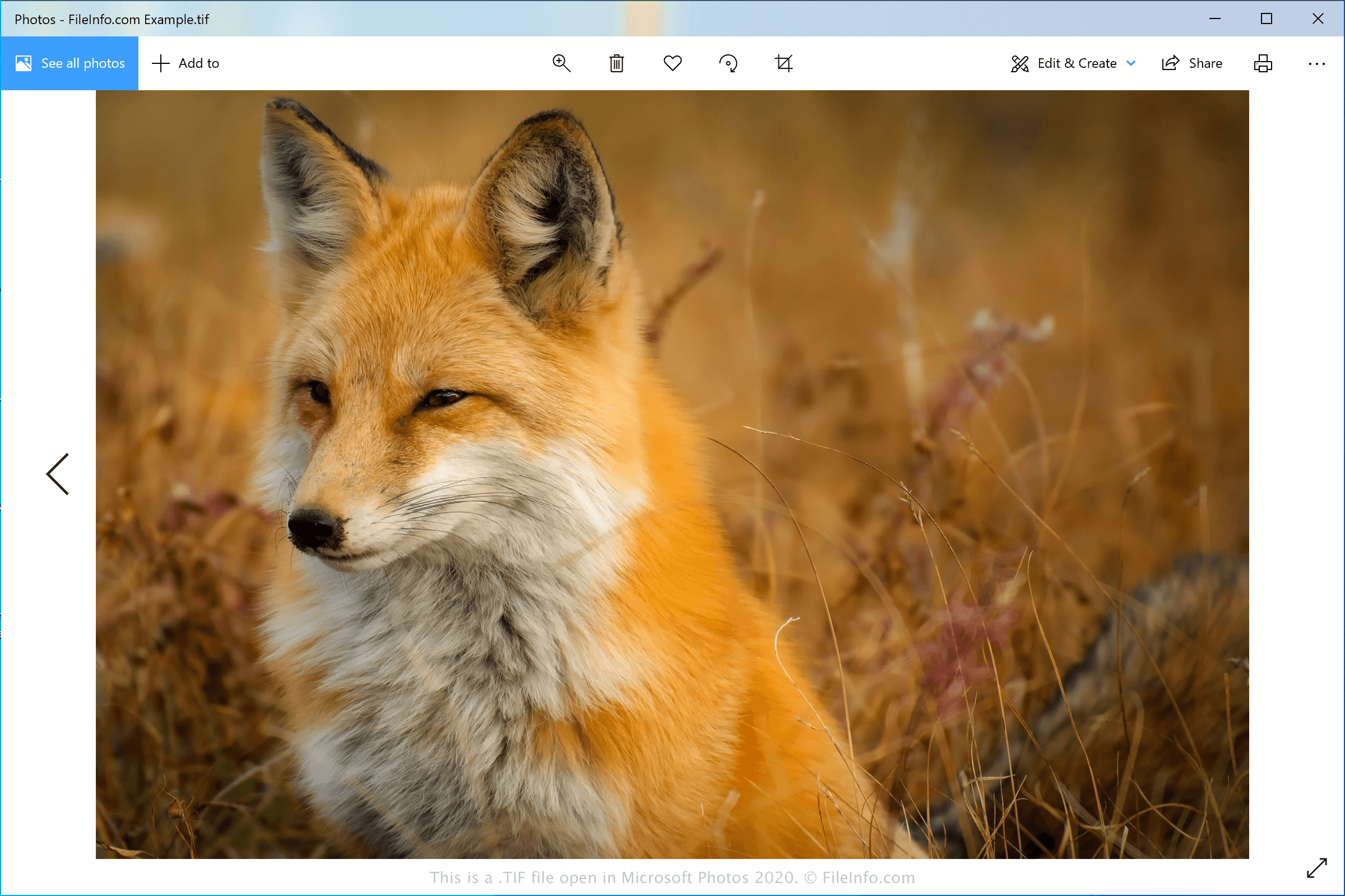
Le format TIFF a été développé au milieu des années 1980 par Aldus Corporation (qui a fusionné avec Adobe Systems en 1994) afin de créer un format d'image universel pour différentes plateformes informatiques et différents scanners de documents. Le format est devenu populaire auprès des professionnels du secteur de l'édition, notamment des photographes et des graphistes. Sa popularité s'explique en partie par sa capacité à être modifié et enregistré à nouveau sans perte de qualité d'image.
Les fichiers TIF peuvent être enregistrés dans un format non compressé (sans perte) ou peuvent intégrer une compression .JPEG (avec perte). Ils peuvent également utiliser la compression LZW sans perte, qui réduit la taille du fichier TIF sans réduire la qualité de l'image.
REMARQUE : Les fichiers TIF peuvent également utiliser l'extension .TIFF.
Comment ouvrir un fichier TIF
Vous pouvez ouvrir un fichier TIF avec différents éditeurs d'images, car le format TIFF est courant chez les professionnels des arts graphiques. Parmi les applications prenant en charge ce format figurent Microsoft Photos (Windows), CorelDRAW Graphics Suite (Windows et macOS), ACD Systems ACDSee Photo Studio (Windows), Adobe Photoshop (Windows et macOS) et Apple Preview (fourni avec macOS).
REMARQUE : Vous pouvez également ouvrir des fichiers TIF avec Google Photos dans un navigateur web, sur Chrome OS et sur les appareils Android et iOS.
Comment convertir un fichier TIF
Plusieurs visionneuses et éditeurs d'images, notamment Microsoft Photos, Apple Preview et Adobe Photoshop, peuvent convertir les fichiers TIF en d'autres formats d'image.
Par exemple, Microsoft Photos peut convertir les fichiers TIF dans les formats suivants :
Programmes qui ouvrent les fichiers TIF
Image GeoTIFF
| Développeur | Adobe Systems |
| Popularité |
3,2 | 50 Votes |
Un fichier TIF est une image géospatiale compatible avec le format TIFF, créée au format GeoTIFF. Il contient des données géographiques ou cartographiques intégrées sous forme de balises dans le fichier. Les fichiers TIF permettent aux utilisateurs d'intégrer des données SIG sans s'écarter du format TIFF (Tagged Image File Format).
Plus d'informations
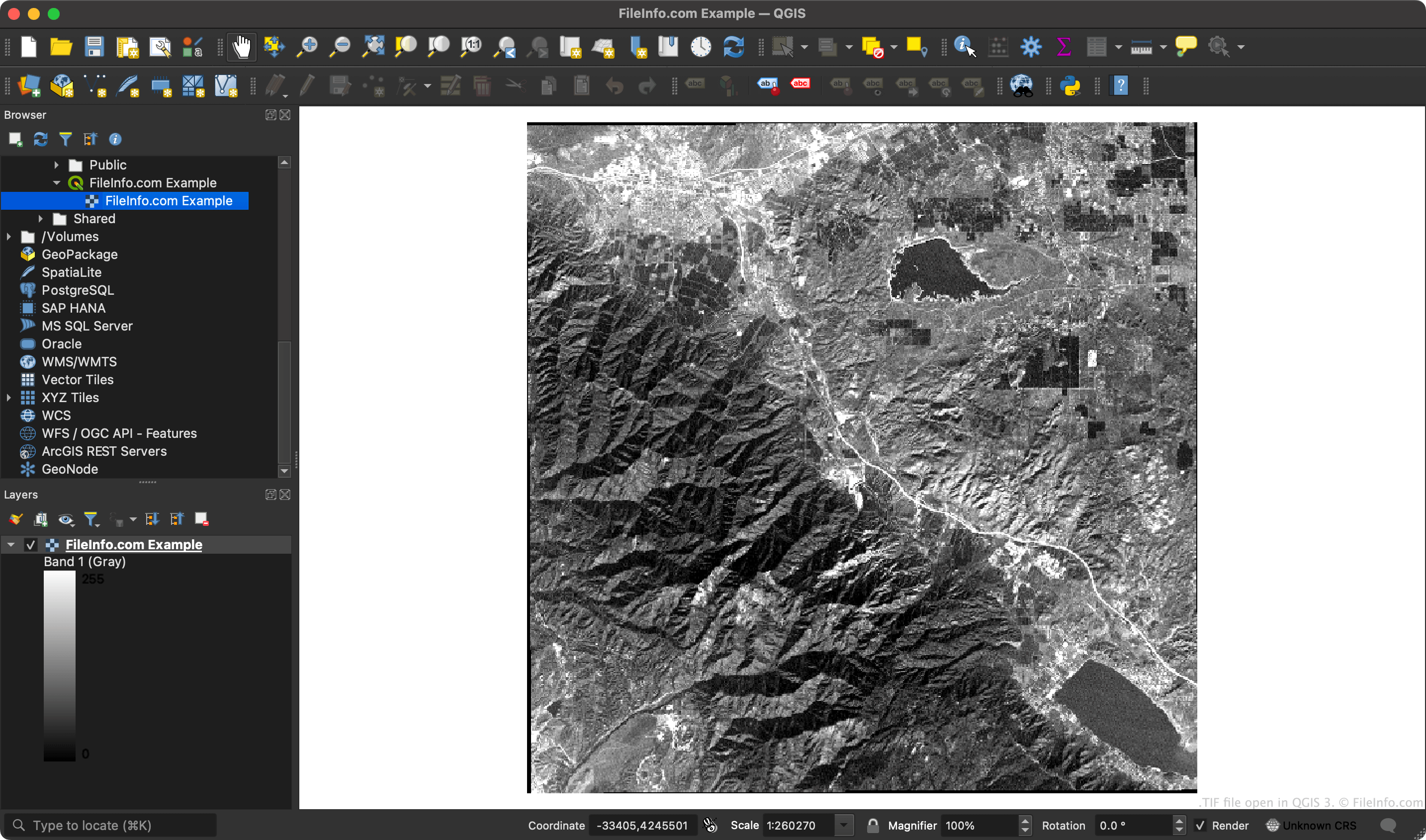
Comme les fichiers GeoTIFF contiennent des coordonnées, les applications SIG peuvent associer des régions spécifiques de l'image matricielle à des coordonnées de latitude et de longitude.
REMARQUE : Le format GeoTIFF utilise les fonctionnalités extensibles de la spécification TIFF pour ajouter des métadonnées balisées à l'image.
Comment ouvrir un fichier TIF
Vous pouvez ouvrir un fichier TIF avec ESRI ArcGIS Pro (Windows), OriginLab Origin (Windows), QGIS (multiplateforme) et plusieurs autres applications SIG.
Vous pouvez également ouvrir un fichier TIF avec n'importe quelle visionneuse d'images capable d'ouvrir des fichiers TIF standard (comme Microsoft Photos ou Apple Preview). Cependant, les visionneuses d'images n'afficheront pas les données géographiques contenues dans votre fichier TIF.