.PNG 文件扩展名

Portable Network Graphic

开发者 PNG Development Group
受欢迎程度
4.2  |  1804 
 
🔍使用File Helper直接在您的网络浏览器中打开 .PNG 文件在线查看

什么是 PNG 文件?

A PNG file is an image saved in the Portable Network Graphic (PNG) format, commonly used to store web graphics, digital photographs, and images with transparent backgrounds. It is a raster graphic similar to a .JPG image but is compressed with lossless compression and supports transparency.

更多信息

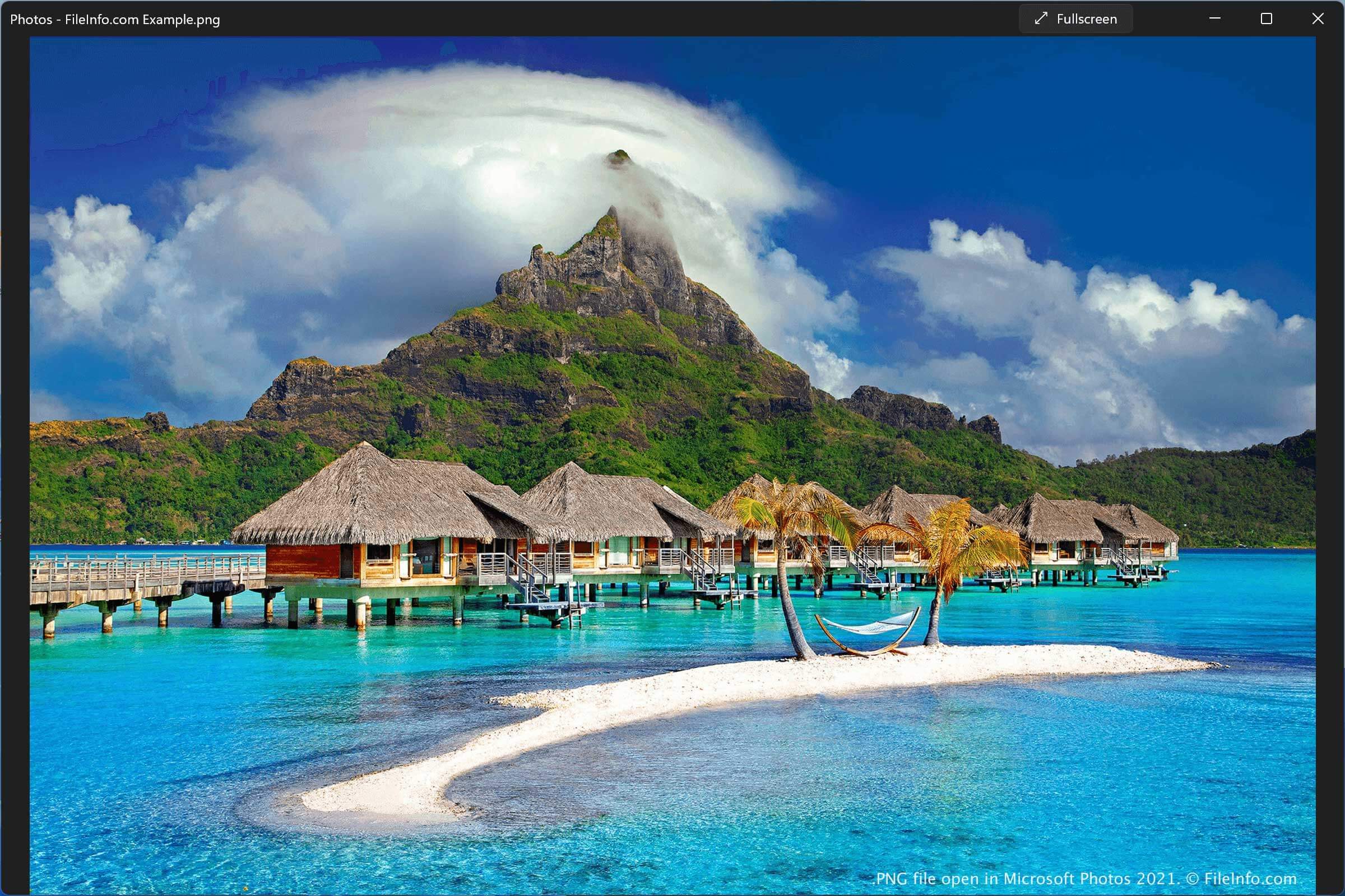
在 Microsoft Photos 2021 中打开的 .png 文件截图
在 Microsoft Photos 2021 中打开的 PNG 文件

PNG is one of the most common image formats, along with JPEG, GIF, TIFF, and EPS. Examples of when you might encounter a PNG file include:

  • Downloading an image from the Internet or an image attached to an email
  • Saving a digital photograph with an image editor, such as a logo or icon designed by a graphics professional or web designer
  • Taking a screenshot in Windows or macOS 10.4 and later (Ubuntu Linux also stores print screen screenshots in the PNG format)

Why the PNG format was created

PNG was created in 1995 to be a free alternative to the GIF format for transferring images on the web. It improved upon the limitations of the GIF format, which supported a limited number of colors and included a patent license. Additionally, while GIF images only support fully opaque or fully transparent pixels, PNG images may include an 8-bit transparency channel, which allows the image colors to fade from opaque to transparent.

Other PNG features include support for indexed (palette-based) 24-bit RGB or 32-bit RGBA (RGB with a fourth alpha channel) color images. The format also supports full-color, non-indexed RGB or RGBA images and grayscale images.

While the PNG format became more widely used than GIF, PNG is a single-image format, whereas GIF supports multiple images. The GIF format allowed users to save simple animations as GIF files and led to the format's resurgence online, especially on social media. In response to this limitation, the PNG Development Group created the Multiple-image Network Graphics (.MNG) format in 2001, but it was not widely adopted like the GIF format.

常见 .PNG 文件名

Screen Shot YYYY-MM-DD at HH.MM.SS PM.png - The name given to screenshots taken in macOS, where a timestamp is included in the filename.

如何打开 PNG 文件

You can open PNG images with many free and commercial programs, including most image editors, video editors, and web browsers. Windows and macOS also come bundled with programs that support PNG images, such as Microsoft Photos and Apple Preview.

如何转换 PNG 文件

Many image editors, including Microsoft Paint, Apple Preview, and Corel PaintShop Pro, can convert PNG files to other formats.

For example, Microsoft Paint can convert PNG files to the following formats:

  • .JPG - JPEG Image
  • .JFIF - JPEG File Interchange Format
  • .GIF - Graphical Interchange Format
  • .TIF - Tagged Image File Format
  • .BMP - Bitmap Image
  • .HEIC - High Efficiency Image Format
  • .DIB - Device Independent Bitmap

可打开 PNG 文件的程序

Mac
操作系统自带
操作系统自带
操作系统自带
免费
Linux
免费
免费
Web
iOS
操作系统自带
操作系统自带
Chrome OS
操作系统自带

验证者 FileInfo.com

FileInfo.com 团队 独立研究了本页面列出的 Portable Network Graphic 文件格式和 Mac, Windows, Linux, Android, and iOS 应用。 我们的目标是达到 100% 的准确率,并且仅发布我们已验证过的文件类型信息。

如果您想为此页面提出新增或更新建议,请告诉我们