

.PNG 파일 확장자
Portable Network Graphic
| 개발사 | PNG Development Group |
| 인기도 |
4.2 | 1809 표 |
PNG 파일이란 무엇인가요?
PNG 파일은 웹 그래픽, 디지털 사진, 투명한 배경이 있는 이미지를 저장하는 데 일반적으로 사용되는 Portable Network Graphic (PNG) 형식으로 저장된 이미지입니다. 래스터 그래픽의 일종으로 .JPG 이미지와 비슷하지만 무손실 압축으로 압축되며 투명도를 지원합니다.
추가 정보
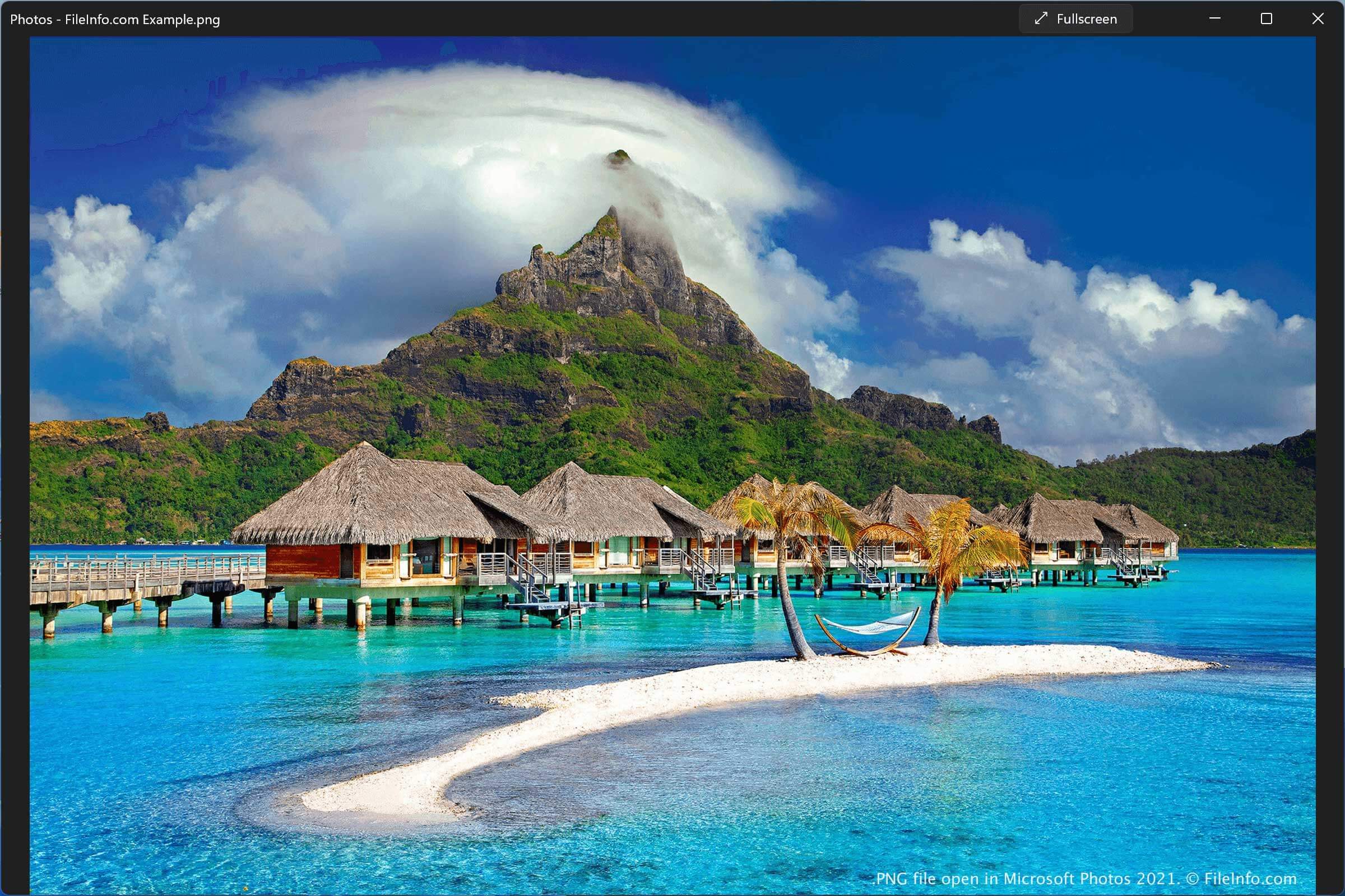
PNG는 JPEG, GIF, TIFF, EPS와 함께 가장 일반적인 이미지 형식 중 하나입니다. PNG 파일을 접하게 되는 경우의 예는 다음과 같습니다.
- 인터넷에서 이미지를 다운로드하거나 이메일에 첨부된 이미지를 다운로드하는 경우
- 이미지 편집기로 디지털 사진을 저장하는 경우. 예를 들어 그래픽 전문가나 웹 디자이너가 만든 로고 또는 아이콘을 저장하는 경우
- Windows 또는 macOS 10.4 이상에서 스크린샷을 찍는 경우(Ubuntu Linux도 화면 인쇄 스크린샷을 PNG 형식으로 저장함)
PNG 형식이 만들어진 이유
PNG는 웹에서 이미지를 전송할 때 GIF 형식을 대신 사용할 수 있는 무료 형식으로 1995년에 만들어졌습니다. 제한된 수의 색상만 지원하고 특허 라이선스가 포함되어 있던 GIF 형식의 한계를 개선했습니다. 또한 GIF 이미지는 완전히 불투명하거나 완전히 투명한 픽셀만 지원하는 반면, PNG 이미지에는 8비트 투명도 채널을 포함할 수 있어 이미지 색상이 불투명한 상태에서 투명한 상태로 점차 변할 수 있습니다.
PNG의 다른 기능으로는 인덱스 방식(팔레트 기반)의 24비트 RGB 또는 32비트 RGBA(RGB와 네 번째 알파 채널을 함께 사용하는 방식) 색상 이미지를 지원하는 기능이 있습니다. 이 형식은 풀 컬러 비인덱스 방식 RGB 또는 RGBA 이미지와 그레이스케일 이미지도 지원합니다.
PNG 형식은 GIF보다 널리 사용되게 되었지만, PNG는 단일 이미지 형식인 반면 GIF는 여러 이미지를 지원합니다. GIF 형식을 사용하면 GIF 파일로 간단한 애니메이션을 저장할 수 있었고, 특히 소셜 미디어에서 이 형식이 온라인상에서 다시 널리 사용되기 시작했습니다. 이러한 한계에 대응하여 PNG Development Group은 2001년에 Multiple-image Network Graphics (.MNG) 형식을 만들었지만, GIF 형식처럼 널리 채택되지는 않았습니다.
일반적인 .PNG 파일 이름
Screen Shot YYYY-MM-DD at HH.MM.SS PM.png - macOS에서 찍은 스크린샷에 지정되는 이름으로, 파일 이름에 타임스탬프가 포함됩니다.
PNG 파일을 여는 방법
대부분의 이미지 편집기, 동영상 편집기, 웹 브라우저를 비롯한 여러 무료 및 상용 프로그램으로 PNG 이미지를 열 수 있습니다. Windows와 macOS에도 PNG 이미지를 지원하는 프로그램이 기본으로 포함되어 있으며, 여기에는 Microsoft Photos와 Apple Preview가 있습니다.