

.DCM Dateiendung
DICOM-Bild
| Entwickler | NEMA |
| Beliebtheit |
3,2 | 299 Stimmen |
Was ist eine DCM-Datei?
Eine DCM-Datei ist eine Bilddatei, die im DICOM-Bildformat (Digital Imaging and Communications in Medicine) gespeichert ist. Sie enthält ein medizinisches Bild, beispielsweise eine CT-Aufnahme oder Ultraschallaufnahme, und kann außerdem Patienteninformationen enthalten, um das Bild dem Patienten zuzuordnen.
Weitere Informationen
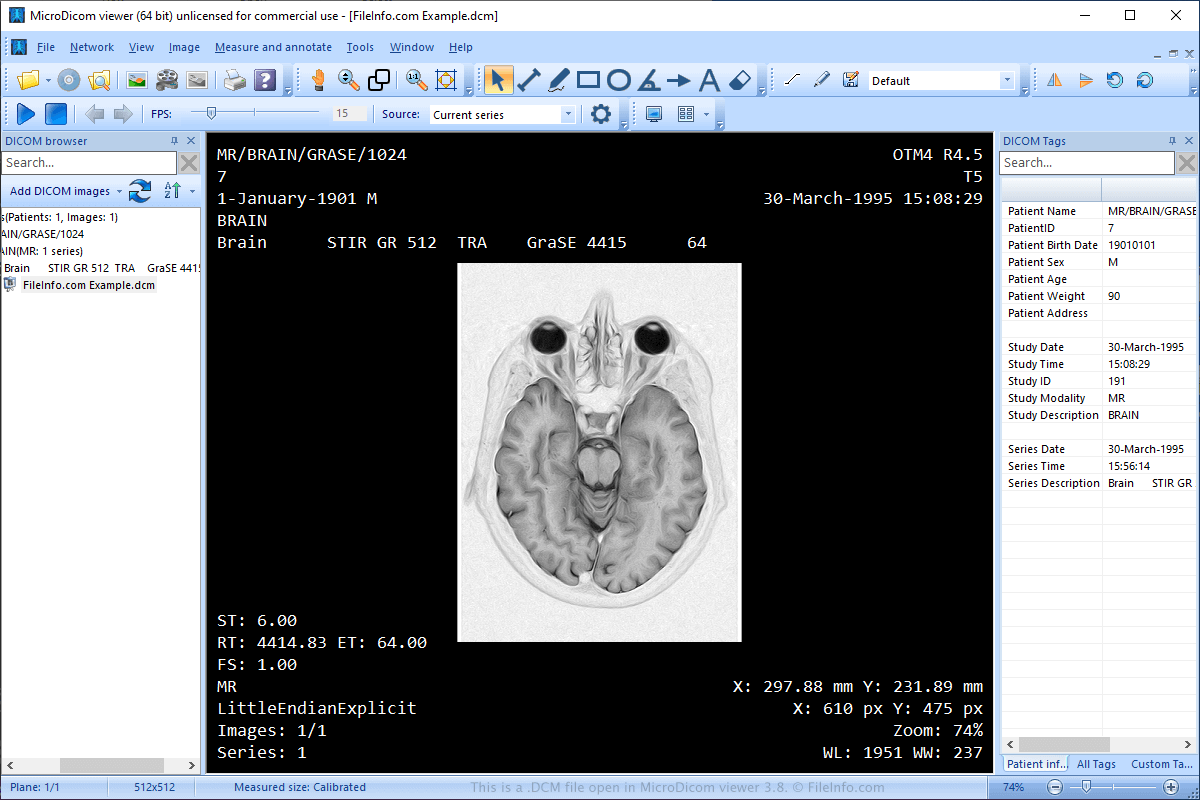
Die National Electrical Manufacturers Association (NEMA) hat das DICOM-Format entwickelt. NEMA veröffentlichte den ursprünglichen Standard 1983 und überarbeitete ihn in den 1990er- und 2000er-Jahren mehrmals.
Das Format hat sich zum Standard für das Speichern, Übertragen, Anzeigen, Verarbeiten und Drucken medizinischer Bilder wie MRT-Aufnahmen, CT-Aufnahmen und Ultraschallbilder entwickelt. Außerdem teilen Ärzte Bilder häufig über CDs oder per E-Mail mit anderen medizinischen Fachkräften und ihren Patienten.
HINWEIS: DCM-Dateien können auch als .DICOM-Dateien gespeichert werden.
So öffnen Sie eine DCM-Datei
Sie können DCM-Dateien mit verschiedenen Anwendungen öffnen, beispielsweise mit MicroDicom viewer (Windows), ezDICOM (Windows) und MeVisLab (plattformübergreifend). Sie können DCM-Dateien auch in einem Webbrowser zu View My Scans hochladen und die Bilder anzeigen.
So konvertieren Sie eine DCM-Datei
Verschiedene Anwendungen, darunter XnViewMP und Adobe Photoshop, können DCM-Dateien in andere Bildformate konvertieren.
Beispielsweise kann XnViewMP DCM-Dateien in viele Formate konvertieren, darunter die folgenden Dateitypen:
- .JPG, .JPEG - JPEG-Bild
- .JP2 - JPEG-2000-Kernbild
- .PNG - Portable-Network-Graphic
- .BMP - Bitmap-Bild
- .GIF - Graphics-Interchange-Format
- .PDF - Portable Document Format
- .TGA, .TARGA - Targa-Grafik
- .TIF, .TIFF - Tagged Image File Format
- .WEBP - WebP-Bild
- .PSD - Adobe-Photoshop-Dokument
- .DDS - Direct-Draw-Surface-Bild
- .EMF - Erweitertes Windows-Metafile
- .PS - PostScript-Datei
- .HEIC - Bildformat mit hoher Effizienz
Programme, die .DCM-Dateien öffnen
DiskCatalogMaker-Katalog
| Entwickler | Fujiwara Software |
| Beliebtheit |
2,9 | 108 Stimmen |
Eine DCM-Datei ist ein Dateikatalog, der von Fujiwara DiskCatalogMaker, einem Mac-Programm zur Katalogisierung und Organisation von Dateien, erstellt wird. Sie enthält eine Datenbank, in der die Namen, Speicherorte und andere Attribute von Dateien aufgelistet sind. Sie können eine DCM-Datei in DiskCatalogMaker öffnen, um die darin enthaltene Datenbank zu durchsuchen.
Weitere Informationen
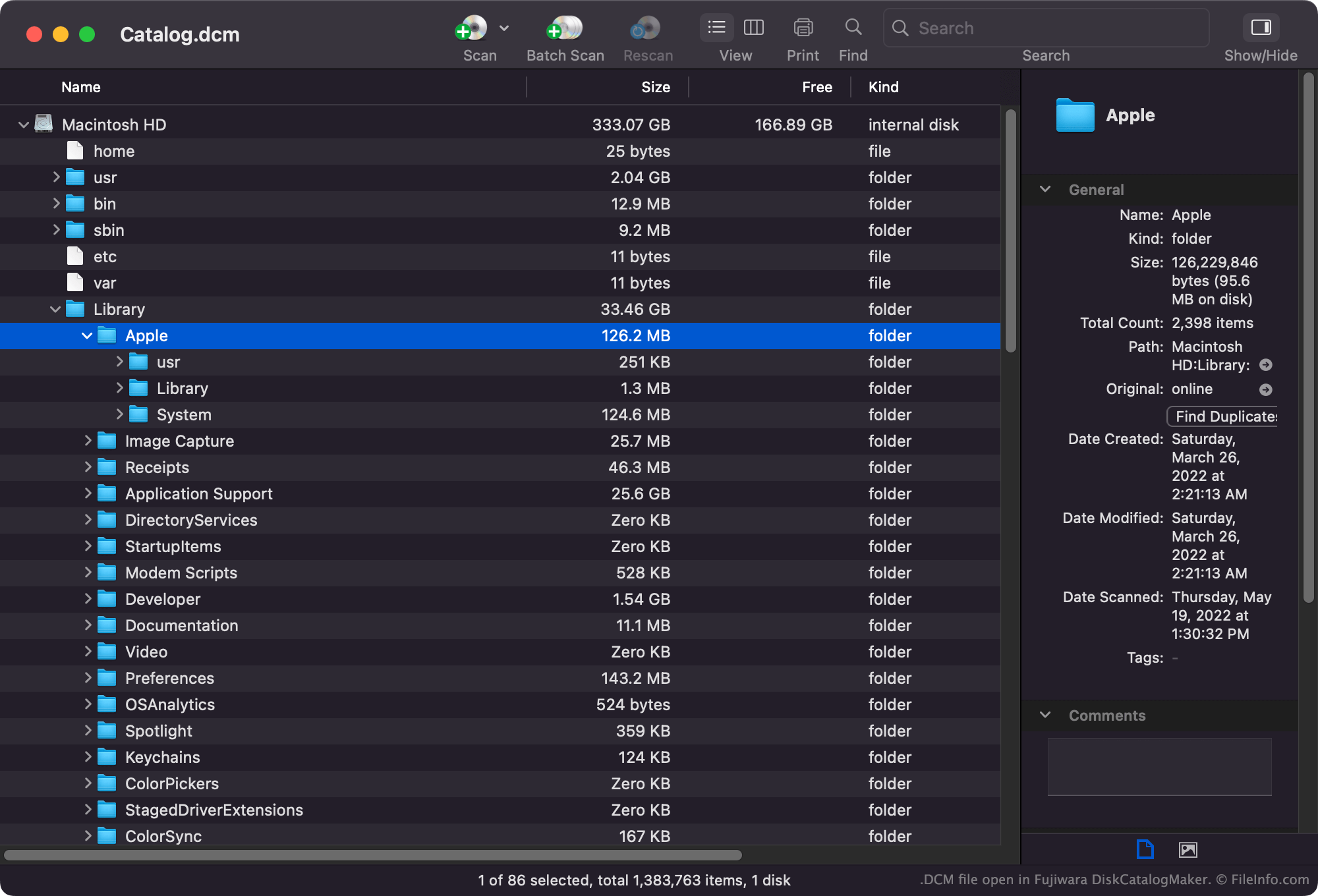
Mit DiskCatalogMaker können Mac-Benutzer die auf ihren Festplatten, Datenträgern und anderen Speichermedien gespeicherten Dateien katalogisieren. Anschließend können sie diese Kataloge anzeigen, durchsuchen und drucken, um herauszufinden, wo bestimmte Dateien gespeichert sind.
Am häufigsten werden DiskCatalogMaker-Kataloge als .DCMF- und .DCMD-Dateien gespeichert. Einige Kataloge werden jedoch im DCM-Format gespeichert.
Häufige .DCM-Dateinamen
Catalog.dcm - Der Standardname, den DiskCatalogManager der ersten von Ihnen erstellten DCM-Datei zuweist.
So öffnen Sie eine DCM-Datei
Sie können eine DCM-Datei in Fujiwara DiskCatalogMaker (Mac) öffnen. Wählen Sie in der Menüleiste des Programms aus und öffnen Sie anschließend Ihre DCM-Datei.