

.AAC Dateiendung
Advanced Audio Coding-Datei
| Entwickler | k. A. |
| Beliebtheit |
3,4 | 150 Stimmen |
Was ist eine AAC-Datei?
Eine AAC-Datei ist eine Audiodatei, die einer .MP3-Datei ähnelt, aber mit Advanced Audio Coding (AAC), einem verlustbehafteten Standard zur digitalen Audiokompression, komprimiert wird. Die verlustbehaftete Komprimierung erhält eine Qualität, die von der ursprünglichen Audioquelle nahezu nicht zu unterscheiden ist, und eignet sich daher optimal zum Komprimieren von Musikdaten.
Weitere Informationen
Verschiedene Unternehmen, darunter Nokia, LG Electronics, Dolby, Sony, Panasonic und NEC, entwickelten gemeinsam den AAC-Standard und halten ihn aktuell. Sie veröffentlichten ihn erstmals 1997, und die International Organization for Standardization (ISO) sowie die International Electrotechnical Commission (IEC) standardisierten ihn.
AAC bietet gegenüber MP3 mehrere Leistungsverbesserungen. Zu den Funktionen gehören eine höhere Codierungseffizienz für stationäre und transiente Signale, eine einfachere Filterbank und eine bessere Verarbeitung von Frequenzen über 16 kHz.
Verschiedene Geräte und Apps verwenden AAC als Standardmethode zum Codieren von Audiodaten. Beispiele sind das iPhone, Nintendo 3DS, der Apple iTunes Music Store, Apple Music und PlayStation 4.
HINWEIS: Obwohl die Erweiterung .aac manchmal für AAC-codierte Dateien verwendet wird, werden sie häufig mit der Dateierweiterung .M4A gespeichert.
So öffnen Sie eine AAC-Datei
Sie können eine AAC-Datei mit verschiedenen Audioplayern öffnen, darunter Microsoft Media Player (Windows) und Apple Music (Mac).
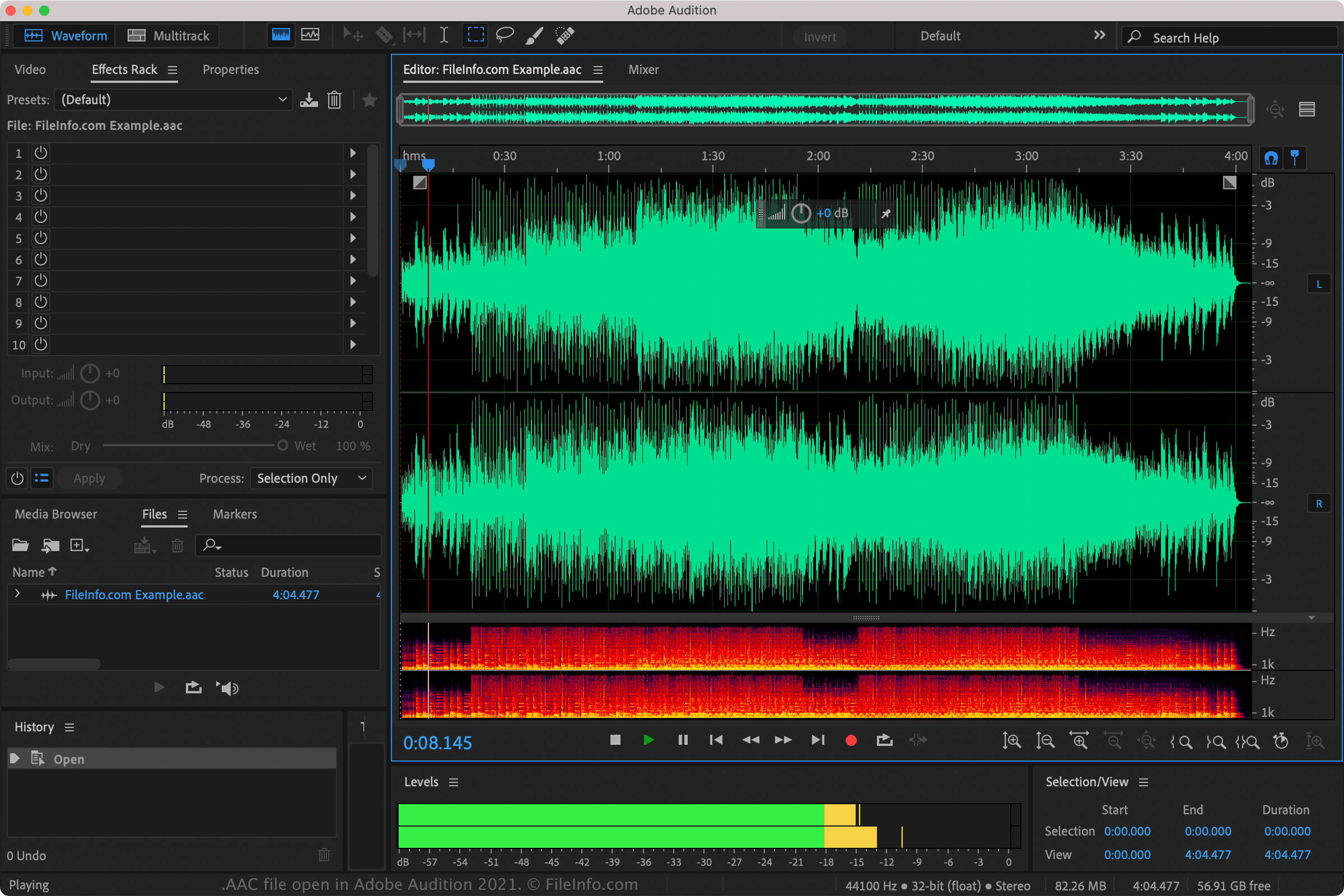
Sie können AAC-Dateien auch mit Nullsoft Winamp (Windows), VideoLAN VLC media player (mehrere Plattformen), Adobe Audition (mehrere Plattformen) und MPlayer (mehrere Plattformen) abspielen.
Mehrere mobile Apps unterstützen ebenfalls AAC-Dateien, darunter Apple Music (iOS), olimsoft OPlayer (Android) und Videolabs VLC for Android (Android).
So konvertieren Sie eine AAC-Datei
VideoLAN VLC media player, Adobe Audition und Audacity (mit installierter optionaler FFmpeg-Bibliothek des Programms) können AAC-Dateien in andere Audioformate konvertieren. VLC kann AAC-Dateien beispielsweise in folgende Formate konvertieren: