

.AAC Rozszerzenie pliku
Plik Advanced Audio Coding
| Deweloper | Brak danych |
| Popularność |
3,4 | 150 Głosów |
Czym jest plik AAC?
Plik AAC to plik audio podobny do pliku .MP3, ale skompresowany za pomocą standardu kompresji cyfrowego dźwięku Advanced Audio Coding (AAC), który wykorzystuje kompresję stratną. Kompresja stratna zachowuje jakość niemal nie do odróżnienia od oryginalnego źródła dźwięku, dzięki czemu idealnie nadaje się do kompresowania danych muzycznych.
Więcej informacji
Firmy takie jak Nokia, LG Electronics, Dolby, Sony, Panasonic i NEC wspólnie opracowały i utrzymują standard AAC. Początkowo wydały go w 1997 roku, a następnie został on ustandaryzowany przez Międzynarodową Organizację Normalizacyjną (ISO) i Międzynarodową Komisję Elektrotechniczną (IEC).
AAC oferuje kilka ulepszeń wydajności w porównaniu ze standardem MP3. Obejmują one między innymi wyższą wydajność kodowania sygnałów stacjonarnych i przejściowych, prostszy bank filtrów oraz lepszą obsługę częstotliwości powyżej 16 kHz.
Różne urządzenia i aplikacje używają AAC jako domyślnej metody kodowania dźwięku. Należą do nich iPhone, Nintendo 3DS, sklep Apple iTunes Music Store, Apple Music i PlayStation 4.
UWAGA: Chociaż rozszerzenie .aac jest czasami używane w przypadku plików zakodowanych w formacie AAC, często są one zapisywane z rozszerzeniem .M4A.
Jak otworzyć plik AAC
Plik AAC można otworzyć w różnych odtwarzaczach audio, w tym w programie Microsoft Media Player (Windows) i aplikacji Apple Music (Mac).
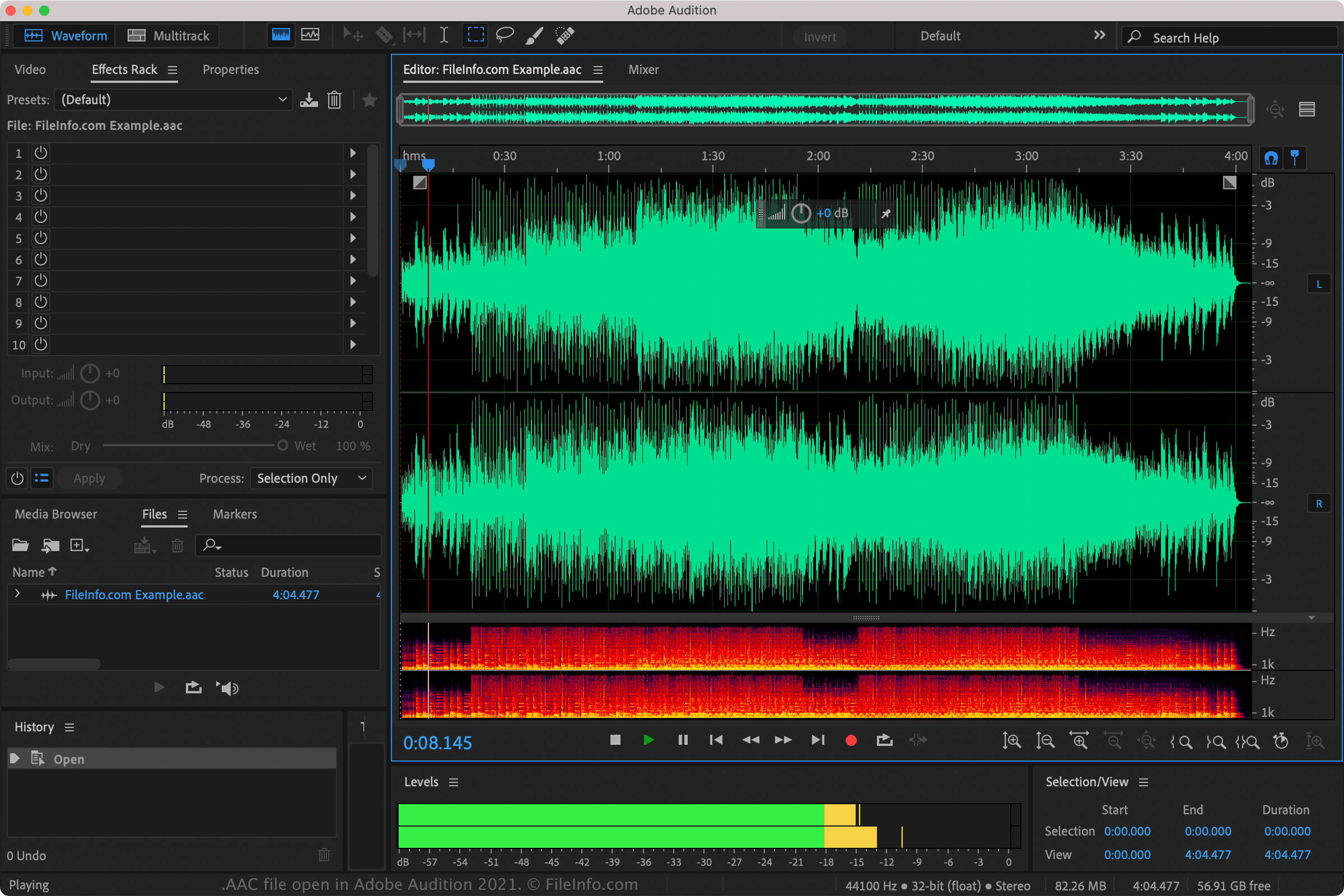
Pliki AAC można również odtwarzać za pomocą programów Nullsoft Winamp (Windows), VideoLAN VLC media player (wiele platform), Adobe Audition (wiele platform) oraz MPlayer (wiele platform).
Pliki AAC obsługuje również kilka aplikacji mobilnych, w tym Apple Music (iOS), olimsoft OPlayer (Android) i Videolabs VLC for Android (Android).
Jak przekonwertować plik AAC
Programy VideoLAN VLC media player, Adobe Audition i Audacity (z zainstalowaną opcjonalną biblioteką FFmpeg programu) mogą konwertować pliki AAC na inne formaty audio. Na przykład VLC może konwertować pliki AAC do: