

.AAC Estensione file
File Advanced Audio Coding
| Sviluppatore | N/D |
| Popolarità |
3,4 | 150 Voti |
Che cos'è un file AAC?
Un file AAC è un file audio simile a un .MP3 ma compresso con Advanced Audio Coding (AAC), uno standard di compressione audio digitale con perdita. La compressione con perdita mantiene una qualità quasi indistinguibile da quella della sorgente audio originale, rendendola ottimale per comprimere i dati musicali.
Maggiori informazioni
Diverse aziende, tra cui Nokia, LG Electronics, Dolby, Sony, Panasonic e NEC, hanno sviluppato e mantengono congiuntamente lo standard AAC. Lo hanno inizialmente pubblicato nel 1997, quindi l'International Organization for Standardization (ISO) e l'International Electrotechnical Commission (IEC) lo hanno standardizzato.
AAC offre diversi miglioramenti delle prestazioni rispetto a MP3. Tra le sue caratteristiche figurano una maggiore efficienza di codifica per i segnali stazionari e transitori, un banco di filtri più semplice e una migliore gestione delle frequenze superiori a 16 kHz.
Diversi dispositivi e app utilizzano AAC come metodo predefinito per la codifica audio. Tra gli esempi figurano iPhone, Nintendo 3DS, Apple iTunes Music Store, Apple Music e PlayStation 4.
NOTA: Sebbene l'estensione .aac venga talvolta utilizzata per i file codificati con AAC, questi vengono spesso salvati con l'estensione .M4A.
Come aprire un file AAC
È possibile aprire un file AAC con diversi lettori audio, tra cui Microsoft Media Player (Windows) e Apple Music (Mac).
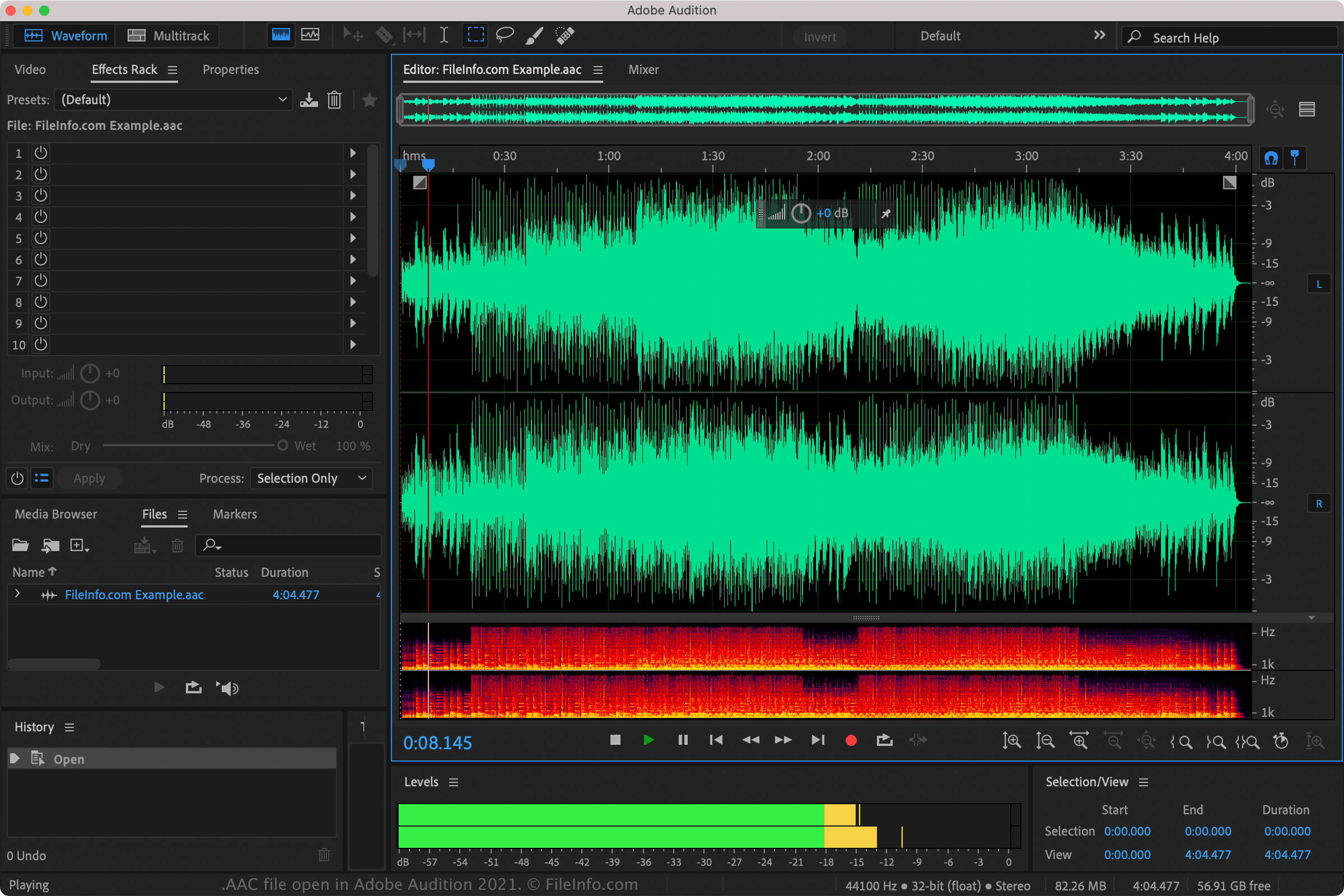
È inoltre possibile riprodurre i file AAC con Nullsoft Winamp (Windows), VideoLAN VLC media player (multipiattaforma), Adobe Audition (multipiattaforma), e MPlayer (multipiattaforma).
Anche diverse app per dispositivi mobili supportano i file AAC, tra cui Apple Music (iOS), olimsoft OPlayer (Android) e Videolabs VLC for Android (Android).
Come convertire un file AAC
VideoLAN VLC media player, Adobe Audition e Audacity (con la libreria FFmpeg opzionale del programma installata) possono convertire i file AAC in altri formati audio. Ad esempio, VLC può convertire i file AAC in: