

.AAC Přípona souboru
Soubor Advanced Audio Coding
| Vývojář | Neuvedeno |
| Popularita |
3,4 | 150 hlasů |
Co je soubor AAC?
Soubor AAC je zvukový soubor podobný souboru .MP3, ale komprimovaný pomocí standardu Advanced Audio Coding (AAC), ztrátového standardu digitální komprese zvuku. Ztrátová komprese zachovává kvalitu téměř k nerozeznání od původního zdroje zvuku, takže je optimální pro kompresi hudebních dat.
Další informace
Standard AAC společně vyvinuly a udržují různé společnosti včetně Nokia, LG Electronics, Dolby, Sony, Panasonic a NEC. Poprvé jej vydaly v roce 1997 a následně jej standardizovaly International Organization for Standardization (ISO) a International Electrotechnical Commission (IEC).
AAC nabízí několik vylepšení výkonu oproti MP3. Mezi některé funkce patří vyšší účinnost kódování stacionárních a přechodových signálů, jednodušší banka filtrů a lepší zpracování frekvencí nad 16 kHz.
Různá zařízení a aplikace používají AAC jako výchozí metodu pro kódování zvuku. Patří mezi ně iPhone, Nintendo 3DS, Apple iTunes Music Store, Apple Music a PlayStation 4.
POZNÁMKA: Přestože se přípona .aac někdy používá pro soubory zakódované pomocí AAC, často se ukládají s příponou souboru .M4A.
Jak otevřít soubor AAC
Soubor AAC můžete otevřít v různých přehrávačích zvuku včetně Microsoft Media Player (Windows) a Apple Music (Mac).
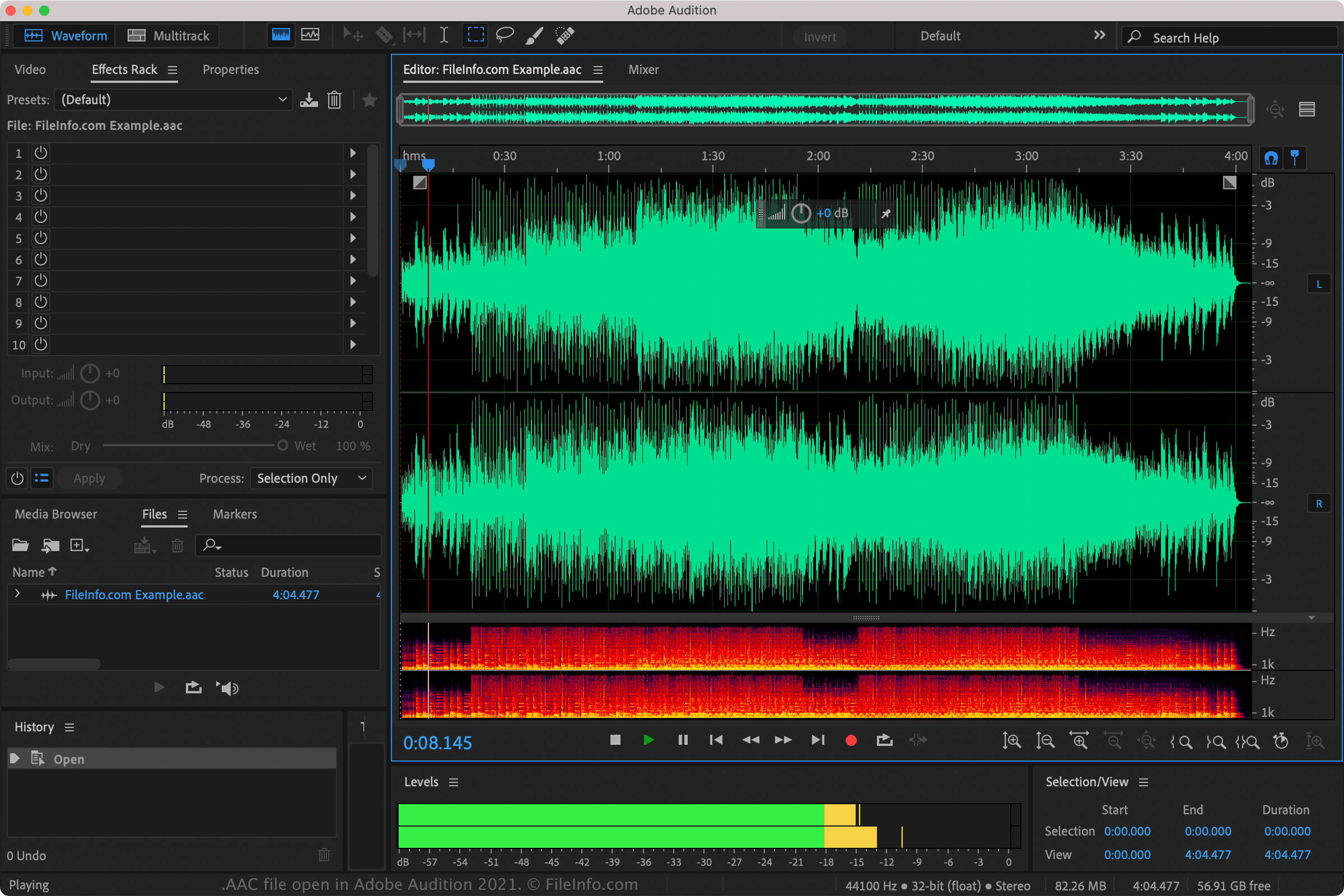
Soubory AAC můžete také přehrávat pomocí programů Nullsoft Winamp (Windows), VideoLAN VLC media player (multiplatformní), Adobe Audition (multiplatformní) a MPlayer (multiplatformní).
Soubory AAC podporuje také několik mobilních aplikací včetně Apple Music (iOS), olimsoft OPlayer (Android) a Videolabs VLC for Android (Android).
Jak převést soubor AAC
VideoLAN VLC media player, Adobe Audition a Audacity (s nainstalovanou volitelnou knihovnou FFmpeg programu) mohou převádět soubory AAC do jiných zvukových formátů. VLC může například převádět soubory AAC do těchto formátů: