

.AAC Bestandsextensie
Advanced Audio Coding-bestand
| Ontwikkelaar | N.v.t. |
| Populariteit |
3,4 | 150 stemmen |
Wat is een AAC-bestand?
Een AAC-bestand is een audiobestand dat lijkt op een .MP3-bestand, maar is gecomprimeerd met Advanced Audio Coding (AAC), een verliesgevende digitale audiocompressiestandaard. De verliesgevende compressie behoudt een kwaliteit die bijna niet van de oorspronkelijke audiobron te onderscheiden is, waardoor deze ideaal is voor het comprimeren van muziekgegevens.
Meer informatie
Verschillende bedrijven, waaronder Nokia, LG Electronics, Dolby, Sony, Panasonic en NEC, hebben de AAC-standaard gezamenlijk ontwikkeld en onderhouden deze. Ze brachten de standaard aanvankelijk uit in 1997, waarna de Internationale Organisatie voor Standaardisatie (ISO) en de Internationale Elektrotechnische Commissie (IEC) deze standaardiseerden.
AAC biedt verschillende prestatieverbeteringen ten opzichte van MP3. Enkele functies zijn een hogere codeerefficiëntie voor stationaire en tijdelijke signalen, een eenvoudiger filterbank en een betere verwerking van frequenties boven 16 kHz.
Verschillende apparaten en apps gebruiken AAC als hun standaardmethode voor het coderen van audio. Voorbeelden zijn de iPhone, Nintendo 3DS, de Apple iTunes Music Store, Apple Music en PlayStation 4.
OPMERKING: Hoewel de extensie .aac soms wordt gebruikt voor met AAC gecodeerde bestanden, worden deze vaak opgeslagen met de bestandsextensie .M4A.
Een AAC-bestand openen
Je kunt een AAC-bestand openen met verschillende audiospelers, waaronder Microsoft Media Player (Windows) en Apple Music (Mac).
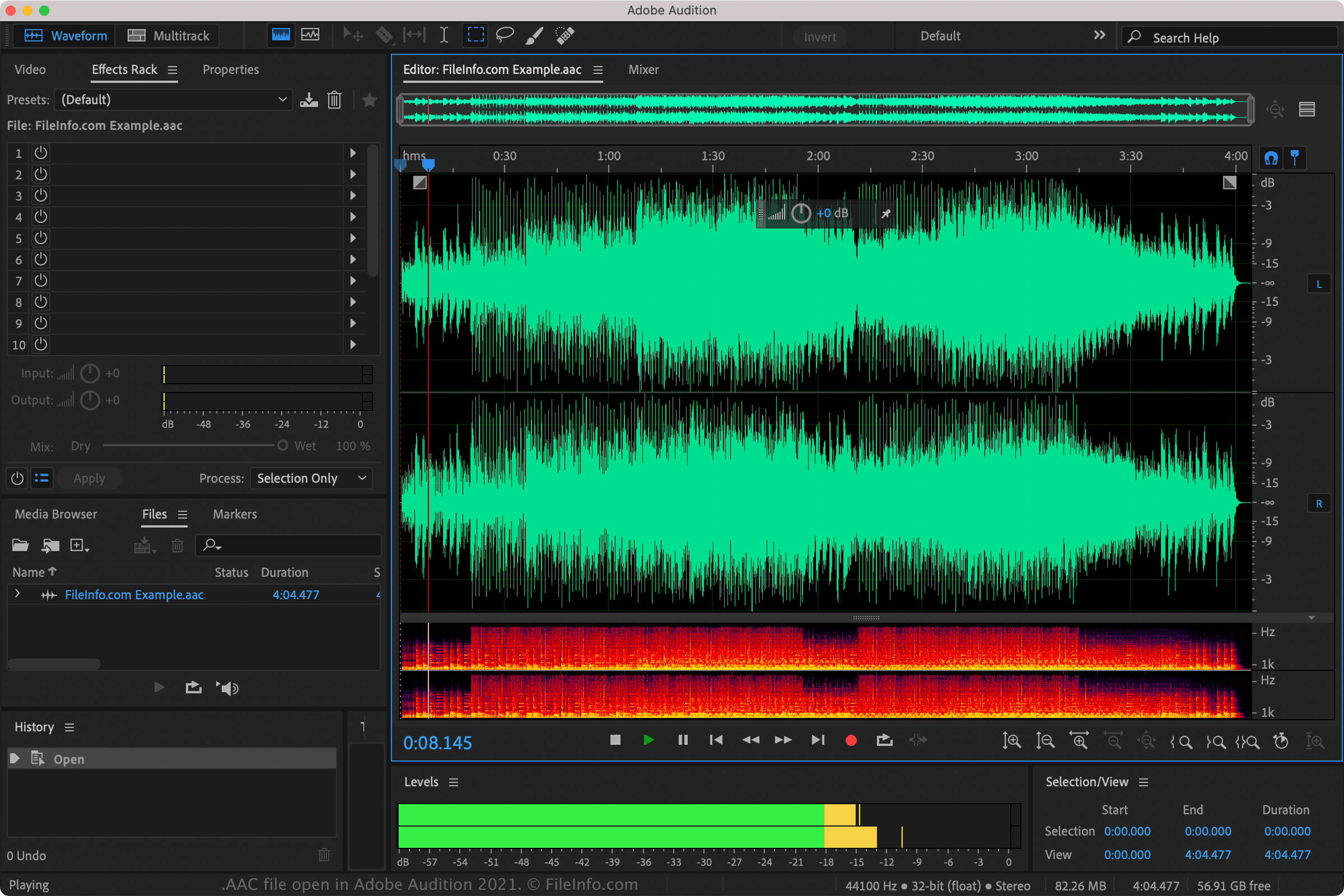
Je kunt AAC-bestanden ook afspelen met Nullsoft Winamp (Windows), VideoLAN VLC media player (multiplatform), Adobe Audition (multiplatform) en MPlayer (multiplatform).
Verschillende mobiele apps ondersteunen ook AAC-bestanden, waaronder Apple Music (iOS), olimsoft OPlayer (Android) en Videolabs VLC for Android (Android).
Een AAC-bestand converteren
VideoLAN VLC media player, Adobe Audition en Audacity (met de optionele FFmpeg-bibliotheek van het programma geïnstalleerd) kunnen AAC-bestanden naar andere audioformaten converteren. VLC kan AAC-bestanden bijvoorbeeld converteren naar: