.AAC 文件扩展名
Advanced Audio Coding File
| 开发者 | 不适用 |
| 受欢迎程度 |
3.4 | 149 票 |
什么是 AAC 文件?
An AAC file is an audio file similar to an .MP3 file but compressed with Advanced Audio Coding (AAC), a lossy digital audio compression standard. The lossy compression maintains quality nearly indistinguishable from the original audio source, making it optimal for compressing music data.
更多信息
Various companies, including Nokia, LG Electronics, Dolby, Sony, Panasonic, and NEC, jointly developed and maintain the AAC standard. They initially released it in 1997, and the International Organization for Standardization (ISO) and the International Electrotechnical Commission (IEC) standardized it.
AAC offers several performance improvements over MP3. Some features include a higher coding efficiency for stationary and transient signals, a simpler filterbank, and better handling of frequencies above 16 kHz.
Various devices and apps utilize AAC as their default method for encoding audio. Examples include the iPhone, Nintendo 3DS, Apple iTunes Music Store, Apple Music, and PlayStation 4.
注: While the .aac extension is sometimes used for AAC-encoded files, they are often saved with an .M4A file extension.
如何打开 AAC 文件
You can open an AAC file with various audio players, including Microsoft Media Player (Windows) and Apple Music (Mac).
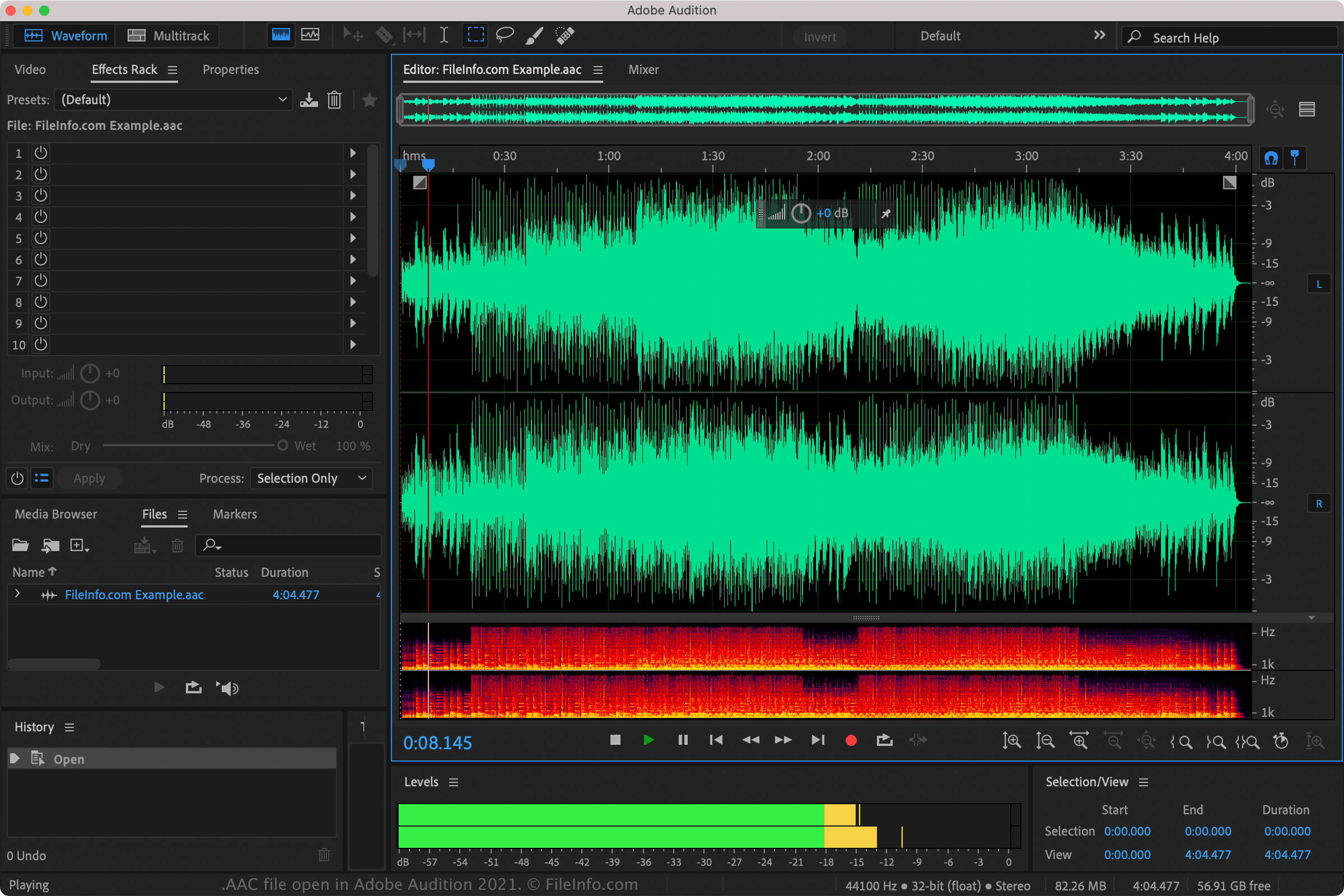
You can also play AAC files with Nullsoft Winamp (Windows), VideoLAN VLC media player (multiplatform), Adobe Audition (multiplatform), and MPlayer (multiplatform).
Several mobile apps support AAC files as well, including Apple Music (iOS), olimsoft OPlayer (Android), and Videolabs VLC for Android (Android).
如何转换 AAC 文件
VideoLAN VLC media player, Adobe Audition, and Audacity (with the program's optional FFmpeg library installed) can convert AAC files to other audio formats. For example, VLC can convert AAC files to: