.AAE 文件扩展名

Sidecar Image Edit File

开发者 Apple
受欢迎程度
3.3  |  253 
 

什么是 AAE 文件?

An AAE file is a record of the edits a user has made to an image in the iOS version of Apple Photos. It is used to non-destructively transfer edits from iOS to macOS, so a user can revert their image to its original form if needed. AAE files are stored alongside the images whose edits they contain.

更多信息

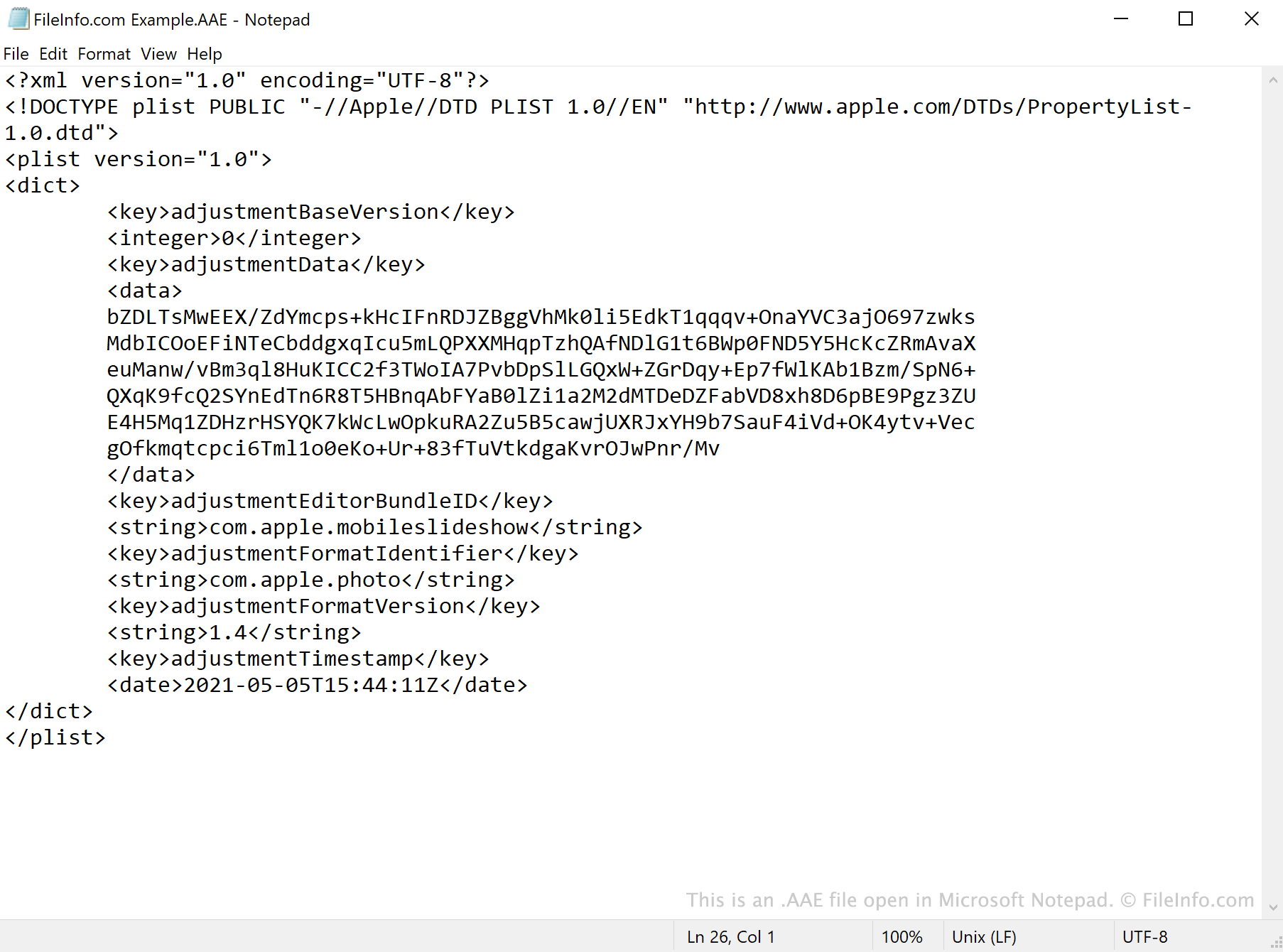
在 Microsoft Notepad 中打开的 .aae 文件截图
在 Microsoft Notepad 中打开的 AAE 文件

AAE files are created by the Photos app in iOS 8 and later and macOS 10.10 and later. The files save edits made in Photos, so users' original images are not overwritten when edited.

When you open an edited .JPG file in Photos, the app references the JPG's associated AAE file and applies any edits it contains. The AAE file's data is saved in the XML format, which means the files can be opened and viewed with a text editor, such as Apple TextEdit or Microsoft Notepad.

Can I delete AAE files in Windows?

If you import pictures edited using the Photos app to Windows or an older version of macOS, you will most likely notice AAE files accompanying your images. In Windows, the .aae extension may be hidden by default, but the AAE files bear the same name as the JPG files whose edits they contain. After you import your pictures into Windows, you can delete the pictures' AAE files without erasing the associated pictures.

如何打开 AAE 文件

AAE files are not meant to be opened. While you can open an AAE file in any text editor, such as Microsoft Notepad (Windows) or Apple TextEdit (Mac), doing so will only show you the XML data the file contains.

使用File Viewer Plus打开 400 多种文件格式。免费下载

可打开或引用 AAE 文件的程序

Windows
操作系统自带
Mac
操作系统自带
操作系统自带
Linux
分类: 数据
更新时间: 2021-05-05

验证者 FileInfo.com

FileInfo.com 团队 独立研究了本页面列出的 Sidecar Image Edit 文件格式和 Mac, Windows, and Linux 应用。 我们的目标是达到 100% 的准确率,并且仅发布我们已验证过的文件类型信息。

如果您想为此页面提出新增或更新建议,请告诉我们