.AAE 파일 확장자

Sidecar Image Edit File

개발사 Apple
인기도
3.3  |  253 투표
 

AAE 파일이란 무엇인가요?

An AAE file is a record of the edits a user has made to an image in the iOS version of Apple Photos. It is used to non-destructively transfer edits from iOS to macOS, so a user can revert their image to its original form if needed. AAE files are stored alongside the images whose edits they contain.

추가 정보

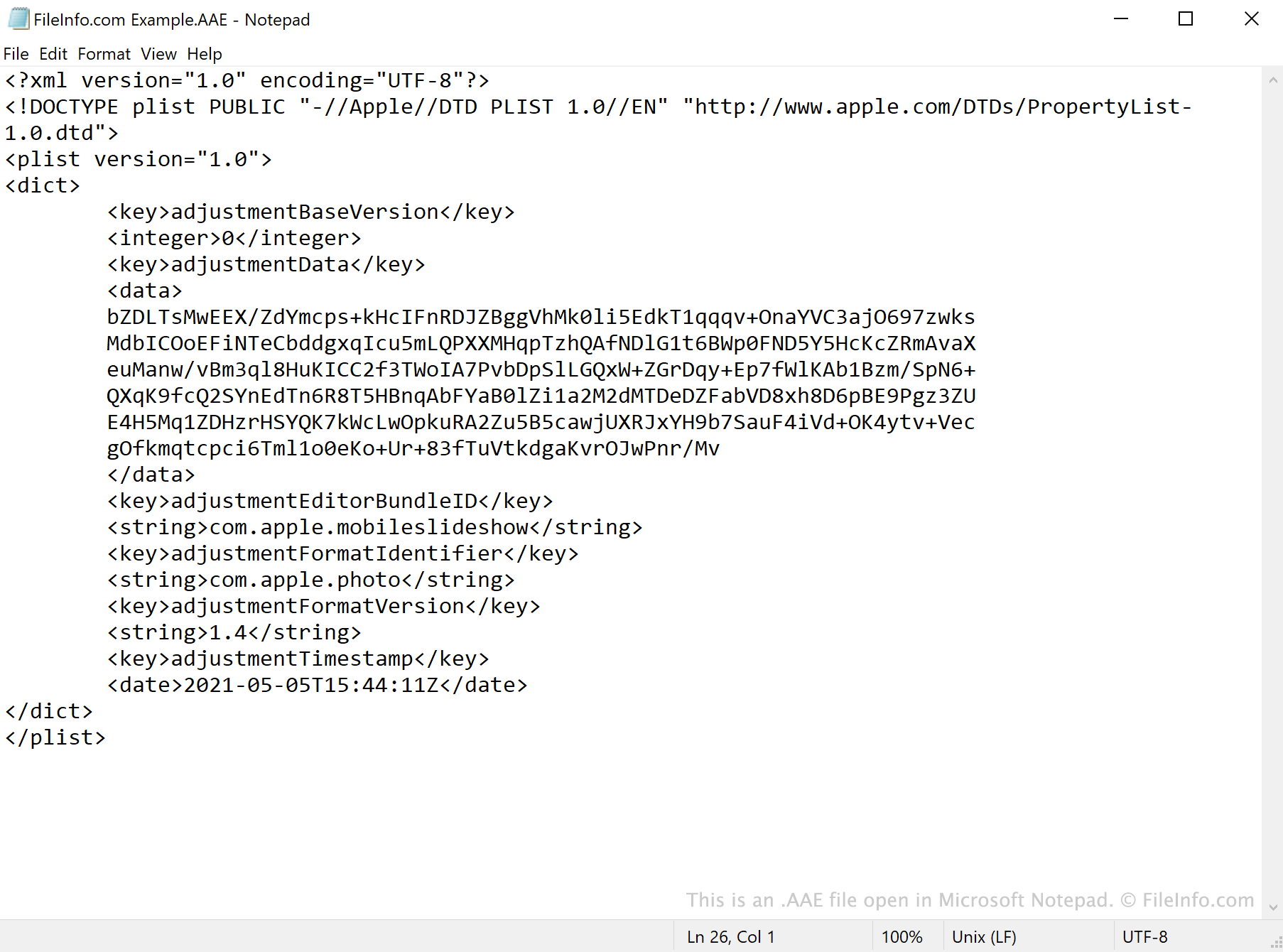
Microsoft Notepad에서 열린 .aae 파일의 스크린샷
Microsoft Notepad에서 열린 AAE 파일

AAE files are created by the Photos app in iOS 8 and later and macOS 10.10 and later. The files save edits made in Photos, so users' original images are not overwritten when edited.

When you open an edited .JPG file in Photos, the app references the JPG's associated AAE file and applies any edits it contains. The AAE file's data is saved in the XML format, which means the files can be opened and viewed with a text editor, such as Apple TextEdit or Microsoft Notepad.

Can I delete AAE files in Windows?

If you import pictures edited using the Photos app to Windows or an older version of macOS, you will most likely notice AAE files accompanying your images. In Windows, the .aae extension may be hidden by default, but the AAE files bear the same name as the JPG files whose edits they contain. After you import your pictures into Windows, you can delete the pictures' AAE files without erasing the associated pictures.

AAE 파일을 여는 방법

AAE files are not meant to be opened. While you can open an AAE file in any text editor, such as Microsoft Notepad (Windows) or Apple TextEdit (Mac), doing so will only show you the XML data the file contains.

File Viewer Plus(으)로 400개 이상의 파일 형식을 여세요.무료 다운로드

AAE 파일을 열거나 참조하는 프로그램

Windows
OS에 포함됨
Mac
OS에 포함됨
OS에 포함됨
Linux
카테고리: 데이터
업데이트: 2021-05-05

검증자 FileInfo.com

FileInfo.com 팀 이 페이지에 나열된 Sidecar Image Edit 파일 형식과 Mac, Windows, and Linux 앱을 독자적으로 조사했습니다. 저희의 목표는 100% 정확성이며, 검증한 파일 유형에 대한 정보만 게시합니다.

이 페이지에 추가하거나 업데이트할 내용을 제안하고 싶으시면 알려 주세요.