.AAE ファイル拡張子

Sidecar Image Edit File

開発元 Apple
人気度
3.3  |  253 
 

AAEファイルとは?

An AAE file is a record of the edits a user has made to an image in the iOS version of Apple Photos. It is used to non-destructively transfer edits from iOS to macOS, so a user can revert their image to its original form if needed. AAE files are stored alongside the images whose edits they contain.

詳細情報

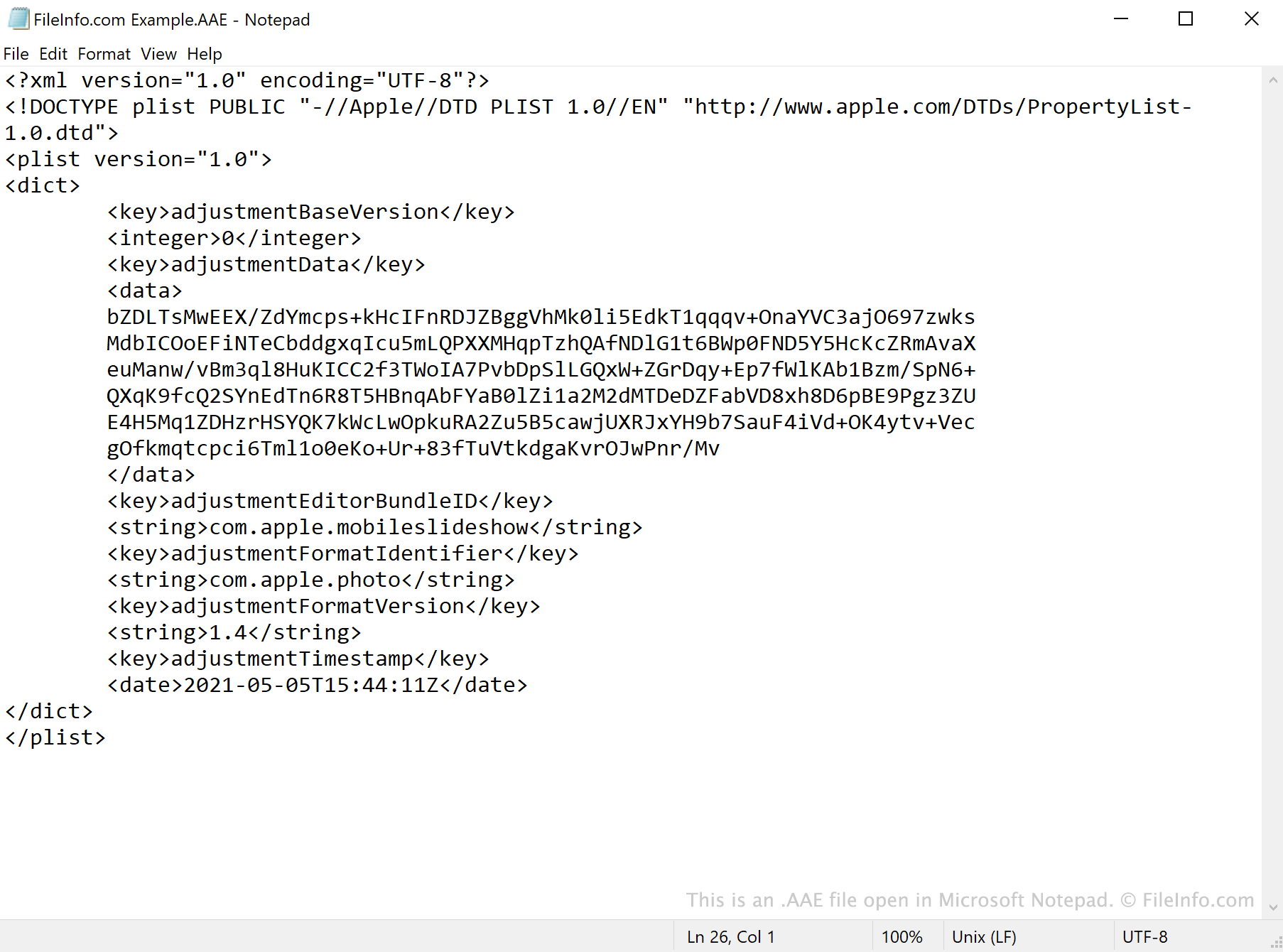
Microsoft Notepadで開いた.aaeファイルのスクリーンショット
Microsoft Notepadで開いたAAEファイル

AAE files are created by the Photos app in iOS 8 and later and macOS 10.10 and later. The files save edits made in Photos, so users' original images are not overwritten when edited.

When you open an edited .JPG file in Photos, the app references the JPG's associated AAE file and applies any edits it contains. The AAE file's data is saved in the XML format, which means the files can be opened and viewed with a text editor, such as Apple TextEdit or Microsoft Notepad.

Can I delete AAE files in Windows?

If you import pictures edited using the Photos app to Windows or an older version of macOS, you will most likely notice AAE files accompanying your images. In Windows, the .aae extension may be hidden by default, but the AAE files bear the same name as the JPG files whose edits they contain. After you import your pictures into Windows, you can delete the pictures' AAE files without erasing the associated pictures.

AAEファイルの開き方

AAE files are not meant to be opened. While you can open an AAE file in any text editor, such as Microsoft Notepad (Windows) or Apple TextEdit (Mac), doing so will only show you the XML data the file contains.

File Viewer Plusで400種類以上のファイル形式を開けます。無料ダウンロード

AAEファイルを開く、または参照するプログラム

Windows
Mac
OSに同梱
OSに同梱
Linux
カテゴリ: データ
更新日: 2021-05-05

検証者 FileInfo.com

FileInfo.comチーム は、このページに掲載されているSidecar Image Editファイル形式とMac, Windows, and Linuxアプリについて独自に調査しました。 私たちの目標は100%の正確性であり、検証済みのファイルタイプに関する情報のみを公開しています。

このページへの追加や更新をご提案いただける場合は、お知らせください。