.M4A 文件扩展名

MPEG-4 Audio

开发者 Apple
受欢迎程度
3.7  |  266 
 
🔍使用File Helper直接在您的网络浏览器中打开 .M4A 文件在线查看

什么是 M4A 文件?

An M4A file is an audio file that may store various types of audio content, such as songs, podcasts, and audiobooks. It is saved in the MPEG-4 format and encoded with either the Advanced Audio Coding (AAC) codec or the Apple Lossless Audio Codec (ALAC). Various media players, including Microsoft Windows Media Player 2022 (Windows) and Apple Music (macOS) can open M4A files.

更多信息

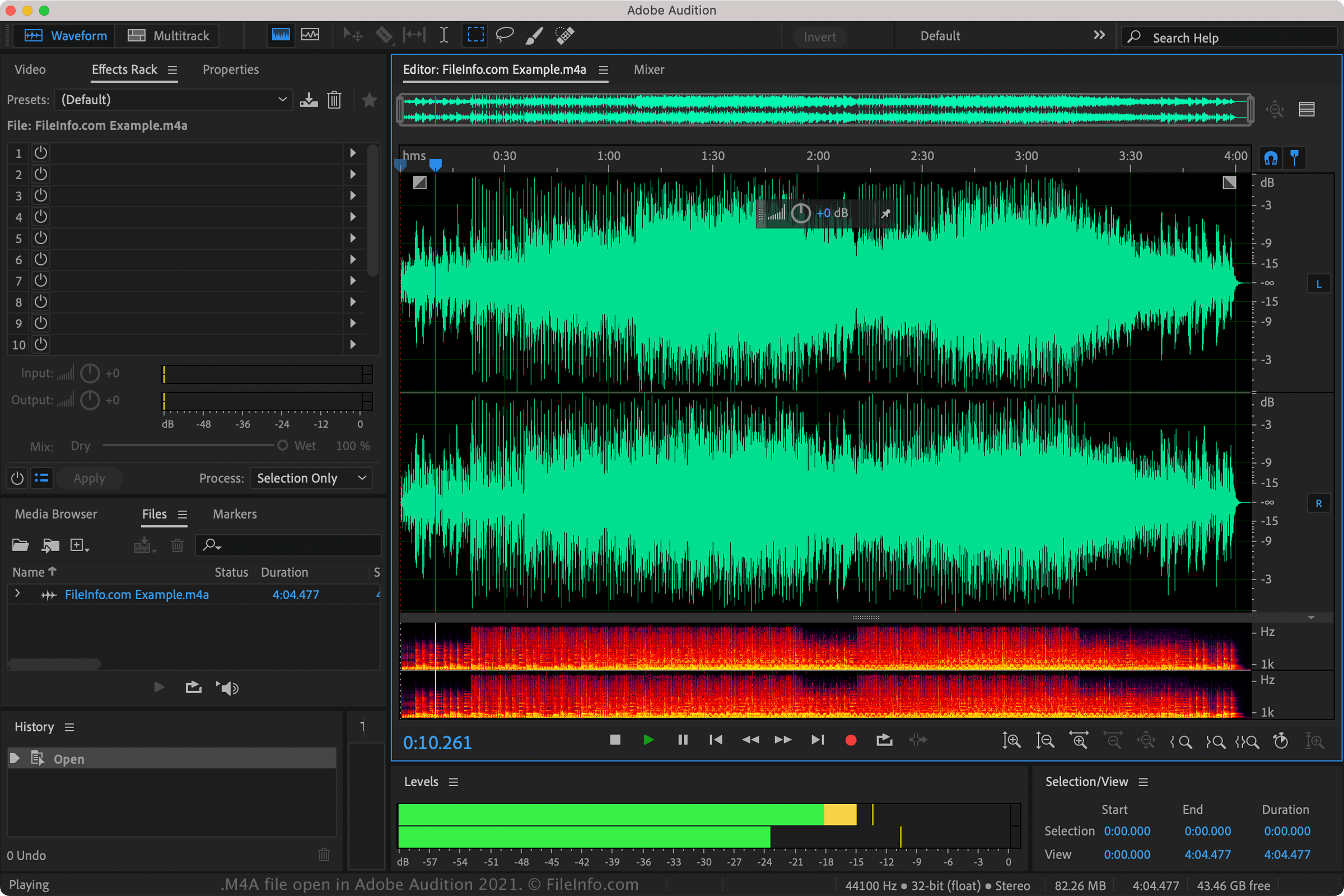
在 Adobe Audition 2021 中打开的 .m4a 文件截图
在 Adobe Audition 2021 中打开的 M4A 文件

MPEG-4 is a multimedia container format that supports video, audio, subtitle, and image data encoded in different codecs. MPEG-4 files that store video bear the .mp4 file extension (.MP4 files). However, if the MPEG-4 file only stores audio, it is saved with the .m4a extension, which stands for "MPEG-4 Audio." This name change helped distinguish between MPEG-4 video files and MPEG-4 audio-only files.

You will most likely encounter M4A files when downloading audio content via the Apple iTunes Store. The content, typically songs, is encoded with AAC compression, which significantly reduces the size of each file. In addition, songs that include copyright protection have an .m4p file extension (.M4P files).

如何打开 M4A 文件

You can play M4A files with various audio players, including Microsoft Media Player (Windows), Apple Music (macOS), Adobe Audition (multiplatform), and VideoLAN VLC media player (multiplatform).

如何转换 M4A 文件

Many audio players and editors, including Adobe Audition, Apple GarageBand, and VideoLAN VLC media player, can convert M4A files to other audio formats.

For example, VLC media player can convert M4A audio to the following formats:

  • .MP3 - MP3 Audio
  • .OGG - Ogg Vorbis Audio
  • .FLAC - Free Lossless Audio Codec
  • .WAV - WAVE Audio

可打开 M4A 文件的程序

Mac
操作系统自带
操作系统自带
操作系统自带
免费
Web
iOS
操作系统自带
Android
Chrome OS
操作系统自带
分类: 音频
更新时间: 2023-06-09

验证者 FileInfo.com

FileInfo.com 团队 独立研究了本页面列出的 MPEG-4 Audio 文件格式和 Mac, Windows, Linux, Android, and iOS 应用。 我们的目标是达到 100% 的准确率,并且仅发布我们已验证过的文件类型信息。

如果您想为此页面提出新增或更新建议,请告诉我们