

.CSV Dateiendung
Datei mit durch Kommas getrennten Werten
| Entwickler | k. A. |
| Beliebtheit |
3,4 | 1822 Stimmen |
Was ist eine CSV-Datei?
Eine CSV-Datei ist eine Datei mit durch Kommas getrennten Werten, die häufig von Tabellenkalkulationsprogrammen wie Microsoft Excel oder OpenOffice Calc verwendet wird. Sie enthält Klartextdatensätze, die durch Kommas getrennt sind, wobei jede neue Zeile in der CSV-Datei eine neue Datenbankzeile darstellt und jede Datenbankzeile aus einem oder mehreren durch ein Komma getrennten Feldern besteht.
Weitere Informationen
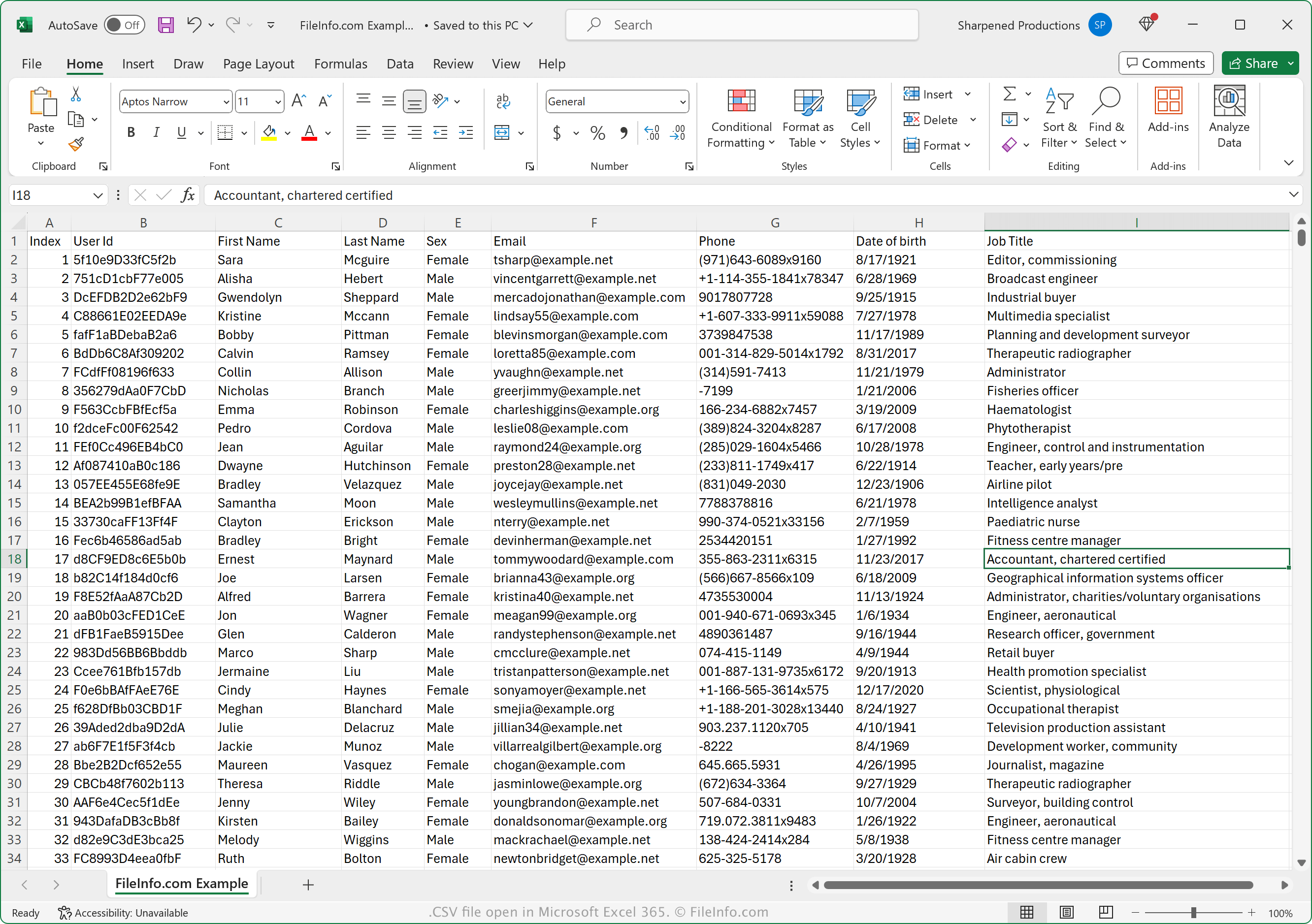
Das CSV-Datenaustauschformat wird von vielen privaten, geschäftlichen und wissenschaftlichen Programmen unterstützt. Das Format ist aufgrund seiner weiten Verbreitung besonders nützlich, um tabellarische Daten zwischen Programmen und Datenbanken zu übertragen.
Die Datei ist auch hilfreich, um in einem proprietären Format gespeicherte Daten, beispielsweise eine .XLSX-Datei, in ein anderes Programm zu übertragen, das das XLSX-Format nicht unterstützt. Beispielsweise können Sie Finanzdaten aus einer in Microsoft Excel geöffneten XLSX-Datei in eine CSV-Datei exportieren, um sie in einen Online-Finanzverwaltungsdienst hochzuladen. Oder Sie können Tausende von Kontakten aus einem E-Mail-Dienst in eine CSV-Datei exportieren und die Datei anschließend in einen Adressorganizer oder einen anderen E-Mail-Dienst importieren.
So öffnen Sie eine CSV-Datei
Sie können CSV-Dateien mit einer großen Anzahl von Anwendungen öffnen, darunter Microsoft Excel (plattformübergreifend), OpenOffice Calc (plattformübergreifend), Corel Quattro Pro (Windows) und Apple Numbers. Sie können CSV-Dateien in Google Sheets hochladen und anzeigen, bearbeiten, speichern und konvertieren. Außerdem können Sie CSV-Dateien mit verschiedenen mobilen Apps öffnen, darunter Microsoft Excel (Android und iOS), Apple Numbers (iOS) und Google Sheets (Android und iOS).
Da CSV-Dateien als Klartext gespeichert werden, können Sie sie mit einem Klartexteditor öffnen, beispielsweise mit Microsoft Notepad (Windows) und Apple TextEdit (macOS).
So konvertieren Sie eine CSV-Datei
Mehrere Anwendungen, darunter Microsoft Excel, Apple Numbers und LibreOffice Calc, können CSV-Dateien in andere Formate konvertieren.
Beispielsweise können Sie in den Windows- und Mac-Versionen von Microsoft Excel auswählen, um CSV-Dateien in eines der folgenden Formate zu konvertieren:
- .XLSX - Microsoft-Excel-Tabelle
- .XLS - Microsoft-Excel-Tabelle (Legacy)
- .XLSB - Binäre Microsoft-Excel-Tabelle
- .ODS - OpenDocument-Tabelle
- .DIF - Datenaustauschformat
- .PDF - Portable Document Format
- .RTF - Rich-Text-Format
- .TXT - Klartext
- .HTM, .HTML - HTML-Webseite
- .XML - Extensible Markup Language
- .MHT, .MHTML - MIME-HTML-Archiv
- .XPS - XML Paper Specification (nur Windows)