

.OPUS Dateiendung
Opus-Audio
| Entwickler | Xiph.Org |
| Beliebtheit |
3,6 | 327 Stimmen |
Was ist eine OPUS-Datei?
Eine OPUS-Datei ist eine Audiodatei, die im Opus-Format erstellt wurde, einem verlustbehafteten Audioformat, das für das Internet-Streaming entwickelt wurde. Es verwendet sowohl die SILK-Codecs (verwendet von Skype) als auch die CELT-Codecs (von Xiph.Org) und unterstützt variable Bitraten von 6 kb/s bis 510 kb/s. OPUS-Dateien werden meistens im Ogg-Audiocontainerformat gespeichert. Daher werden die Dateien manchmal als Ogg-Opus-Dateien bezeichnet.
Weitere Informationen
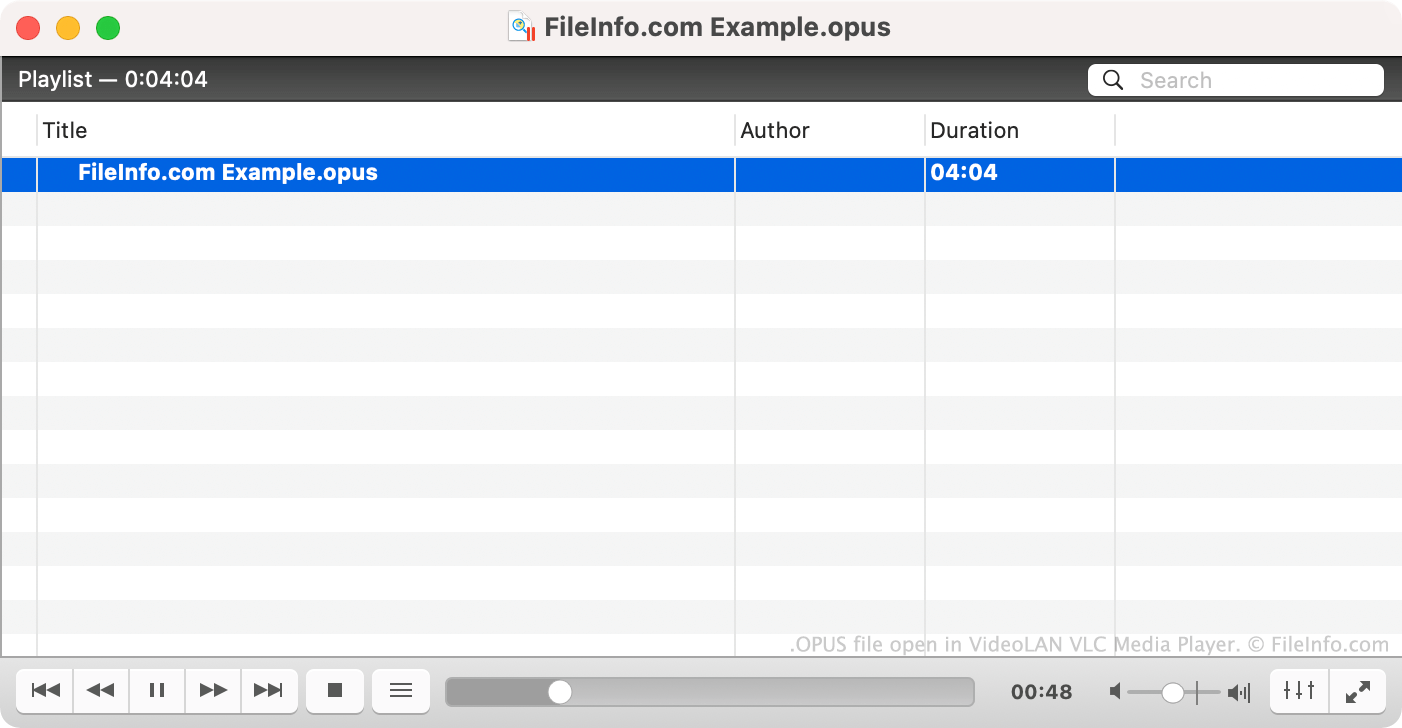
Der Opus-Codec wird für Voice over IP (VoIP), Videokonferenzen und den Chat in Spielen verwendet. Das Opus-Format wurde von der IETF standardisiert und wird von Xiph.Org gepflegt.
Da der Opus-Codec hauptsächlich für Streaming verwendet wird, sind tatsächliche OPUS-Dateien nicht häufig.
So öffnen Sie eine OPUS-Datei
Sie können eine OPUS-Datei mit den folgenden Mediaplayern öffnen und die darin enthaltene Audiodatei abspielen:
- Microsoft Media Player (in Windows enthalten)
- VideoLAN VLC media player (plattformübergreifend)
- Foobar2000 (Windows)
- Opus Player (Android)
So konvertieren Sie eine OPUS-Datei
Sie können VideoLAN VLC media player, FFmpeg und MediaHuman Audio Converter verwenden, um OPUS-Dateien in andere Audioformate zu konvertieren. Beispielsweise kann VLC OPUS-Dateien in folgende Formate konvertieren: