.TXT 파일 확장자

Plain Text File

개발사 해당 없음
인기도
3.7  |  3334 투표
 
🔍File Helper(으)로 .TXT 파일을 웹 브라우저에서 바로 여세요.온라인으로 보기

TXT 파일이란 무엇인가요?

A TXT file is a standard text document that contains plain text. It can be opened and edited in any text-editing or word-processing program. TXT files are most often created by Microsoft Notepad and Apple TextEdit, which are basic text editors that come bundled with Windows and macOS, respectively.

추가 정보

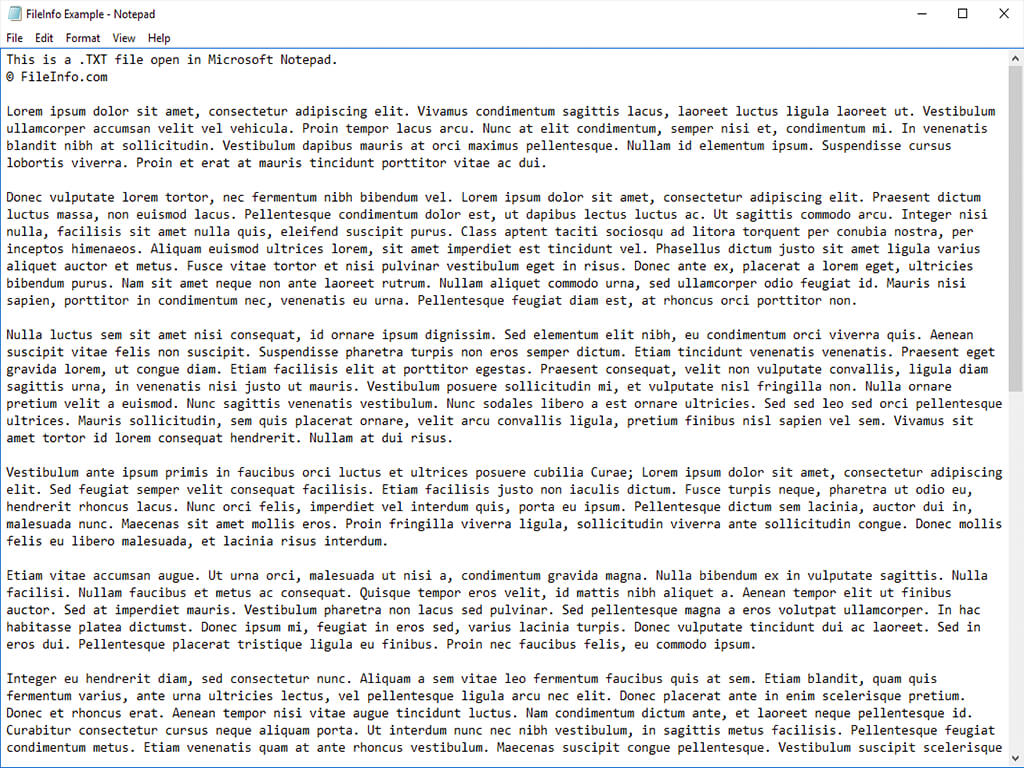
Microsoft Notepad에서 열린 .txt 파일의 스크린샷
Microsoft Notepad에서 열린 TXT 파일

TXT files are simple text documents that contain little to no formatting. They often store notes, step-by-step instructions, manuscripts, and other text-based information.

Windows and macOS both include simple text editors that can save text documents as TXT files, including Microsoft Notepad and Apple TextEdit. When the editors save a document as a TXT file, they remove its formatting (bolding, italicization, font style, alignment, etc.).

Users who need to create more complicated text documents, such as resumes, reports, letters, or flyers, typically do not save them as TXT files. Instead, they use word processors, such as Microsoft Word or Apple Pages, to create and save their documents as .DOCX or .PAGES files.

참고: Various non-PC devices, such as smartphones and the Amazon Kindle, and web browsers, such as Chrome and Firefox, also recognize plain text files.

일반적인 .TXT 파일 이름

New Text Document.txt - The default filename Microsoft Windows gives to new text documents created via the context menu (right-click on the desktop and choose New → Text Document).

README.txt - A text file commonly included with software installers that provides information about the software. Users should often read this file before using the software.

TXT 파일을 여는 방법

You can open a TXT file with any text editor and most popular web browsers. For example, Microsoft Notepad (Windows) and Apple TextEdit (macOS) can open TXT files, and they come bundled with their respective operating systems.

The Google Chrome, Mozilla Firefox, and Microsoft Edge web browsers all allow users to open TXT files. Keep in mind, however, that you will not be able to edit your TXT file in a web browser.

In Chrome and Firefox, you can simply drag and drop your file into a browser window to open it. In Microsoft Edge, you must copy and paste your file's location into Edge's address bar to open the file.

TXT 파일을 변환하는 방법

Many applications, including Microsoft Word and Apple TextEdit, can convert TXT files to other formats.

For example, select File → Save as in Word to convert TXT files to one of the following formats:

  • .DOCX - Microsoft Word Document
  • .DOC - Microsoft Word Document (Legacy)
  • .PDF - Portable Document Format
  • .ODT - OpenDocument Text Document
  • .RTF - Rich Text Format
  • .HTML - HTML Webpage
  • .XML - Extensible Markup Language
  • .MHTML - MIME HTML Archive
  • .XPS - XML Paper Specification (Windows only)

TXT 파일을 여는 프로그램

카테고리: 텍스트
업데이트: 2022-05-02

검증자 FileInfo.com

FileInfo.com 팀 이 페이지에 나열된 Plain Text 파일 형식과 Mac, Windows, Linux, Android, and iOS 앱을 독자적으로 조사했습니다. 저희의 목표는 100% 정확성이며, 검증한 파일 유형에 대한 정보만 게시합니다.

이 페이지에 추가하거나 업데이트할 내용을 제안하고 싶으시면 알려 주세요.