

.TGA Bestandsextensie
Targa-afbeelding
| Ontwikkelaar | Avid Technology |
| Populariteit |
4,1 | 210 stemmen |
Wat is een TGA-bestand?
Een TGA-bestand is een afbeelding die is opgeslagen in de Targa-indeling voor rasterafbeeldingen, ontworpen door Truevision. De indeling ondersteunt 8, 16, 24 of 32 bits per pixel, met maximaal 24 bits voor RGB-kleuren en een alfakanaal van 8 bits. TGA-bestanden worden gebruikt voor verschillende soorten afbeeldingen, zoals digitale foto's en texturen waarnaar wordt verwezen door 3D-videogames.
Meer informatie
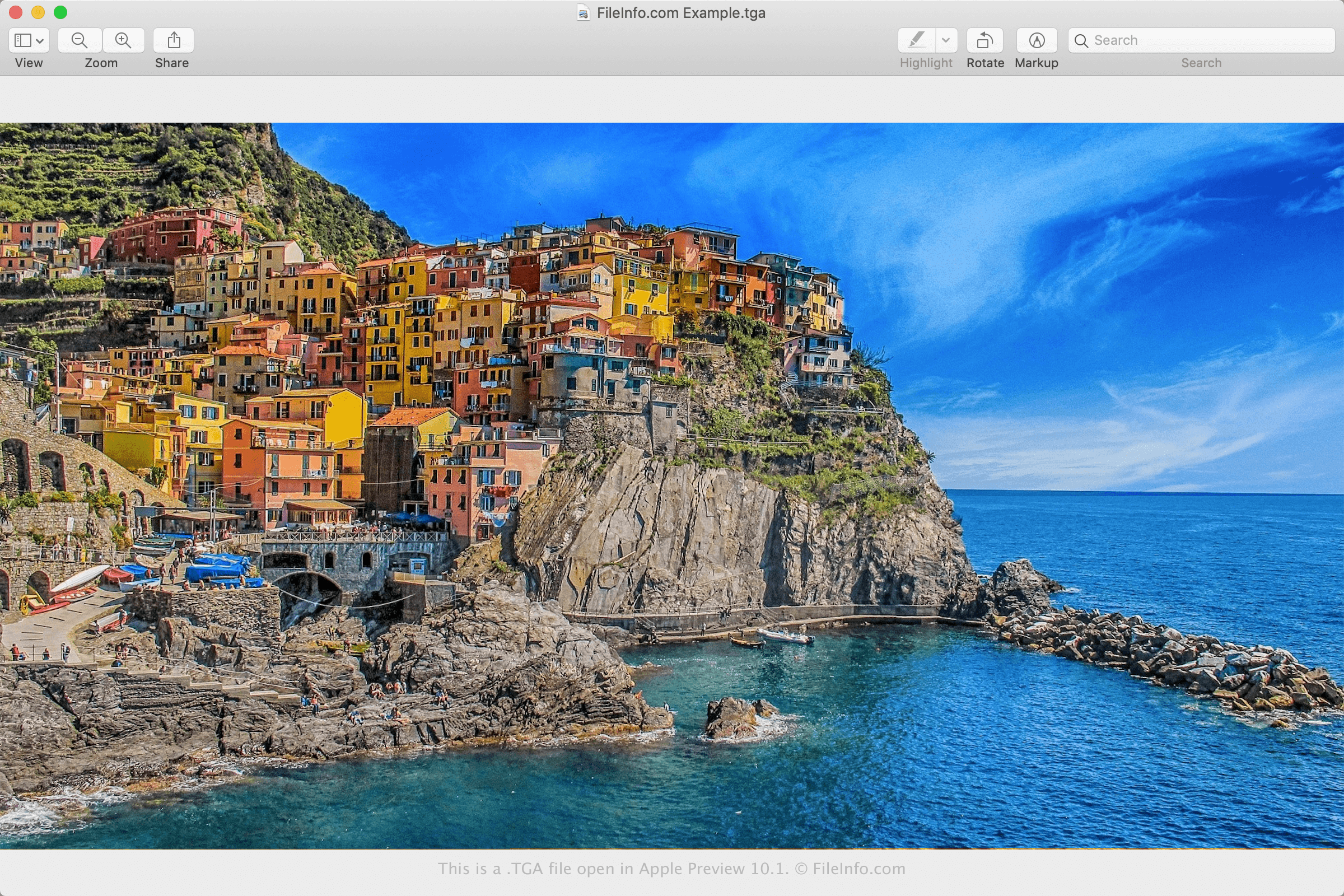
De Targa-indeling, wat staat voor Truevision Advanced Raster Graphics Adapter, werd in 1984 ontworpen door Truevision (nu Avid Technology) voor gebruik met de eerste videoprogramma's van het bedrijf. De oorspronkelijke indeling bestond uit 2 gebieden:
- TGA-bestandskop
- Afbeeldings-/kleurtoewijzingsgegevens
Hoewel deze twee secties waren opgenomen in de oorspronkelijke specificatie van de Targa-indeling uit 1984, werden in 1989 de secties "Developer Area", "Extension Area" en "TGA File Footer" toegevoegd. Deze specificatie staat bekend als de "New TGA Format" en bestaat uit de volgende 5 gebieden:
- TGA-bestandskop
- Afbeeldings-/kleurtoewijzingsgegevens
- Ontwikkelaarsgebied
- Uitbreidingsgebied
- TGA-bestandsvoet
Naast de drie nieuwe secties van de afbeeldingsindeling introduceerde Truevision in 1989 ook verschillende nieuwe uitbreidingen voor de Targa-indeling om aan de behoeften van grafische professionals te voldoen. Voorbeelden van de extra uitbreidingen zijn:
- Datum en tijd waarop het bestand is gemaakt
- Naam van de auteur en opmerkingen
- Type alfakanaal
- Beeldverhouding van pixels
- Gamm waarde
- Een verkleinde postzegelkopie van de afbeelding (een "miniatuurafbeelding")
Een TGA-bestand openen
Je kunt TGA-bestanden openen met verschillende afbeeldingsbewerkers, zoals Adobe Photoshop (meerdere platforms), ACD Systems Canvas (Windows), Corel Painter (meerdere platforms) en GIMP (meerdere platforms).
Als je een Mac gebruikt, kun je TGA-bestanden openen met Apple Preview of Apple Photos, die standaard bij macOS worden geleverd. Je kunt TGA-afbeeldingen ook met Voorvertoning converteren naar de indelingen .JPEG, .PNG, .HEIC, .TIFF en .PDF.
Een TGA-bestand converteren
Veel toepassingen, waaronder Adobe Photoshop, Corel PaintShop Pro, GIMP en Apple Preview, kunnen TGA-bestanden naar andere indelingen converteren.
Adobe Photoshop kan TGA-bestanden bijvoorbeeld converteren naar veel bestandstypen, waaronder de volgende indelingen:
- .JPG - JPEG-afbeelding
- .PNG - Portable Network Graphic
- .TIF - Tagged Image File Format
- .GIF - Graphical Interchange Format
- .WEBP - WebP-afbeelding
- .BMP - Bitmapafbeelding
- .DCM - DICOM-afbeelding
- .EPS - Encapsulated PostScript
- .PDF - Portable Document Format
- .PSD - Adobe Photoshop-document
- .AI - Adobe Illustrator Artwork