.PUB 文件扩展名

Publisher Document

开发者 Microsoft
受欢迎程度
3.7  |  502 
 
🔍使用File Helper直接在您的网络浏览器中打开 .PUB 文件在线查看

什么是 PUB 文件?

A PUB file is a document created by Microsoft Publisher, a desktop publishing program used to create professional documents and marketing materials. It contains a page layout and design elements, such as text, shapes, and vector or raster graphics. Users often save brochures, newsletters, flyers, invitations, and posters as PUB files.

更多信息

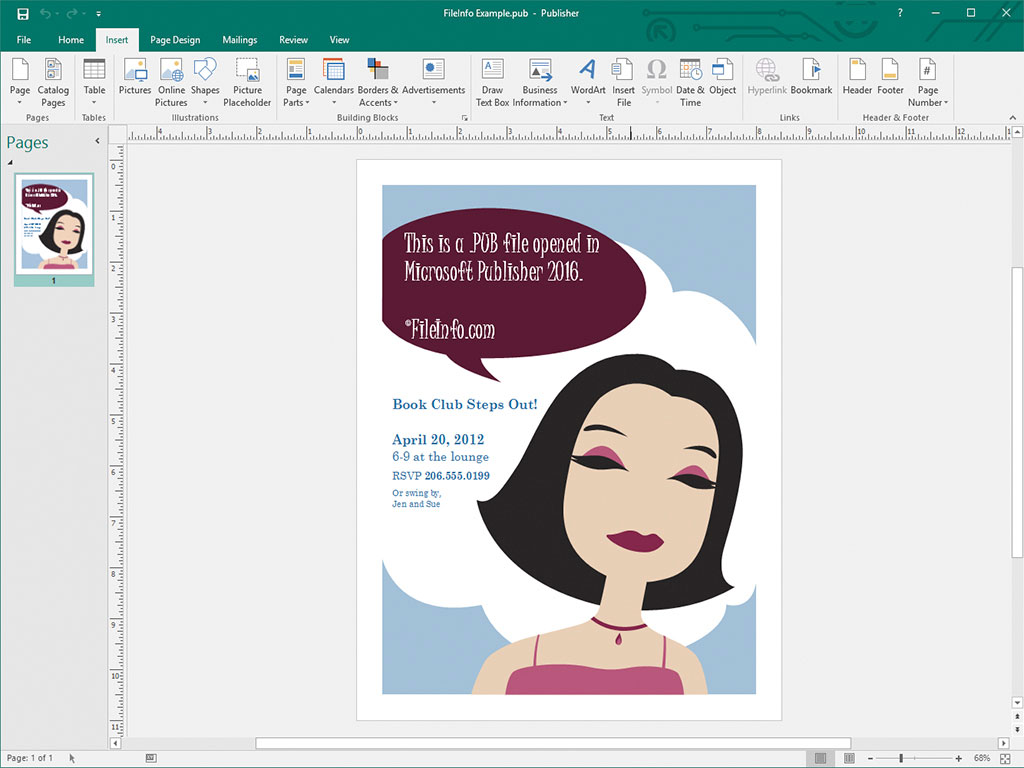
在 Microsoft Publisher 2016 中打开的 .pub 文件截图
在 Microsoft Publisher 2016 中打开的 PUB 文件

Casual and professional designers primarily use Microsoft Publisher to design marketing materials and other documents. The software is only available for Windows as part of the Microsoft 365 subscription service or as a one-time, standalone purchase.

When you save a document in Publisher, the program creates a PUB file to store the document's contents. After saving the PUB file, you can close and re-open the PUB file to continue editing the document at a later time.

注: Besides saving page layouts as PUB files, advanced Publisher users may also create PUB files to integrate and store data sources for mail merges and generating data sheets.

如何打开 PUB 文件

You can open a PUB file with Microsoft Publisher by selecting File → Open... from the program's menu bar, and then navigate to and open your PUB file.

You can also open PUB files with several other desktop publishing applications. For example, you can open PUB files with LibreOffice Draw (included with LibreOffice) and CorelDRA

如何转换 PUB 文件

Microsoft Publisher can convert PUB files to several file types, including the following formats:

  • .PDF - Portable Document Format
  • .JPEG - JPEG Image
  • .PNG - Portable Network Graphic
  • .TIF - Tagged Image File Format
  • .EMF - Enhanced Windows Metafile
  • .WMF - Windows Metafile
  • .BMP - Bitmap Image
  • .EPS - Encapsulated PostScript
  • .PS - PostScript File
  • .DOCX - Microsoft Word Document
  • .RTF - Rich Text Format
  • .TXT - Plain Text File
  • .HTML - Hypertext Markup Language
  • .XPS - XML Paper Specification

注: When converting to a DOCX file, the formatting will be preserved, but not the graphics or columns included in the PUB file.

可打开 PUB 文件的程序

Public Key File

开发者 不适用
受欢迎程度
3.1  |  47 
 

A PUB file is a public key used in public-key cryptography. It contains encrypted text used to encrypt and decrypt data, alongside a corresponding private key. Programs like ssh-keygen and PuTTY can create PUB files (and corresponding private keys).

更多信息

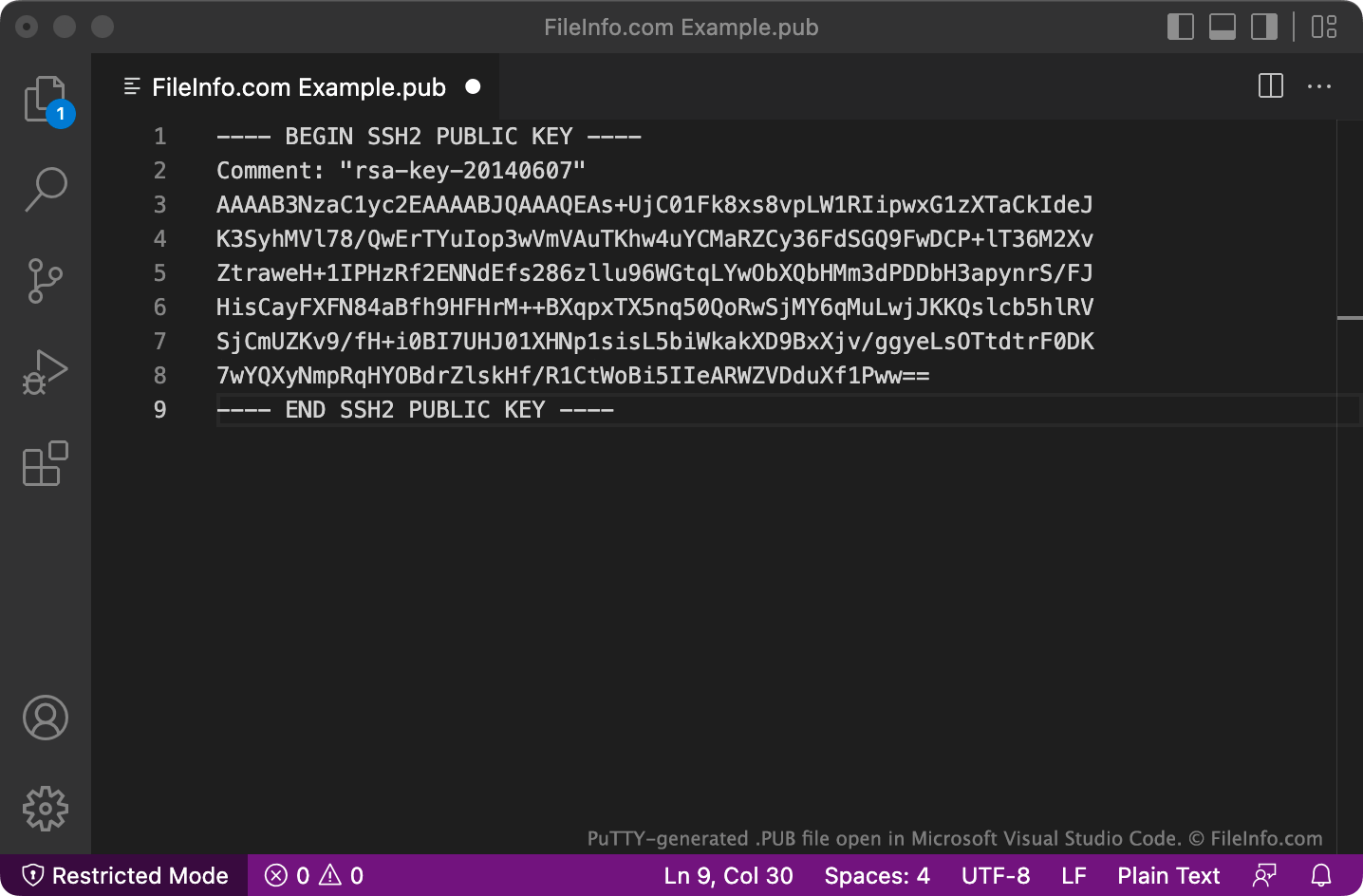
在 Microsoft Visual Studio Code 中打开的 .pub 文件截图
在 Microsoft Visual Studio Code 中打开的 PUB 文件

Public-key cryptography is a common form of cryptography that uses pairs of "keys," which are strings of encrypted text created using key generation programs. Key pairs consist of a public key, which is meant to be shared with others, and a private key, which is not meant to be shared.

Public keys created by programs like ssh-keygen and PuTTY are saved as PUB files. For example, ssh-keygen creates keys named id_rsa.pub and saves them in the ~/​.ssh directory by default.

PUB files created using OpenSSH, such as those created by ssh-keygen, are used primarily to authenticate a user's credentials when that user logs in to a server. In these cases, the PUB file is meant to be stored on the server in question (often in a .ssh/​authorized_keys directory), while the user retains their private key.

PuTTY PUB files

PUB file created by PuTTY

PuTTY saves PUB files in a multi-line format that OpenSSH may not recognize by default. To use PUB files saved in this format with OpenSSH, remove the BEGIN, Comment:, and END lines, as well as any newlines. Then, add ssh-rsa to the beginning of the file.

如何打开 PUB 文件

You can open a PUB file and view the text it contains in any text editor, such as Microsoft Notepad (Windows), Apple TextEdit (Mac), or GitHub Atom (multiplatform).

可打开或引用 PUB 文件的程序

Windows
操作系统自带
免费
Mac
操作系统自带
Linux
操作系统自带
免费
分类: 网页
更新时间: 2022-06-06

验证者 FileInfo.com

FileInfo.com 团队 独立研究了本页面列出的所有文件格式和软件程序。 我们的目标是达到 100% 的准确率,并且仅发布我们已验证过的文件类型信息。

如果您想为此页面提出新增或更新建议,请告诉我们