

.EPS 文件扩展名
Encapsulated PostScript文件
| 开发者 | Adobe |
| 受欢迎程度 |
3.7 | 404 票 |
什么是 EPS 文件?
EPS文件是一种以封装的矢量图形形式保存的Encapsulated PostScript(EPS)格式文件。它包含PostScript格式的图像数据,非常适合缩放高分辨率图像,也可能包含位图图像数据和文本。EPS文件还会存储一个低分辨率的嵌入式位图图像,用于预览图形。
更多信息
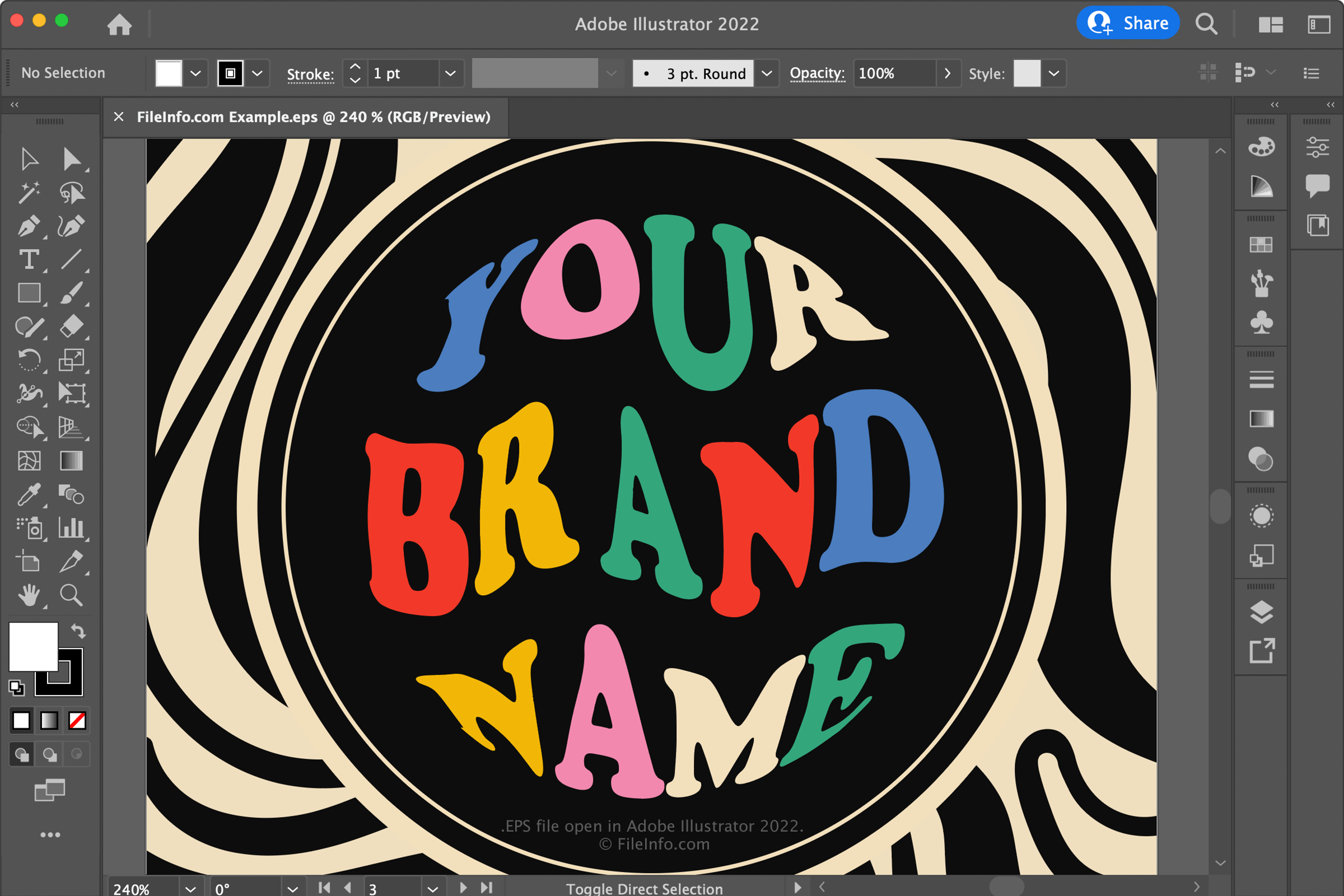
Adobe在20世纪80年代末开发了EPS格式,使其成为在不同平台和设备之间交换图像的标准。虽然各种应用程序和用户都采用了这种格式,但其他图像格式后来超过了它,例如.JPEG和.PNG。
虽然EPS从未像Adobe预期的那样得到广泛使用,但图形专业人员通常会将图稿以这种格式保存,例如图标和绘图。例如,平面设计师经常使用专业的矢量图像编辑器(如Adobe Illustrator或Serif Affinity Designer)将图稿保存为EPS文件,以便用于大型印刷项目(例如海报、横幅和户外广告牌),因为这种格式具有良好的可缩放性。
如何打开 EPS 文件
你可以使用各种图像编辑器打开EPS文件,包括Adobe Illustrator、QuarkXpress和Serif Affinity Designer。例如,要使用Illustrator打开EPS文件,请选择。
其他选项包括GIMP,这是一款免费的跨平台图像编辑器;以及CorelDRAW Graphics Suite,可用于Windows和macOS。
如何转换 EPS 文件
包括Adobe Illustrator、Corel PaintShop Pro和Corel PaintShop Pro在内的各种应用程序都可以将EPS文件转换为其他格式。
例如,Adobe Illustrator可以将EPS文件转换为以下格式:
可打开 EPS 文件的程序
Windows
免费
免费试用
免费试用
免费试用
免费
Mac
免费
免费试用
免费试用
免费试用
免费
Linux
Web