.SVG 文件扩展名

Scalable Vector Graphic

开发者 W3C
受欢迎程度
4.3  |  420 
 
🔍使用File Helper直接在您的网络浏览器中打开 .SVG 文件在线查看

什么是 SVG 文件?

An SVG file is an image saved in the Scalable Vector Graphic format. The vector graphic it contains can be scaled to any size without losing quality. For this reason, digital illustrators often save logos, charts, and other graphics intended to be shown at a variety of sizes as SVG files.

更多信息

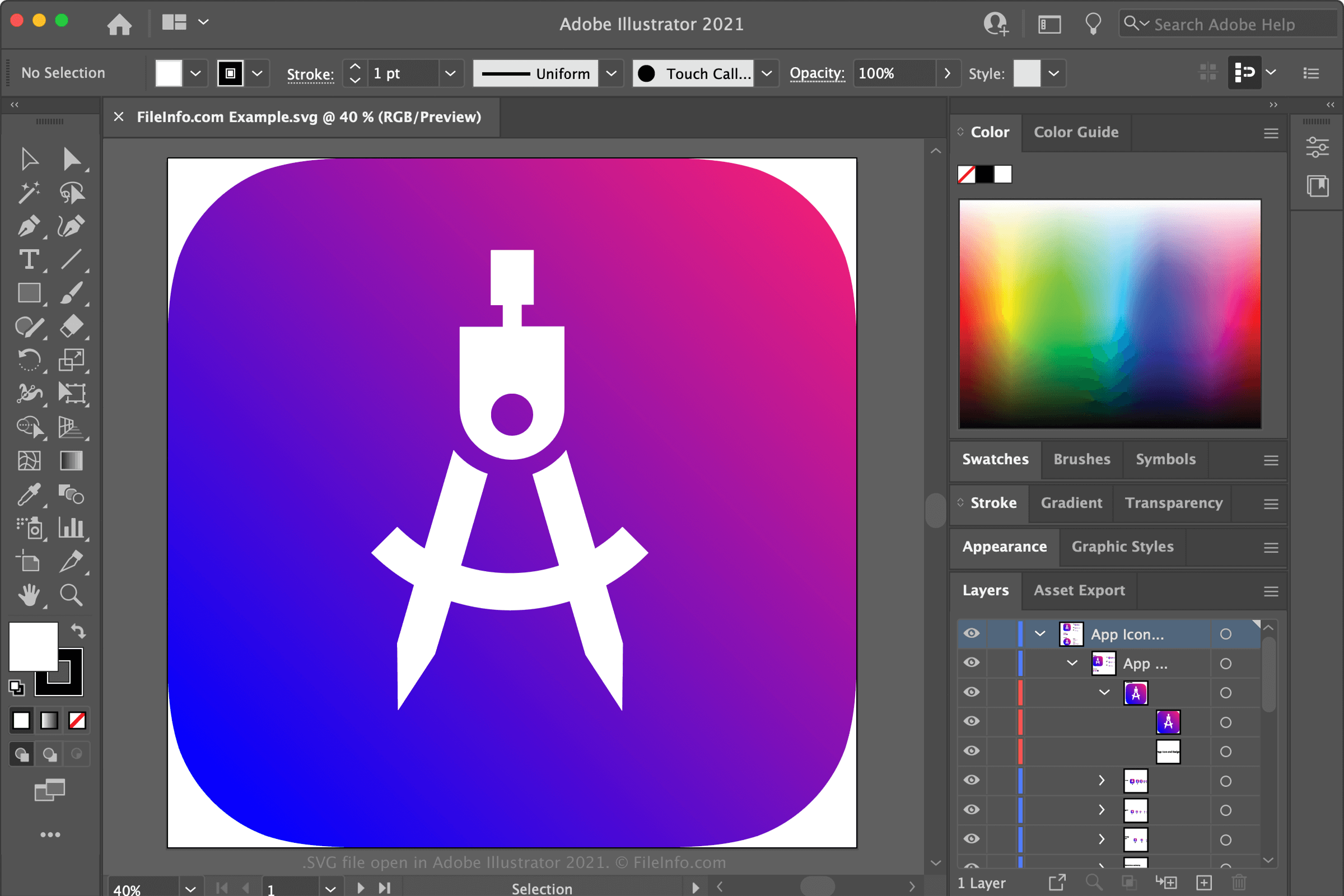
在 Adobe Illustrator 中打开的 .svg 文件截图
在 Adobe Illustrator 中打开的 SVG 文件

The World Wide Web Consortium (W3C) developed the SVG format and released its initial version in 2001. Since then, W3C has released several updates to the SVG format, including SVG 1.1, SVG Tiny 1.2, and SVG 2.0.

Unlike .JPG, .PNG, and other raster image files, SVG images are not comprised of pixels. Instead, SVG images are defined using XML-like text that describes how the image should appear. For example, when opened in a text editor, an SVG file might look like this:

<svg xmlns="http://www.w3.org/2000/svg" viewBox="0 0 93 107"> <path d='M74,74a42,42 0,1,0-57,0l28,29a42,41 0,0,0 0-57' fill='#00a3dc' fill-rule='evenodd'/> </svg>

What SVG files are used for

Because the image an SVG file describes is defined using text-based paths, rather than pixels, it can be scaled up or down without losing any quality. This is why digital illustrators save logos and icons, which need to be shown or printed at a variety of sizes, as SVG files.

Web developers also often publish SVG files on webpages, since the graphics they contain will look good at any resolution, and search engines can read the text the files contain (which may help with search engine page ranking). These developers can also modify SVG images using CSS and scripting languages (such as JavaScript) if needed.

How to create an SVG file

Various vector graphics editors allow you to save graphics as SVG files. Some popular vector graphics editors that can create SVG files include:

注: If you need to reduce an SVG's file size (for example, to make it easier to share online), you can export it as an .SVGZ file. This compresses the image with gzip compression, reducing its file size by 50 to 80 percent.

如何打开 SVG 文件

SVG file open in Google Chrome

You can open an SVG file and edit the image it contains with Adobe Illustrator, CorelDRAW, Inkscape, and several other vector graphics editors.

If you just want to view the image your SVG file contains, you can open it by dragging it into your web browser (or selecting File → Open...). Google Chrome, Microsoft Edge, Apple Safari, and Mozilla Firefox can all display SVG images.

Advanced users may want to open their SVG file in a text editor, such as Microsoft Notepad or Apple TextEdit, to view or edit the XML-style text the file contains. However, most users are better off opening an SVG file in a vector graphics editor or web browser.

如何转换 SVG 文件

Adobe Illustrator, CorelDRAW, and Inkscape can all convert SVG files to other graphic formats (including raster graphic formats). For example, Adobe Illustrator can convert SVG files to the following formats (and several others):

  • .JPG - JPEG Image
  • .PNG - Portable Network Graphic
  • .TIFF - Tagged Image File Format
  • .DWG - AutoCAD Drawing
  • .EMF - Enhanced Windows Metafile
  • .EPS - Encapsulated PostScript
  • .BMP - Bitmap Image
  • .PDF - Portable Document Format
  • .AI - Adobe Illustrator Artwork
  • .PSD - Adobe Photoshop Document

可打开 SVG 文件的程序

Mac
免费
免费
免费试用
免费
免费试用
Linux
免费
免费
免费
Web
免费试用
免费试用
Chrome OS
免费试用

Saved Game

开发者 不适用
受欢迎程度
2.5  |  57 
 

An SVG file is a saved game created by one of various video games, including but not limited to Quake III: Team Arena, Return to Castle Wolfenstein, and Grand Theft Auto 2 (GTA 2). It contains a record of a player's progress, which the player can load to resume their game. Some games automatically create SVG files at certain points during the game, so players do not have to manually save their progress.

更多信息

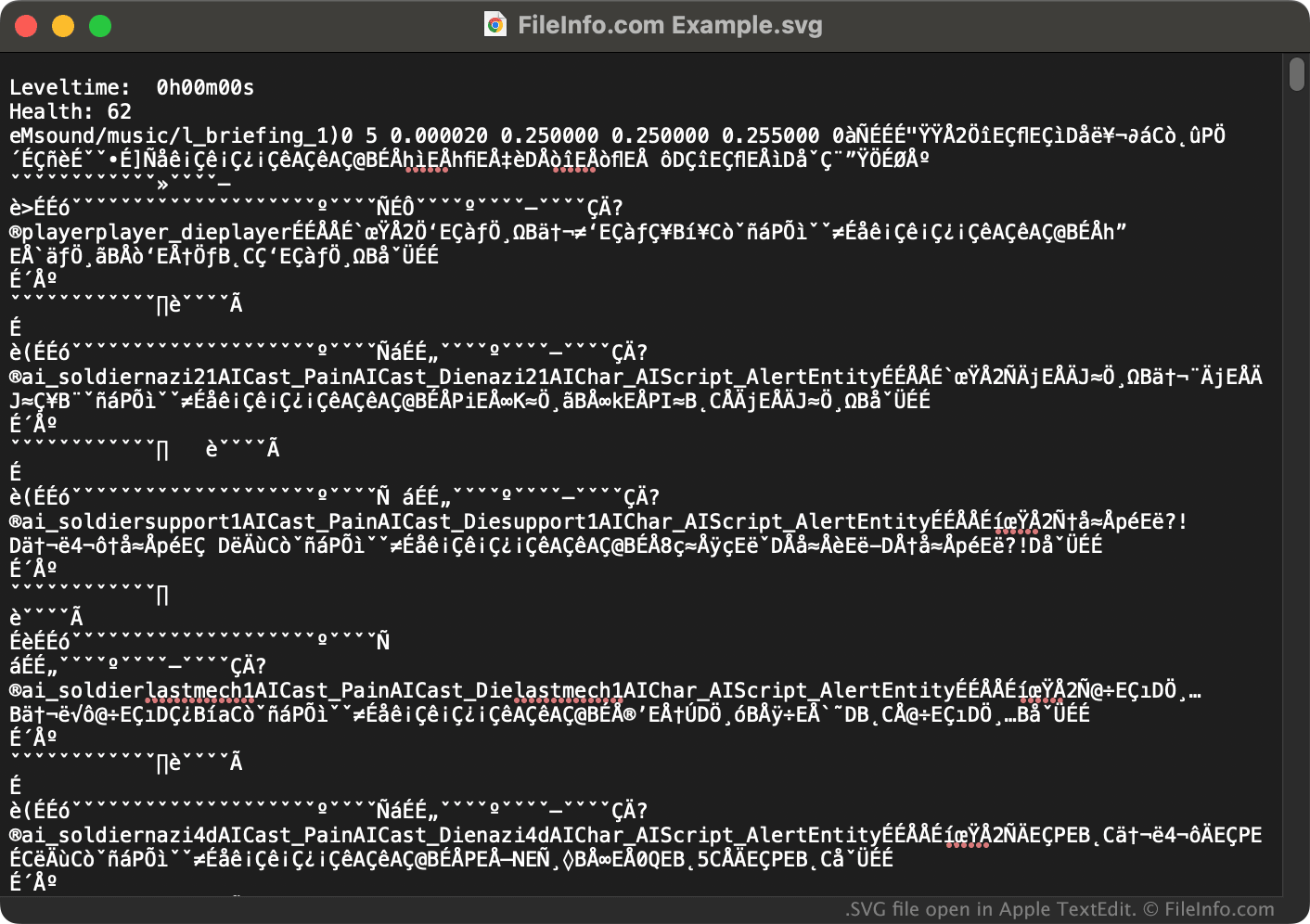
在 Apple TextEdit 中打开的 .svg 文件截图
在 Apple TextEdit 中打开的 SVG 文件

Most video game players will not need to manually open or edit their SVG files (outside of a game's normal saving and loading process). However, gamers might encounter SVG files in a game's autosave directory (or a similar directory). For example, Return to Castle Wolfenstein stores SVG files in its save/​autosave directory.

Modders may want to open and edit SVG files in saved game editors, which are applications created and used specifically to modify saved games. While many games use the .svg extension for saved game files, most games' SVG files are formatted differently from each other. Therefore, a saved game editor that works with one game's SVG files likely won't work with another's.

如何打开 SVG 文件

Grand Theft Auto 2 modders can open that game's SVG files in GTA2 Saved Game Editor (Windows). Players who want to examine another game's SVG files can try opening the files in a text editor. However, much of the file's data will likely not be human-readable.

可打开或引用 SVG 文件的程序

分类: 游戏
更新时间: 2023-04-04

验证者 FileInfo.com

FileInfo.com 团队 独立研究了本页面列出的所有文件格式和软件程序。 我们的目标是达到 100% 的准确率,并且仅发布我们已验证过的文件类型信息。

如果您想为此页面提出新增或更新建议,请告诉我们