

.XPS 文件扩展名
XML纸张规范文件
| 开发者 | Microsoft |
| 受欢迎程度 |
3.6 | 267 票 |
什么是 XPS 文件?
XPS文件是一种文档,其中包含使用XPS页面描述语言编写的固定页面布局信息。该文件定义了文档的布局、外观和打印信息。XPS文件类似于.PDF文件,但以Microsoft专有的XPS格式保存。
更多信息
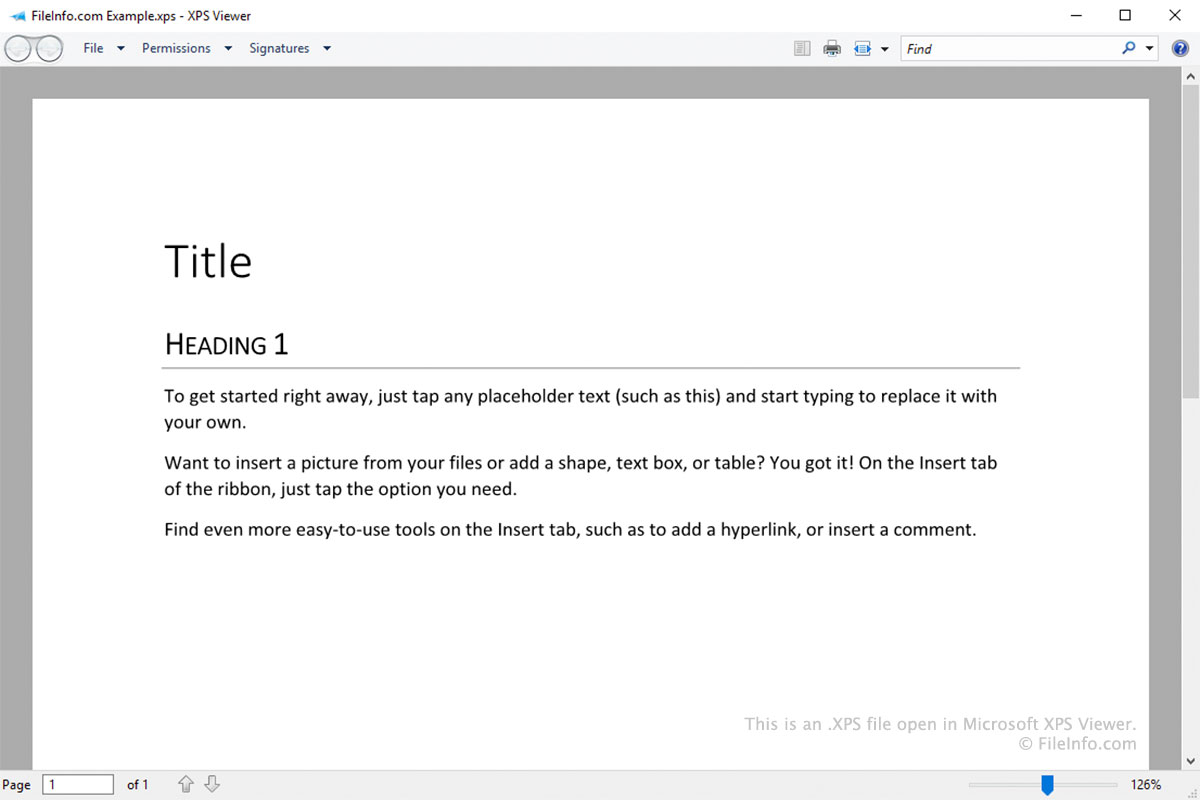
XPS格式旨在取代增强型图元文件(.EMF)格式。它类似于PDF格式,但基于XML而不是PostScript。
Windows用户可以在打印时选择作为打印机,将文档保存为XPS文件(类似于用户选择作为打印机,将文档保存为PDF文件)。将文档保存为XPS文件后,你将无法再编辑它。不过,你可以在Microsoft XPS Viewer中打开、查看、签名和管理该文件的权限。
旧版本的Windows(Vista到10)预装了Microsoft XPS Viewer。在Windows 10的后续版本中,Microsoft不再默认安装XPS Viewer。相反,XPS Viewer现在是一项可选功能,Windows 10和11用户可以根据需要启用它。
如何打开 XPS 文件
Windows用户可以在Microsoft XPS Viewer中打开XPS文件。在Windows 11和Windows 10的后续版本中,你必须手动安装XPS Viewer,方法是转到,然后搜索XPS Viewer。
其他可以打开XPS文件的应用包括:
- NiXPS View和NiXPS Edit(Mac)
- KDE Okular和MuPDF(Linux)
- Google Drive(跨平台)
如何转换 XPS 文件
大多数可以打开XPS文件的程序都允许你将其转换为.PDF格式。例如:
- 在Microsoft XPS Viewer中,你可以使用Microsoft Print to PDF将XPS文件转换为PDF文件。
- 在Google Drive中,你可以使用选项,将XPS文件转换为PDF文件。
可打开 XPS 文件的程序
Windows
操作系统自带
免费试用
免费试用
免费
Mac
Linux
免费
Web
免费+
iOS
免费+
Android
Chrome OS
免费+