.XPS ファイル拡張子

XML Paper Specification File

開発元 Microsoft
人気度
3.6  |  267 
 

XPSファイルとは?

An XPS file is a document that contains fixed page layout information written in the XPS page description language. The file defines a document's layout, appearance, and printing information. XPS files are similar to .PDF files, but saved in Microsoft’s proprietary XPS format.

詳細情報

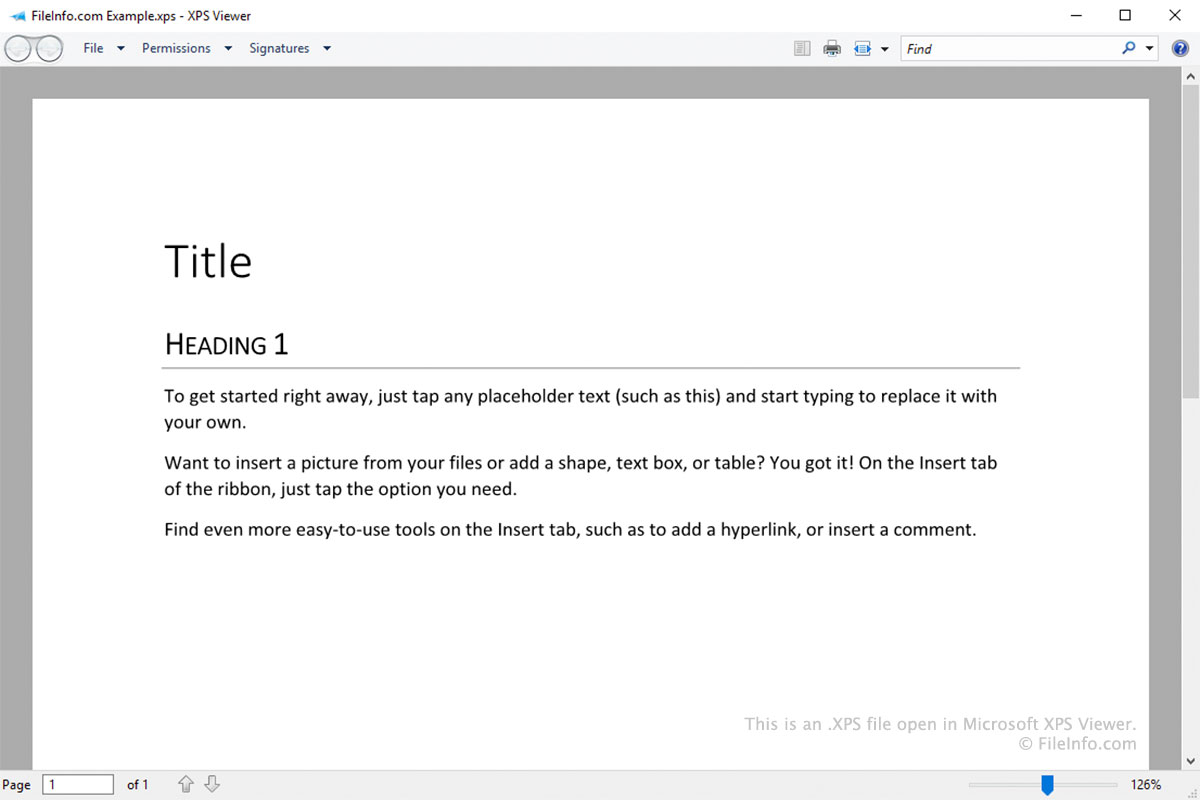
Microsoft XPS Viewerで開いた.xpsファイルのスクリーンショット
Microsoft XPS Viewerで開いたXPSファイル

The XPS format was designed as a replacement for the Enhanced Metafile (.EMF) format. It is similar to the PDF format, but is based on XML instead of PostScript.

Windows users can save a document as an XPS file by selecting Microsoft XPS Document Writer as the printer when printing (similar to how users can save a document as a PDF file by selecting Microsoft Print to PDF). After you save a document as an XPS file, you can no longer edit it. You can, however, open, view, sign, and manage the file's permissions in Microsoft XPS Viewer.

Old versions of Windows (Vista to 10) came pre-installed with Microsoft XPS Viewer. In later releases of Windows 10, Microsoft stopped installing XPS Viewer by default. Instead, XPS Viewer is now an optional feature that Windows 10 and 11 users can enable if they choose.

XPSファイルの開き方

Windows users can open XPS files in Microsoft XPS Viewer. In Windows 11 and later versions of Windows 10, you must manually install XPS Viewer by going to Settings → Apps → Optional features → Add an optional feature and searching for XPS Viewer.

Other apps that can open XPS files include:

  • NiXPS View and NiXPS Edit (Mac)
  • KDE Okular and MuPDF (Linux)
  • Google Drive (multiplatform)

XPSファイルの変換方法

Most programs that can open XPS files allow you to convert them to the .PDF format. For example:

  • In Microsoft XPS Viewer, you can convert an XPS file to a PDF file using Microsoft Print to PDF.
  • In Google Drive, you can use the Print → Save to PDF option to convert an XPS file to a PDF file.
File Viewer Plusで.xpsファイルを開いて表示。無料ダウンロード

XPSファイルを開くプログラム

Windows
無料体験版
無料体験版
Mac
無料体験版
無料体験版
Linux
無料
Web
iOS
Android
Chrome OS

検証者 FileInfo.com

FileInfo.comチーム は、このページに掲載されているXML Paper Specificationファイル形式とMac, Windows, Linux, Android, and iOSアプリについて独自に調査しました。 私たちの目標は100%の正確性であり、検証済みのファイルタイプに関する情報のみを公開しています。

このページへの追加や更新をご提案いただける場合は、お知らせください。